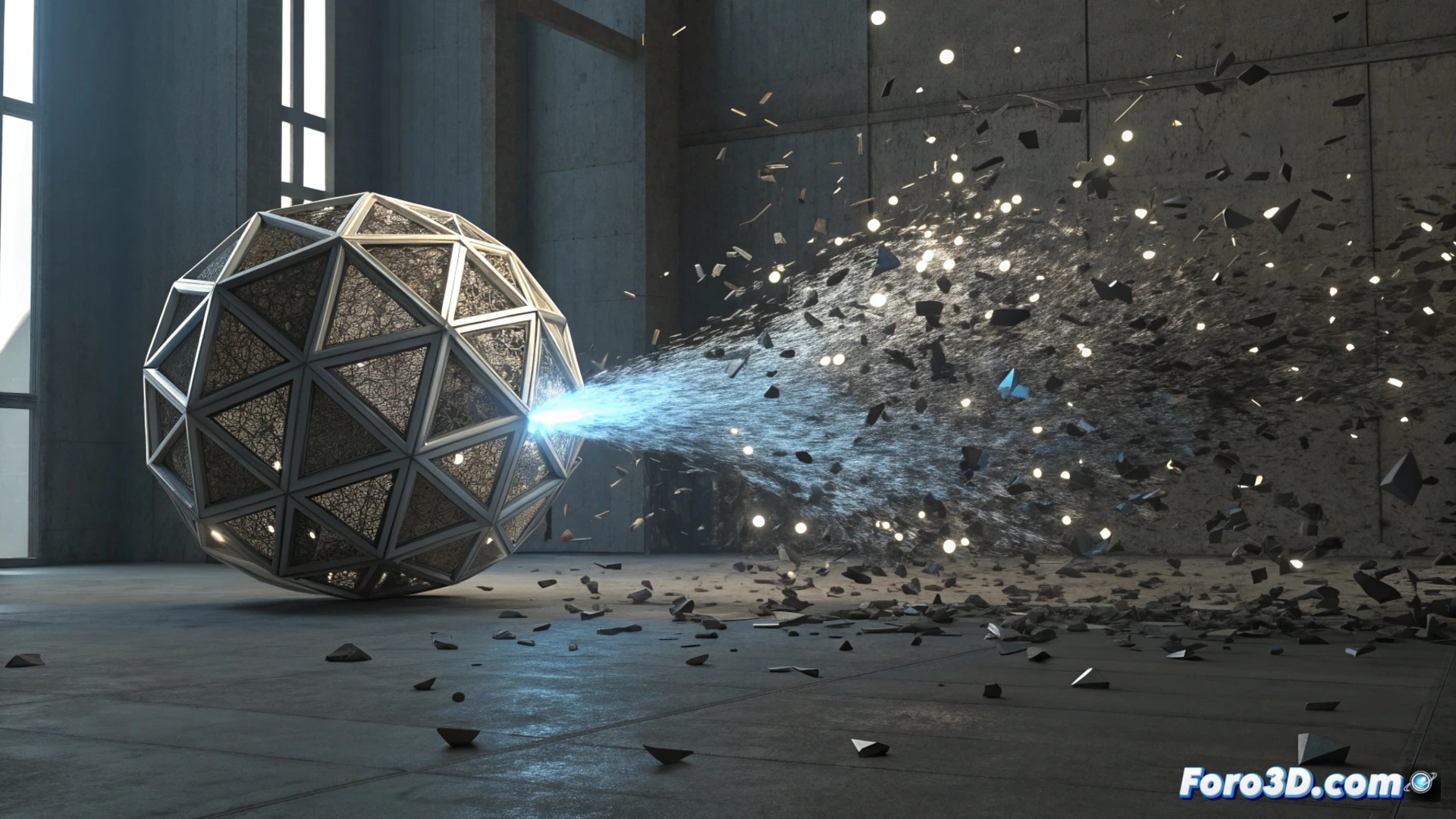
Simulate an Object Disintegrating and Reforming in 3ds Max
Creating the illusion that a model breaks into pieces and then those fragments reassemble to build a new object is a striking visual effect. This process can be achieved in 3ds Max by combining advanced particle systems with mesh control techniques. The key is to orchestrate two sequential events smoothly. 🌀
Prepare the Elements and Fragment the Initial Object
The first step is to have the two models involved ready: the one that will be destroyed (Object A) and the one that will be generated (Object B). Both must be converted to editable meshes. To simulate the breakup of the first, a particle system like Particle Flow or the more versatile TyFlow is used. Here, the Shape Instance operator is fundamental, as it allows each particle to take the shape of a predefined fragment of the original model, giving realism to the disintegration.
Key Initial Steps:- Convert the source and destination objects to editable mesh.
- Set up a TyFlow system to emit particles from Object A.
- Use the Shape Instance operator so that the particles adopt fragment geometries.
The real challenge is not making the object disintegrate, but ensuring all the pieces find their way back without getting lost in the void.
Direct the Reintegration with Vertex Maps
To control how the new object forms, a powerful technique is to use vertex maps. Apply a Vertex Color map to Object B and paint a gradient over its surface. This gradient will define the order and progression with which the different parts appear. Then, in the particle system that builds Object B, use an operator like Shape Merge (in TyFlow) so that the particles position and orient themselves exactly at the vertices of the destination model, appearing gradually according to the map value.
Integrate Effects with Materials and 3D Space- Animate the emission of the first particle system to stop when the formation of the second object begins.
- Use materials with animated opacity or the Morpher modifier to smooth the transition between the particles and the final mesh.
- Adjust the physics so that the fragments fly out and then are attracted to the formation point, using forces like Wind and Vortex.
Render the Final Result
To visually unify all the elements and achieve a professional result, it is crucial to render with an engine that handles shadows and reflections well. Engines like Arnold or V-Ray are excellent options for making the transition between the particle cloud and the solid object feel like a single, coherent event in 3D space. The success of the effect lies in the precise synchronization of all these components. 💥