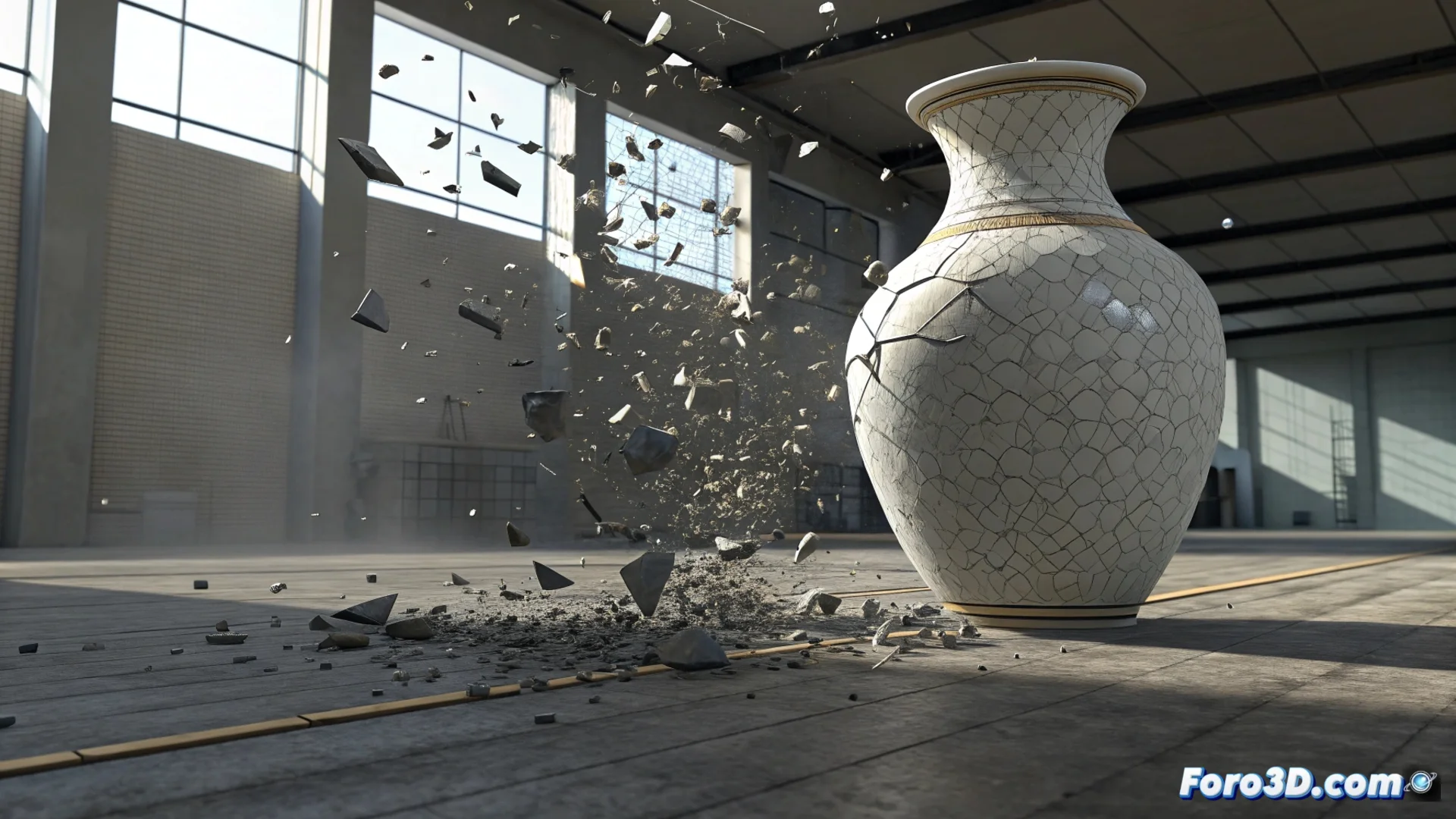
Simulate an Impact Against the Ground in 3ds Max
When you need to recreate the moment when an object collides and shatters against the floor, 3ds Max offers two main tools: the Particle Flow particle system and the MassFX physics engine. Each serves a different purpose: Particle Flow gives you total control over how the pieces are generated and behave, while MassFX simulates the physical interaction of rigid bodies in a very convincing way. 🎯
Set Up Fragments with Particle Flow
This method is ideal if you want to direct the behavior of the debris with precision. Open the Particle View window to start building your event.
Essential Steps in Particle Flow:- Use a Birth operator to define when and how many particles are emitted, synchronizing it with the collision frame.
- Use Shape to give the particles the appearance of splinters or irregular pieces.
- With the Position Object operator, make the particles spawn directly from the mesh of the impacting object.
- Add movement with a Force operator linked to a gravity or wind space warp, and apply Spin for rotation.
Particle Flow is your best option when the choreography of the fragments is more important than pure physical simulation.
Create Realistic Dynamics with MassFX
For simulations where rigid body physics is paramount, the MassFX engine is the solution. Convert both the falling object and the ground surface into rigid bodies in MassFX.
Procedure with MassFX:- Assign the impacting object the Dynamic type and the ground the Static type in the MassFX properties.
- Verify that gravity is enabled in the simulation world settings.
- If the object must break, first divide it into pieces using ProBoolean or the ProCutter modifier. Then, apply MassFX to each resulting piece.
Final Tip for Greater Realism
Remember that for the effect to feel real, a precise simulation alone is not enough. It is crucial to render with a consistent frame rate and enable motion blur. This visual effect helps the eye interpret the speed and energy of the impact more credibly. 💥