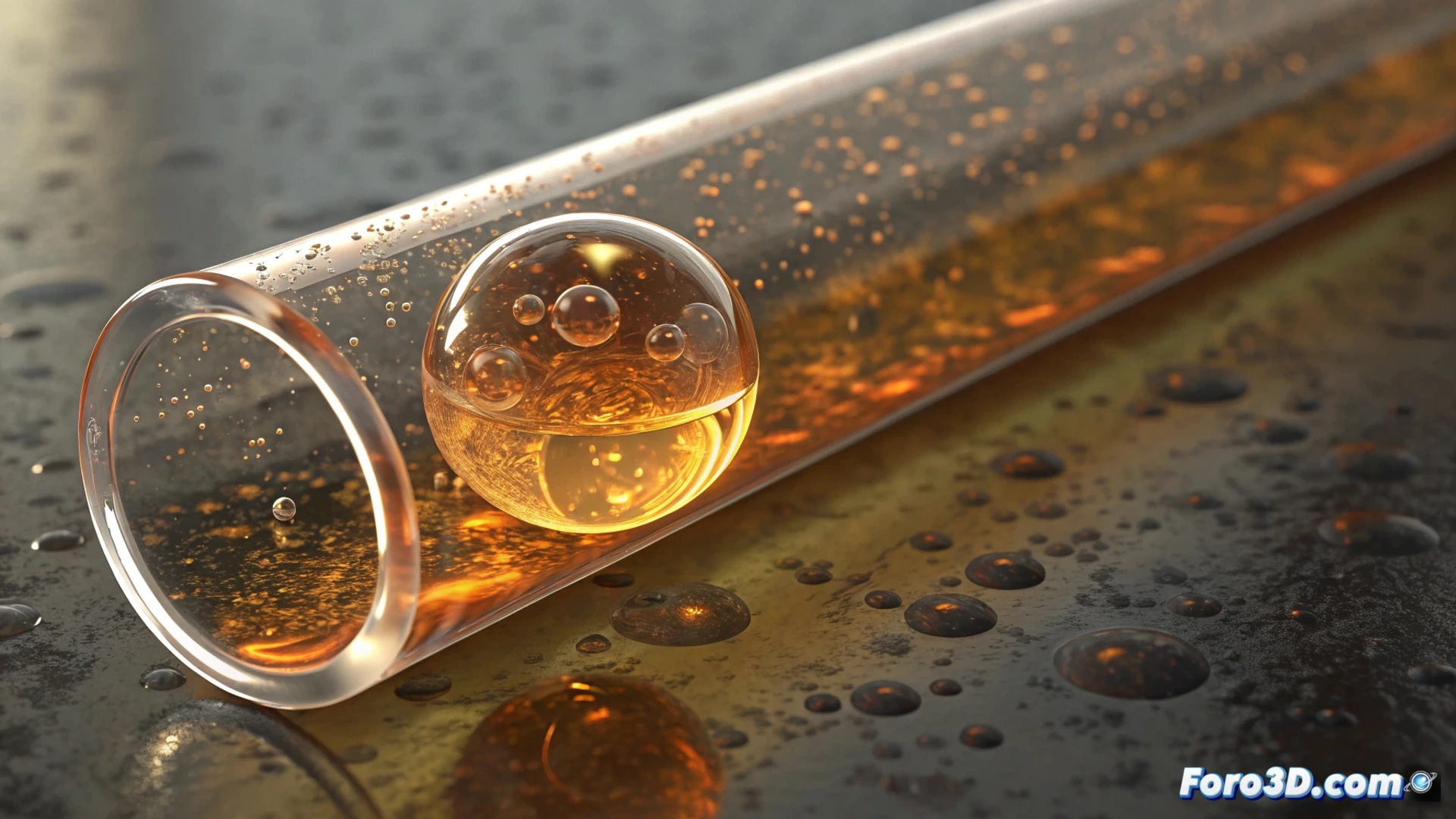
Simulate an Air Bubble in a Tube with 3ds Max
Creating the illusion of a bubble moving through a liquid inside a conduit is an excellent exercise for mastering dynamics and realistic materials in 3ds Max. Achieving convincing movement and appearance requires combining several tools from the software. 🫧
Prepare the Scene and Objects
The first step is to model the basic elements: a hollow cylindrical tube and a sphere. It is crucial that the sphere's diameter is smaller than the tube's interior, leaving space for it to move. Then, define their physical properties: the tube will be a static body (not moving) and the sphere a dynamic body (that reacts to forces).
Key initial setup:- Model the tube and a sphere of appropriate size.
- Assign the tube the role of static object in the physics system.
- Define the sphere as a dynamic object to simulate the bubble.
Patience in adjusting the physical parameters is key to avoid your simulation looking like a ping-pong ball in a pipe.
Animate the Movement with Physics
You can use the MassFX system or the Cloth modifier to generate the animation. In MassFX, activate gravity and define a low density for the sphere, which simulates its buoyancy. To mimic a liquid flow, add a gentle directional force, like a light wind, inside the tube. Test the simulation and adjust friction and bounce values until the movement is natural and slow.
Steps for dynamics:- Use MassFX and activate gravity in the scene.
- Adjust the sphere's density to be lower than the simulated fluid.
- Add a gentle wind force to direct the movement.
- Refine friction and elasticity for a smooth bounce against the walls.
Create Materials and Render
Appearance is as important as movement. Apply to the sphere a material like Arch & Design with a high index of refraction and transparency. A noise map in the bump channel adds micro-distortions to the surface. For the tube, use a shader that simulates a viscous liquid. Place strategic lights to accentuate refractions and reflections. For the final result, render with Arnold or V-Ray to capture all the optical complexity realistically. ✨