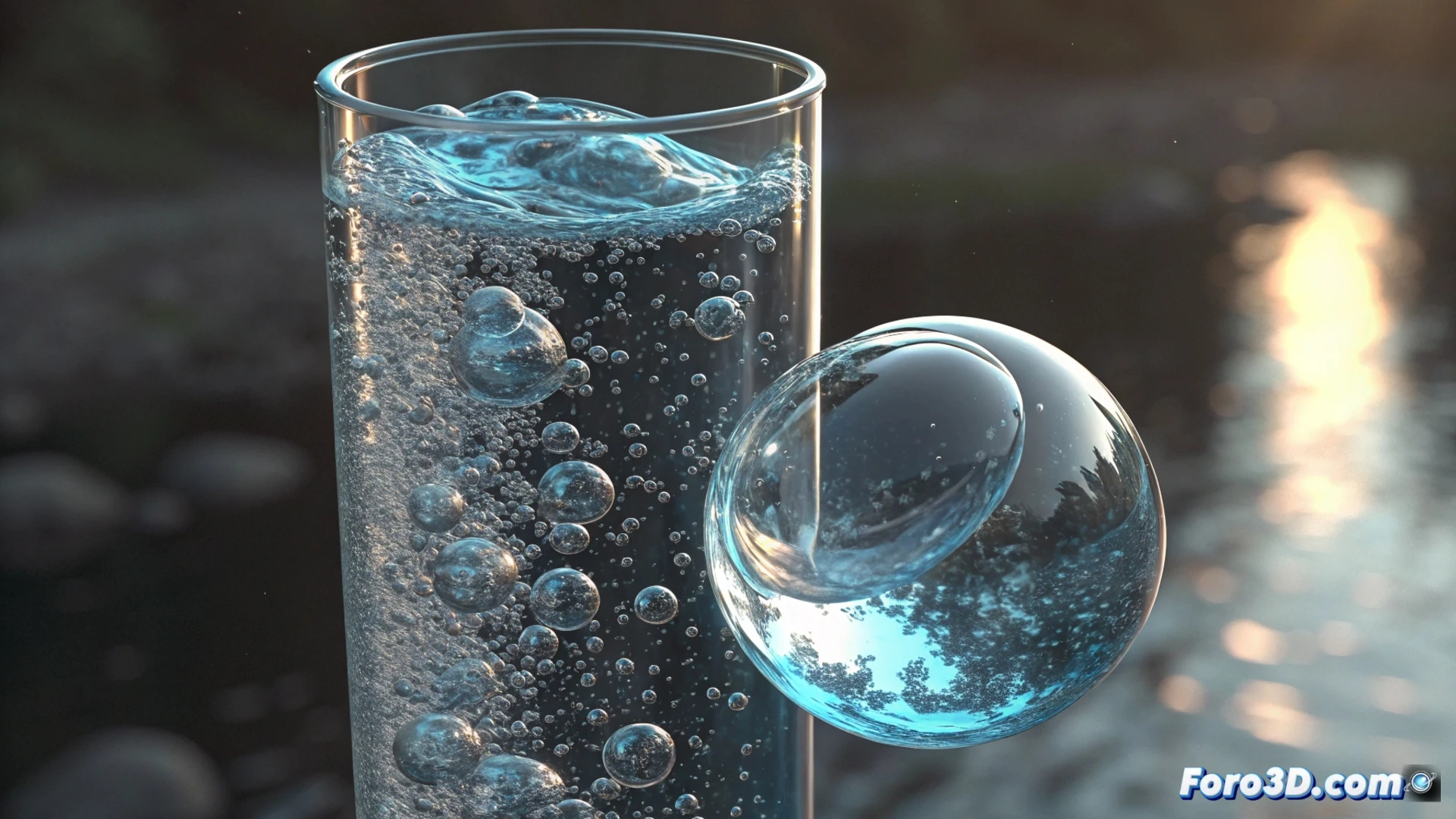
Simulate an air bubble in a tube using Houdini
Creating the effect of an air bubble rising through a tube with water is a classic exercise in visual effects. With Houdini and its FLIP system, you can achieve very realistic results. The key lies in properly defining the volumes and correctly adjusting the physical parameters. 🫧
Prepare the scene and define the volumes
The first step is to build the geometry of the tube that will contain the liquid. Then, you must generate an initial volume that represents the water. Within this volume, it is necessary to isolate a group of particles that will act as the air bubble, ensuring they do not mix with the main fluid. This separation is fundamental for simulating two distinct substances.
Key initial steps:- Model the container or tube where the simulation will take place.
- Use a Volume or FLIP Tank node to define the initial water volume.
- Isolate a spherical region within the water and assign it to a different particle group, which will be the air.
The bubble always rises; it's a physical law. The challenge for the artist is to control that movement to render the shot.
Adjust the physical parameters of air and water
The difference in behavior between air and water is mainly controlled in the FLIP Solver node. The Density and Viscosity parameters are the most important. To simulate air, assign a very low density, for example 0.1. For water, use a value close to 1. This difference generates the buoyancy that makes the bubble rise. Activating and adjusting the pressure field and surface tension helps the bubble maintain a more defined shape during the ascent.
Properties to configure in the FLIP Solver:- Density: Low value (~0.1) for air, high value (~1) for water.
- Viscosity: Adjust to control the internal "resistance" of each fluid.
- Surface Tension: To maintain the bubble's cohesion and prevent it from dissolving.
Direct the interaction and movement
To guide the bubble's ascent and make it more interesting, you can add slight external forces, such as a gentle wind, or manipulate the speed of the surrounding water. Adding some turbulence or variations in the tube's current adds realism. A Gas Microsolver node is very useful for processing the velocity transfer between the two fluids, allowing the bubble to deform naturally as it rises, rather than behaving like a rigid object. The real challenge is often to slow down or stabilize the bubble long enough to render the shot without it leaving the frame. 💨