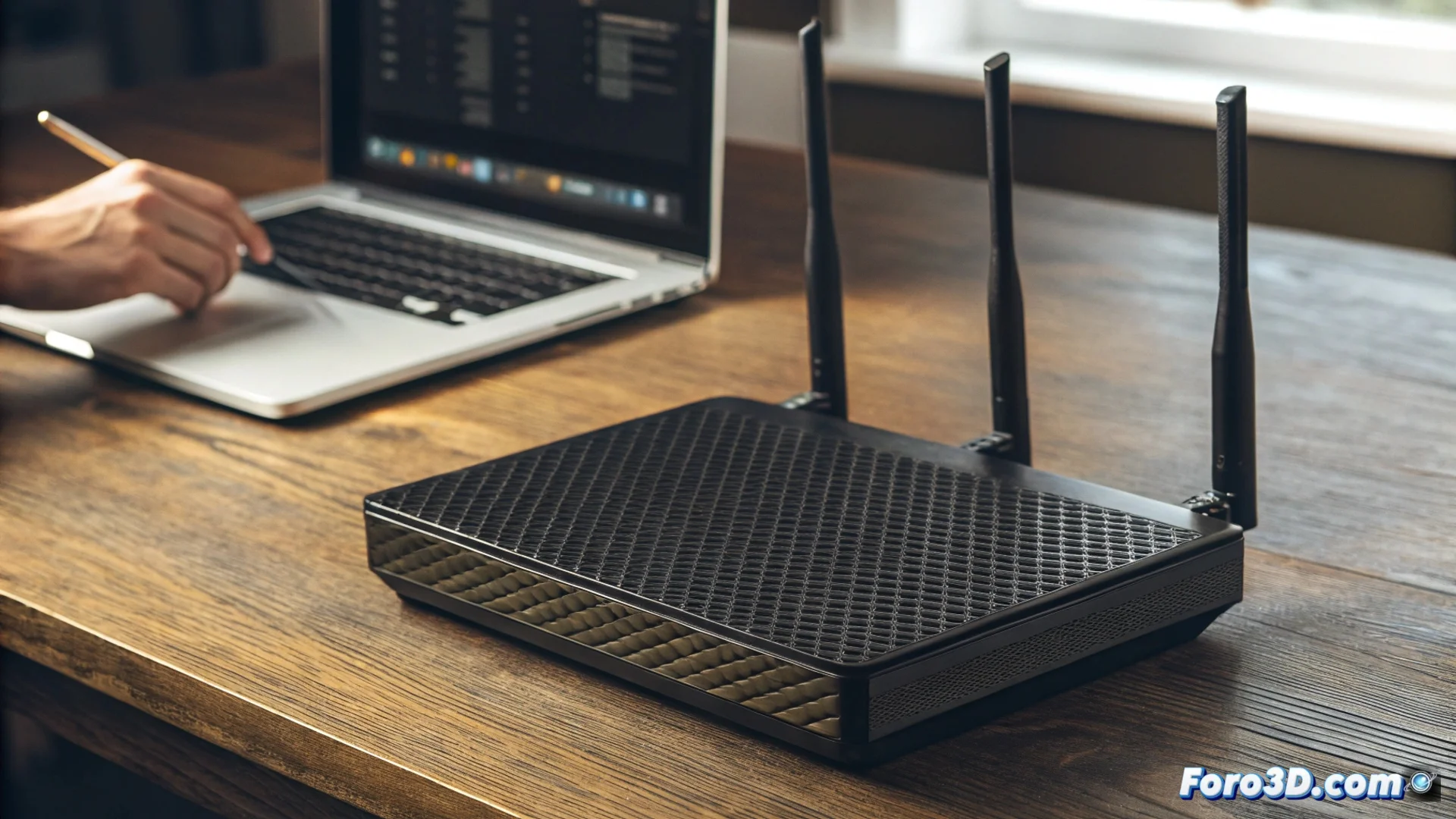
Protect Your Home Network by Changing Your Router and Wi-Fi Keys
Leaving the passwords that the manufacturer includes by default is one of the most common and dangerous mistakes for digital security. Those credentials are public knowledge and can be easily found on the internet by simply searching for your device's model. If you don't act, you're inviting intruders to your network. 🚨
Access Your Router's Administration Panel
The first step to strengthen your network is to enter the configuration interface. Connect a PC to the network, either via Ethernet cable or Wi-Fi. Open your web browser and enter the gateway IP address, typically 192.168.1.1 or 192.168.0.1. Then, use the factory username and password, which are usually on a sticker on the bottom of the device. If you already updated them in the past, use your current credentials.
Key Steps to Log In:- Connect a computer to your local network.
- Enter the gateway IP in the browser's address bar.
- Enter the default credentials or the ones you set previously.
A default password is like a universal lock: anyone with the master key (the manual) can open it.
Set Up Strong New Passwords
Once inside the control panel, locate the sections to manage the wireless network and access to the router. For Wi-Fi, generate a new key that mixes uppercase and lowercase letters, digits, and special characters. It is crucial that you also change the password to administer the router itself, preventing anyone from altering your configuration without permission.
Essential Actions Within the Panel:- Look for the Wi-Fi or wireless network configuration section.
- Create a new, long, and complex password for your Wi-Fi.
- Also change the access key to the router's administration system.
Don't Underestimate the Consequences
If you skip this process, unauthorized people will be able to connect to your internet without your authorization. This not only reduces bandwidth and slows your connection but also opens a direct breach to all the devices in your home. Write down the new keys in a safe place, apply the changes, and restart the device if the system requests it. This simple action is the foundation for defending your privacy and network resources. 🔒