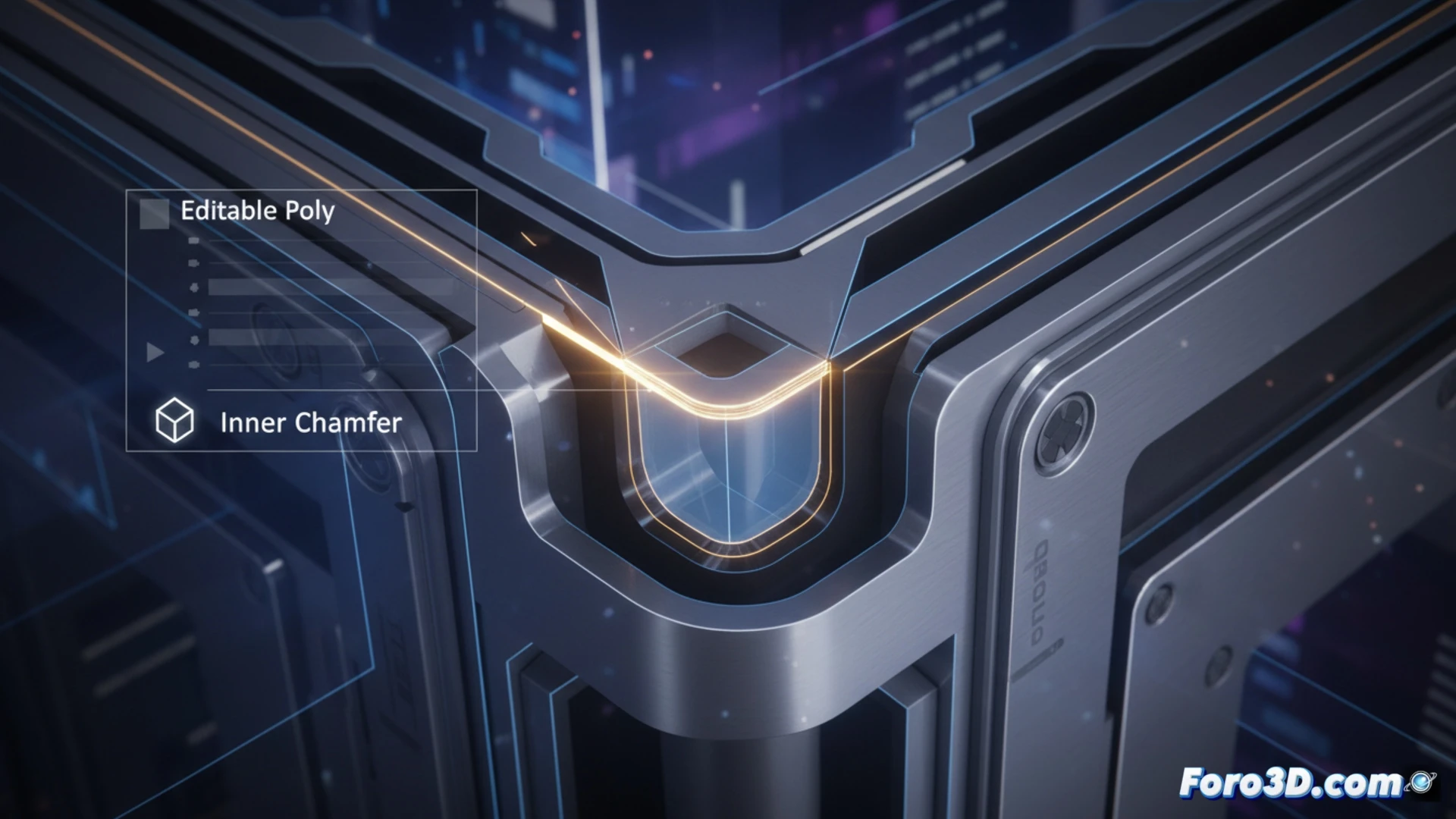
In modeling with Editable Poly in 3ds Max, vertices at inner corners pose a challenge. The native chamfer tool only works on outer vertices, leaving a gap in the workflow. Inner Chamfer is a maxscript that addresses this limitation. It allows applying a controlled chamfer to those inner corners, facilitating the creation of cleaner and more realistic geometries in concave angles, an essential detail for precision modeling.
Script Operation and Parameters ⚙️
The script operates by selecting inner vertices in an Editable Poly mesh. When executed, it displays a dialog box with parameters to control the chamfer. The user defines the displacement distance, which determines the size of the bevel. The process subdivides the faces adjacent to the inner vertex, inserting new edges and vertices to generate the chamfer geometry. This maintains the integrity of the topology and allows iterative adjustments before applying the final change.
When Inner Vertices Finally See the Light (or at Least, a Chamfer) 🎉
It's the typical story of the forgotten neighbor: outer vertices always had their party with the native tool, sporting chamfers and bevels. Meanwhile, in the inner corner, the vertices waited for their turn that never came. Now, with this script, they can finally join in the fun of detailed modeling. No more pretending that a live edge at a 90-degree angle is good enough. The revolution of inner corners has begun, and it's surprisingly square.