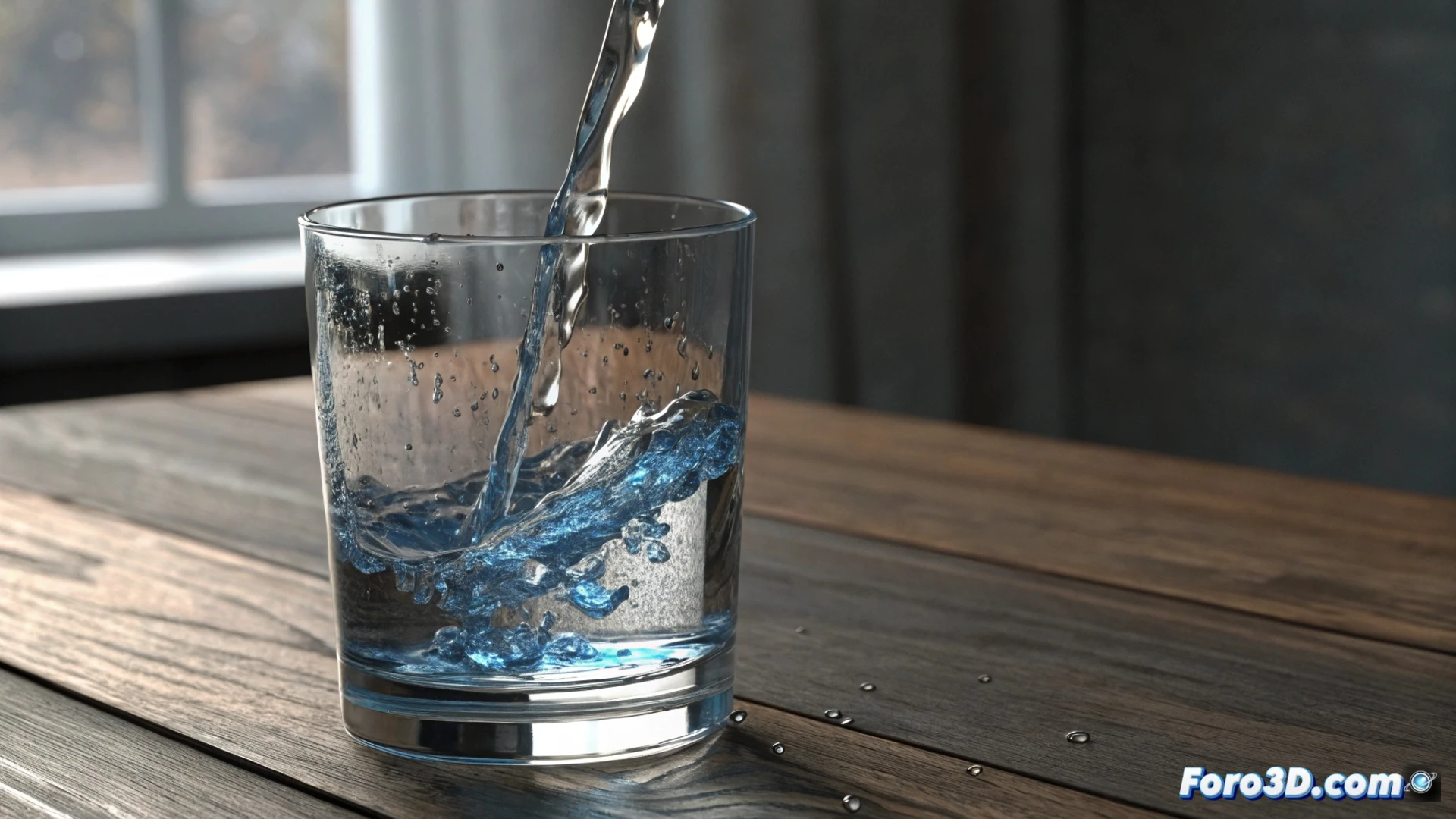
How to tilt the water inside a glass in Houdini
Creating the illusion that a liquid moves naturally inside a tilting container is a common effect in visual effects. In Houdini, this is achieved by combining a rigid container with a FLIP fluid solver. 🥤
Set up the base scene
The first step is to model a simple glass. This object will act as the main barrier. You must define it as a static collision within the FLIP solver context. Then, to generate the liquid, fluid particles are emitted from a geometric volume that matches the interior space of the glass. The real magic begins when you animate the container.
Essential steps for the simulation:- Model the glass and assign it as a collision object in the FLIP Tank or Static Object node.
- Use a Volume or Source node to emit water particles only within the container's space.
- Ensure the scene scale is correct so that gravity and other forces behave realistically.
The key to making the water tilt convincingly lies in animating the rotation of the container itself, not in pushing the fluid directly.
Animate the container's movement
To achieve the tilting effect, animate the rotation of the glass object on the timeline. You can use keyframes to create a smooth and controlled spin. It is critical to inform the FLIP solver that this object is moving. Within the collision node's parameters in the solver, enable the option that allows treating the geometry as kinematic rigid or animated. This way, the particles will calculate the impact and move with the glass.
Adjustments in the FLIP solver:- Activate the "Collisions" tab and check the "Animated" or "Deforming Object" option for the glass.
- Check that the collision subdivision is sufficient for precise contact.
- Test the animation with a low particle resolution to iterate quickly.
Refine the liquid's behavior
With the basic movement working, it's time to polish the realism. Adjust parameters like viscosity and surface tension in the fluid node. A high surface tension value helps the liquid maintain its cohesion and not spread too much. Slightly increasing the friction in the collision will make the particles slide less against the glass, improving the contact feel. If the water splashes out exaggeratedly, reduce the rotation speed in the animation and check the gravity intensity in the solver. Patience when adjusting these values is essential to achieve a convincing result. 💧