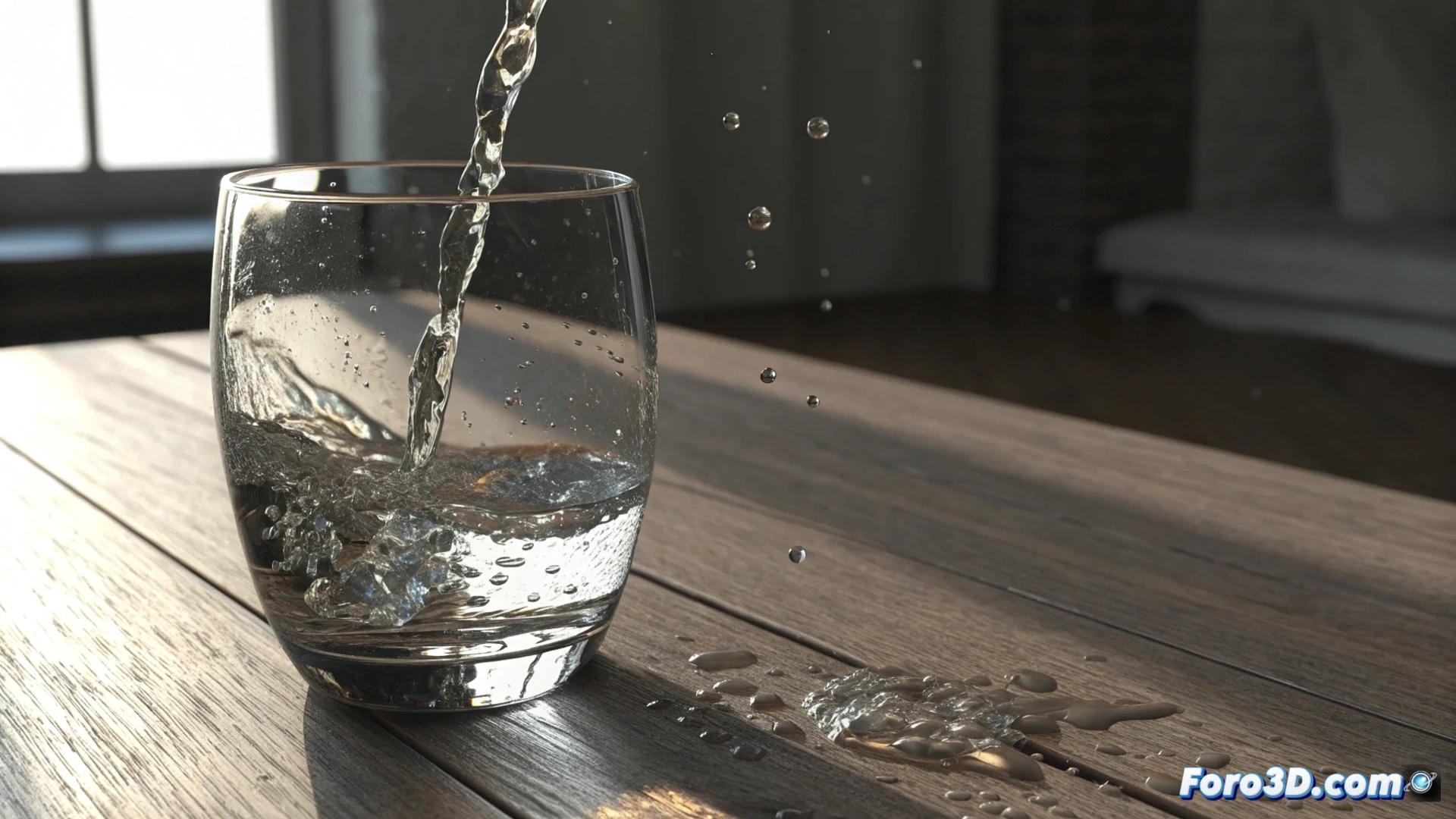
How to Simulate Water Tilting in a Glass in 3ds Max
Recreating the realistic movement of a liquid inside a moving container is a common challenge in 3D animation. 🥤 The main goal is for the fluid to maintain its volume and respond convincingly to gravity, interacting with the glass walls.
Main Approaches to Simulate the Liquid
There are several strategies to achieve this effect. You can opt for an advanced particle system or define the water as a specialized fluid object. The choice depends on the level of detail you need and the available rendering resources.
Key Methods to Consider:- Using MassFX or Rigid Bodies: Animate the glass with these systems while the water is a soft element that collides with the container boundaries.
- Setting up a Fluid Domain: Use plugins like FumeFX or RealFlow to generate an emitter inside the glass, where the liquid calculates its dynamics as the container rotates.
- Modeling with Deformable Objects: A lighter option that uses modifiers to create the illusion of liquid movement.
Water has a natural tendency to disobey; it will always try to escape the glass just as you start the final render. Check collisions carefully.
Details for Simulating with Fluids (FumeFX/RealFlow)
When working with a fluid system, model the glass as a solid and place an emitter inside it. Define the simulation domain so the fluid collides with the inner faces. As you animate the glass rotation, the software will calculate the flow, creating splashes and ripples. Adjusting parameters like viscosity and mesh resolution allows you to control the water's behavior. 💧
Steps to Follow with This Method:- Create the container object and assign collision properties to it.
- Position the fluid emitter inside the glass volume.
- Animate the glass rotation and let the solver calculate the interaction.
- Adjust the viscosity to simulate water and increase the resolution for more detail.
Alternative with Deformable Objects
For an approach that consumes less computational power, you can model the water directly as a mesh. Use ProBoolean operations or the Cloth modifier with a high stiffness value. The animation can be guided with bones or a Bend modifier linked to the glass rotation. The final result requires applying a material with transparency and reflection to mimic the liquid appearance. This path demands more manual tweaking for the movement to feel natural. ⚙️
In summary, whether you choose the power of a fluid simulation or the direct control of a deformable object, the key is to test and fine-tune collision and material parameters. Always allocate extra time to review that the liquid stays within its boundaries throughout the animation.