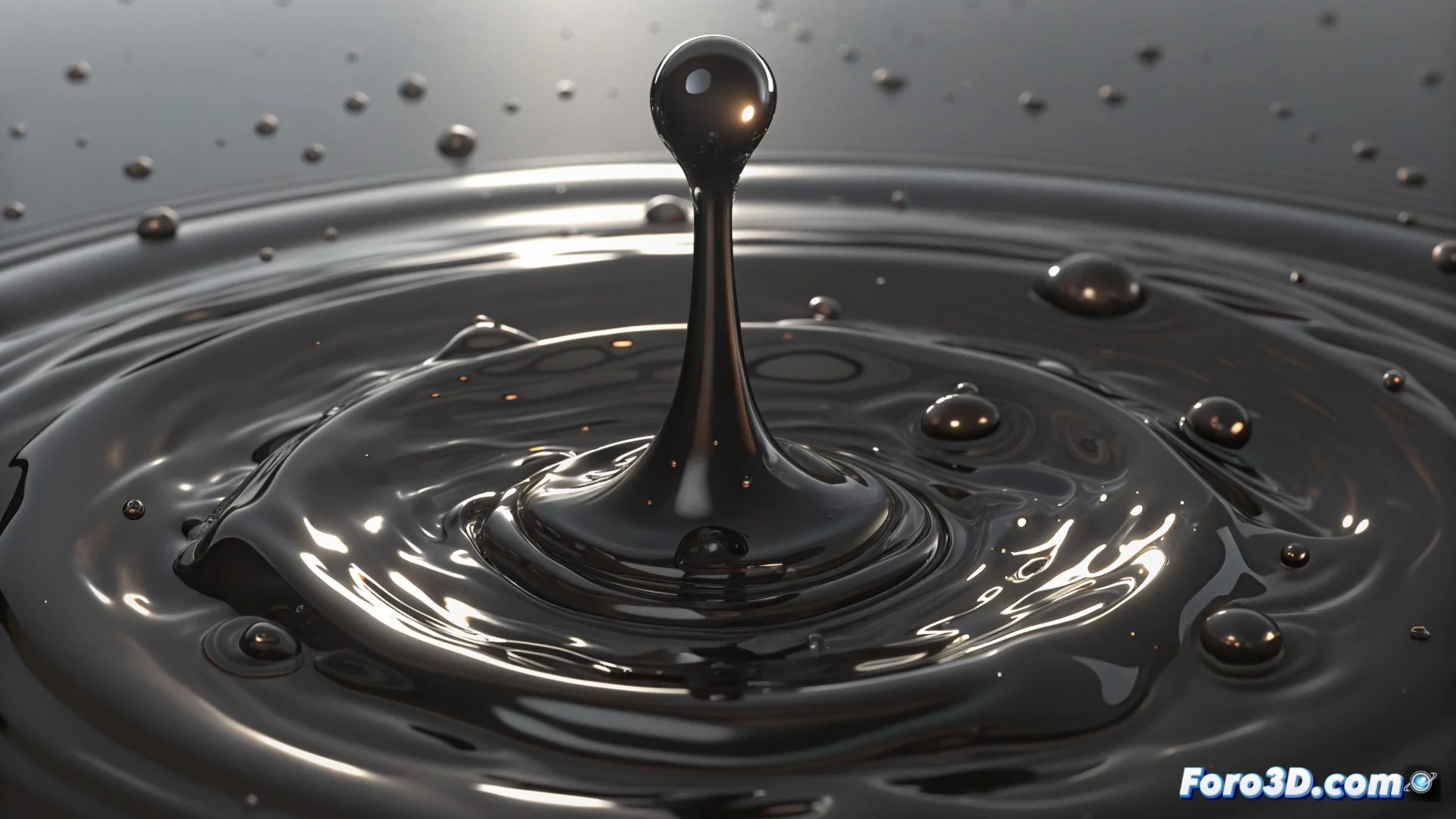
How to Simulate Molten Metal in Blender with Mantaflow
Creating the effect of liquid metal in Blender requires combining a precise physics simulation with a carefully designed material and lighting. The Mantaflow engine is the key tool to achieve this realistic and dense movement. 🧪
Setting up the fluid simulation
The first step is to define a domain that will act as a container for the entire fluid. Then, an object must be designated as the emitter of the molten material. To make it behave like metal, it is crucial to modify parameters such as viscosity, increasing it to achieve a heavier and slower flow, different from water.
Key initial steps:- Create a domain to enclose the simulation.
- Select and configure a liquid emitter object.
- Adjust viscosity and other parameters to mimic a dense fluid.
The foundation of credible molten metal lies in a well-tuned physics simulation, where viscosity plays a fundamental role.
Creating the visual appearance: Shader and lighting
The shader is what gives the metallic appearance. Use the Principled BSDF node with the Metallic value at maximum and a very low Roughness. For the color, apply a gradient that transitions from an intense orange to a bright yellow, suggesting high temperatures. Connect a Color Ramp node to a noise texture to generate surface variations. The lighting must be powerful, directional, and with warm tones to accentuate specular reflections and the shapes of the fluid. 🔆
Elements for the material:- Principled BSDF shader with high Metallic and low Roughness.
- Warm color gradient (orange to yellow).
- Noise texture with Color Ramp for surface detail.
- Intense and warm lights to highlight reflections.
Finalizing and processing the animation
You can refine the movement by adding guide forces or vorticity to achieve more organic and controlled flows. Then, it is necessary to bake the simulation and apply the created material. For rendering, the Cycles engine handles complex reflections on shiny surfaces better. Increase the number of samples to minimize noise. A light post-process, increasing contrast and brightness, can enhance the red-hot metal effect. Keep in mind that these calculations are heavy; take the opportunity to rest while your computer processes. ⏳