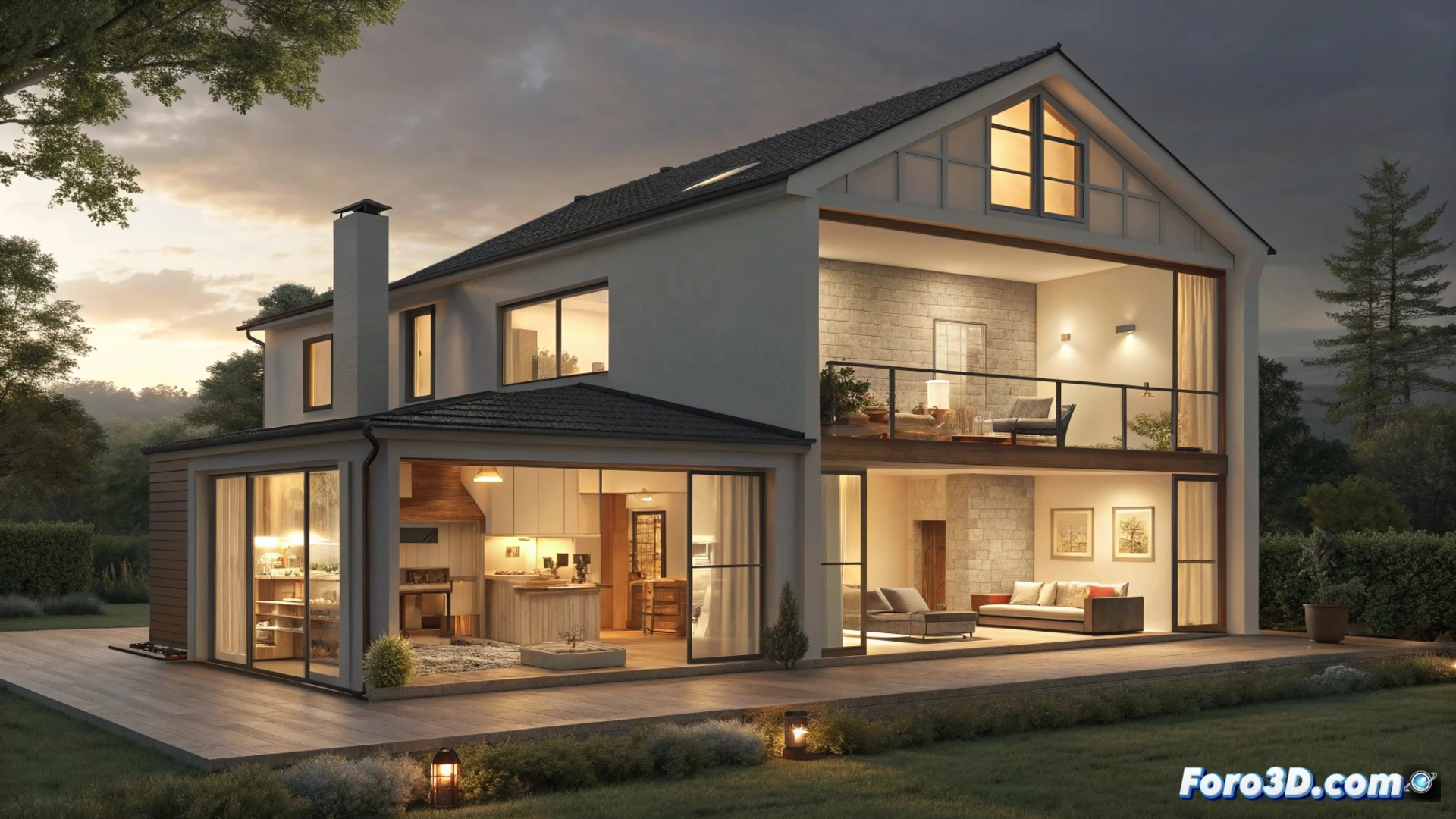
How to Light a House in Blender for a Virtual Tour
Creating a virtual walkthrough of a home in Blender requires a lighting strategy that guides the view and generates atmosphere. The first step is to define the visual path from the main entrance to the most intimate areas, such as the patio. 🏠
Planning Exterior Lighting
To simulate daytime light outdoors, the main tool is the Sun Light. Modify its strength and tone to represent different times of day. Incorporate accent sources, such as Point Lights or Spot Lights, in architectural details or garden vegetation. This adds volume and directs attention to the access door. 🌳
Key Elements for the Exterior:- Use a Sun Light as the main base and configure its angle and intensity.
- Place accent lights on highlighted elements to create visual points of interest.
- Test with warm colors at sunset or cool at midday to vary the atmosphere.
A digital bulb doesn't burn out, but your determination in fine-tuning each parameter might fade. The solution is to render in iterative cycles, a method that sometimes lights up your patience more than the scene itself.
Simulating Natural Light in Interiors
Inside the house, the goal is to mimic light entering through the windows. Use emissive objects (Mesh Light) or large Area Lights, positioned behind planes with transparent materials. This generates soft and diffuse lighting ideal for living rooms, dining rooms, and kitchens. In bedrooms, opt for area lights with warmer and dimmer tones. Enable the Denoising feature in the Cycles engine to clean noise in low-light renders. 💡
Steps for Realistic Interiors:- Prioritize wide sources that simulate windows, using Mesh Lights or Area Lights.
- Apply a warm color temperature in bedrooms for a relaxed atmosphere.
- Enable Denoising in Cycles to get clean images without a high render time cost.
Fine-Tuning Lighting for the Final Result
Set up the camera for the tour and adjust the exposure in the render properties. Use Light Paths settings to handle bounces and ensure light reaches all corners. In the patio, blend solar lighting with strategic point sources to illuminate rest areas. Experiment with different power levels and color nuances to balance the ambient feel in all rooms. The process is iterative: test, render, and adjust. 🎨