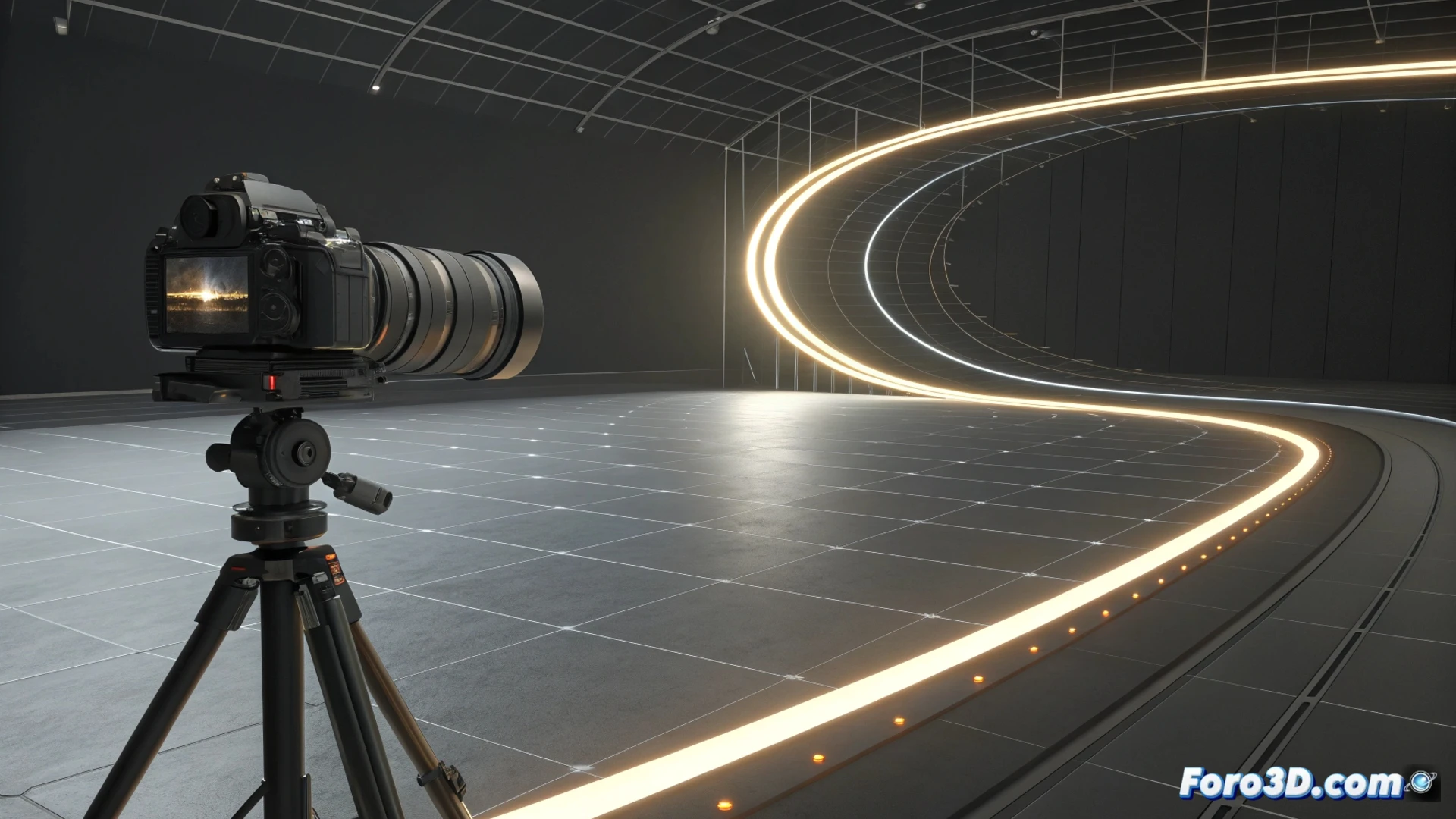
How to Create an Infinite Loop for Cameras in Blender
Generating a repetitive movement for a camera is an essential technique for producing looping shots. In Blender, the Graph Editor is the key tool to achieve this. This method allows your view to scroll or rotate continuously, ideal for backgrounds or presentations. 🎥
Prepare the Base Animation
First, you must animate the camera to travel the desired path. Once you have the keyframes that mark the cycle, select them in the corresponding curve within the graph editor. Go to the Key menu and then to Interpolation Mode. For uniform movement, choose the Linear option.
Key Initial Steps:- Animate the camera by setting its movement or rotation path.
- Select the keyframes that outline the cycle in the camera curve.
- Change the interpolation mode to Linear for a constant pace.
A perfect loop is like a hamster on a wheel: it goes around many times, but never reaches a new place.
Enable Automatic Repetition
The fundamental element is to enable extrapolation. With the animation curve selected, access the Channel menu in the graph editor. There, look for the Extrapolation Mode option. Select Linear Extrapolation or the Make Cyclic function, available as an F-modifier. This action will make the animation play indefinitely. 🔄
Extrapolation Options:- Linear Extrapolation: Continues the curve's trend before and after the keyframes.
- Make Cyclic (F-modifier): Creates a perfect cycle that loops at the end.
Refine the Loop with Modifiers
For more advanced control, add a Cycles modifier from the curve's modifiers panel. This allows you to specify how many times the sequence repeats and modify its offset. Additionally, you can incorporate the Noise modifier to introduce random variations to the movement, which helps make the loop look less artificial and monotonous. Adjusting these parameters is crucial to give naturalness to the scene. 🛠️
Useful Modifiers for Loops:- Cycles: Defines repetitions and adjusts the cycle offset.
- Noise: Adds controlled imperfections to simulate more organic movement.
- Combine both to avoid the animation looking mechanical and repetitive.