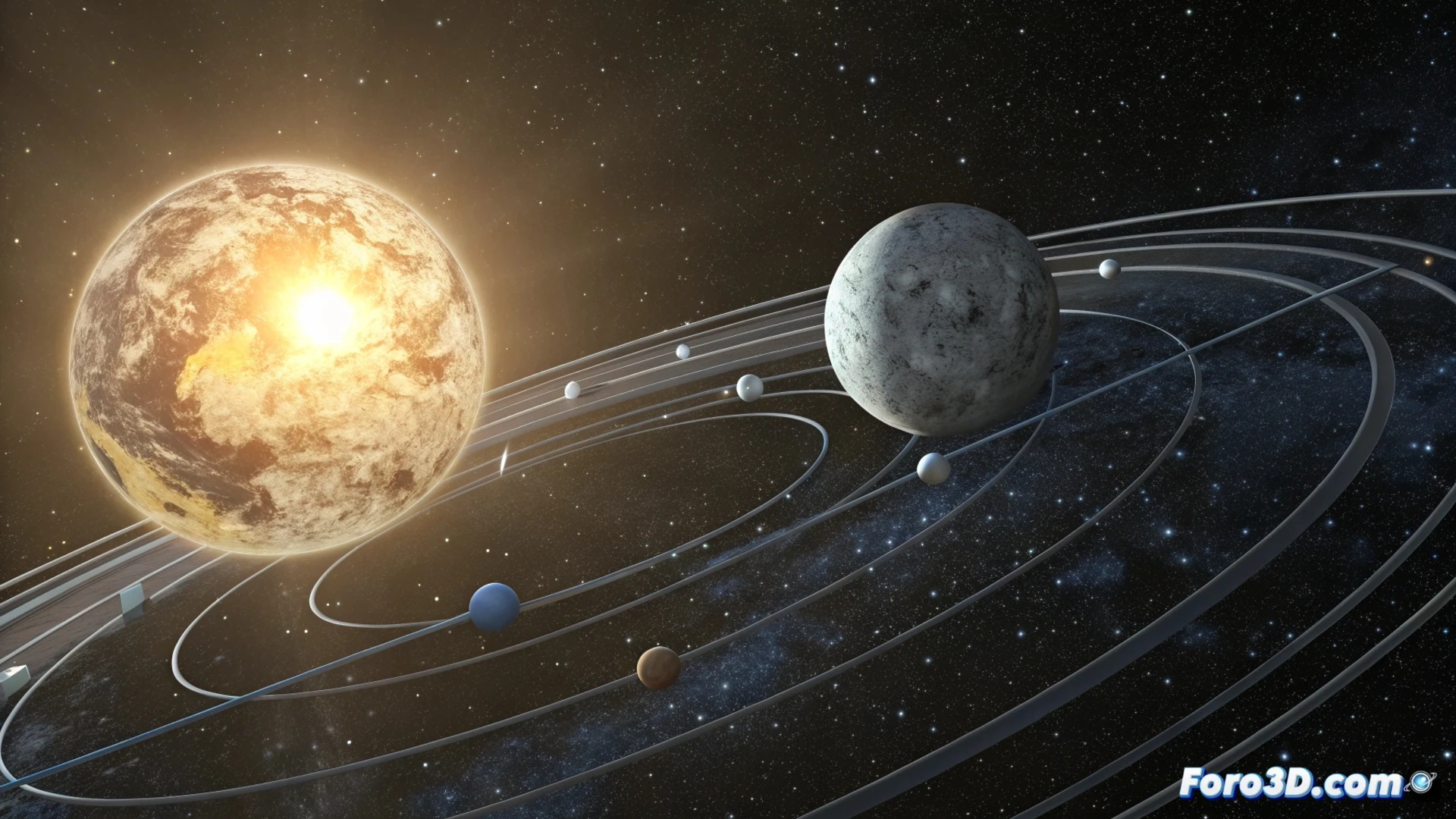
How to Animate the Orbital Movement of the Earth-Moon-Sun System in Blender
Creating a simulation of the solar system in Blender is an excellent project for learning about hierarchies and transformation animation. The goal is to replicate the Earth's orbital movement around the Sun and the Moon's around our planet, achieving a clear and educational visual result. 🪐
Organize Objects with Parent-Child Hierarchies
The most straightforward method to link movements is based on establishing parent-child relationships between objects. First, model or import three spheres representing the Sun, Earth, and Moon. The key is to organize them: make the Moon a child of the Earth, and the Earth a child of the Sun. This way, when rotating or translating a parent object, all its children will move with it, automatically combining their trajectories.
Steps to set up the hierarchy:- Model three spheres of different sizes to represent each celestial body.
- In the Outliner view, link the Moon as a child of the Earth using the 'P' key or by dragging.
- Link the Earth as a child of the Sun following the same procedure.
Using empty pivots offers more precise and clean control to define orbits, separating the movement logic from the visible geometry.
Use Empty Pivots for Precise Orbits
For more exact control over orbital paths, it is recommended to use empty objects as pivots. Create a first empty at the center of the scene and make the Sun its child. Then, generate a second empty object, move it to the desired distance to mark the Earth's orbit, and make it a child of the first empty. Finally, make the Earth a child of this second pivot. Repeat the logic for the Moon, creating a third empty as a child of the Earth. Animating the rotation of these empty pivots is what generates the orbit effect.
Advantages of this method:- Clearly separates the rotation center (the pivot) from the visible object.
- Allows adjusting the orbit radius by moving the child pivot without affecting the animation.
- Facilitates editing the rotation speed of each orbit independently.
Calibrate Speeds and Scales for Realism
To approach realistic behavior, it is crucial to adjust the rotation speeds on the empty pivots. If you assign one frame per day, the Earth should complete one revolution around the Sun in 365 frames. The Moon, on the other hand, orbits the Earth in approximately 28 frames. It is important to remember that representing distances and sizes to real scale is almost impossible in a comprehensible view, so they must be adjusted approximately to make the composition visually coherent. ⏱️
Keep in mind that if you try to animate this simulation using the true timeline, the rendering time could become astronomical. Patience is a virtue, but in the 3D graphics world, optimization and the use of symbolic scales are your best allies to produce effective and educational animations in a reasonable time frame.