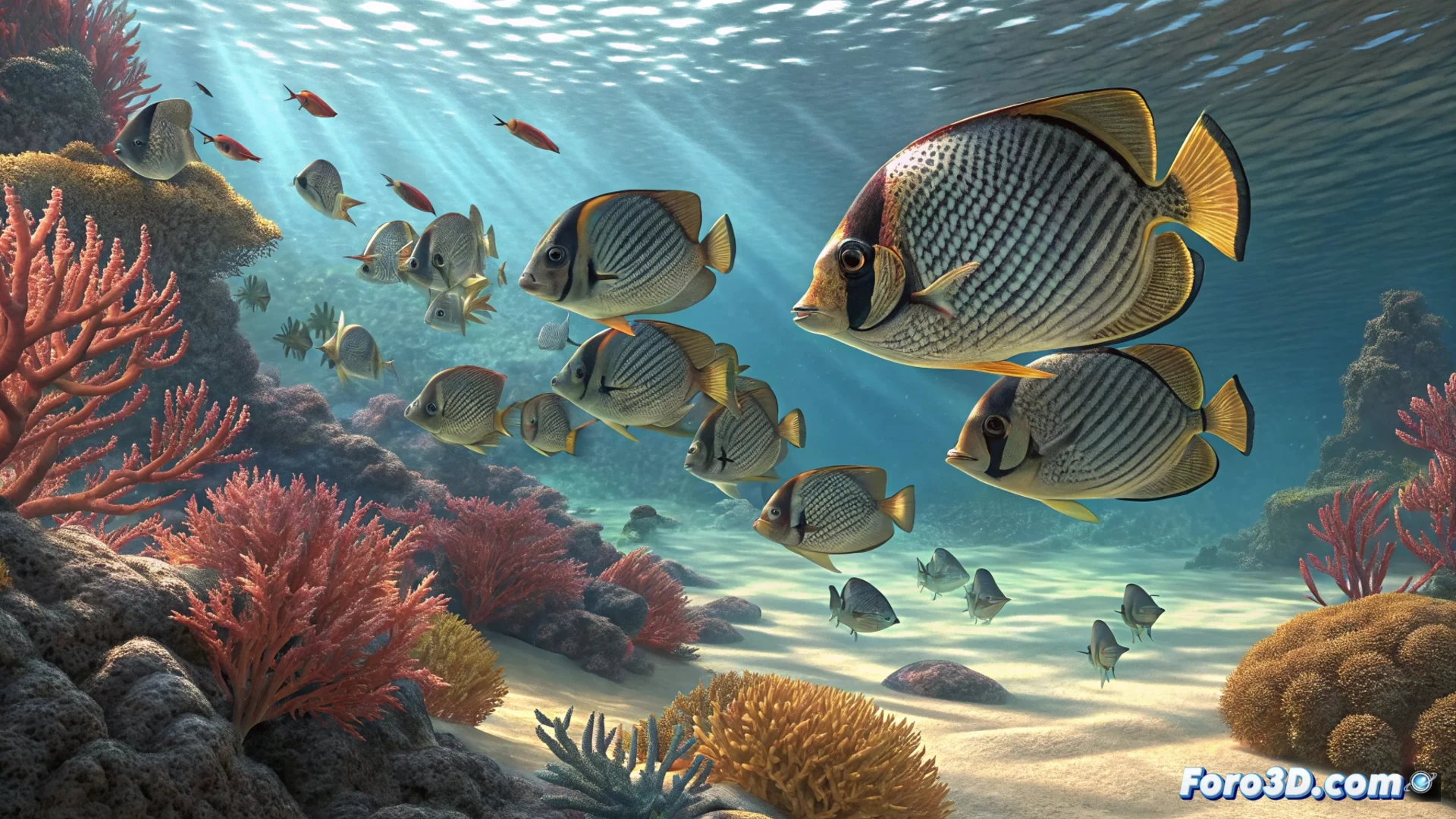
How to Animate a School of Fish in 3ds Max
Creating the illusion of a school moving organically is a common challenge in 3D visualization. In 3ds Max, you can approach it mainly with two techniques: particle systems for a more direct approach or the powerful Crowd modifier to simulate group intelligence. Choosing the right tool makes the difference between a mechanical result and a believable one. 🐠
Using Particles to Simulate the School
An effective method starts with a fish model, whether created from scratch or imported. Then, generate a PF Source (Particle Flow) system. The key step is to use the Shape Instance operator within the particle flow; this replaces the basic geometric particles with the detailed mesh of your fish. From there, adjust speed and vector parameters to mimic the swimming pattern.
Key Steps with Particles:- Model or import the geometry of an individual fish.
- Create a Particle Flow and use Shape Instance to instance the mesh.
- Define the speed, dispersion, and initial direction of the system.
Achieving a virtual school of fish that doesn't behave like a swarm of furious bees is, often, half the work.
Enhancing the Simulation with the Crowd Modifier
For more complex and realistic group behaviors, the Crowd modifier is superior. Here, the fish is designated as a delegate. Then, you assign and configure various behaviors that control its movement: Seek to head towards a target, Avoid to dodge obstacles, and Surface Follow to adhere to a path or surface. The key is to balance the priority and weight of each behavior to guide the group.
Essential Behaviors in Crowd:- Seek: Attracts delegates towards a defined target.
- Avoid: Generates a repulsion zone in front of obstacles or other delegates.
- Surface Follow: Guides movement over a specific surface or spline.
Perfecting the Realism of the Movement
To break uniformity and add natural variation, apply a Noise rotation controller to the fish hierarchy. In the particle flow, the Spin operator helps the fish rotate smoothly when changing direction. To direct the global trajectory of the entire school along a specific path, you can use a WSM (World Space Modifier) deformer type, such as Path Follow, linked to the particle system. 🔄