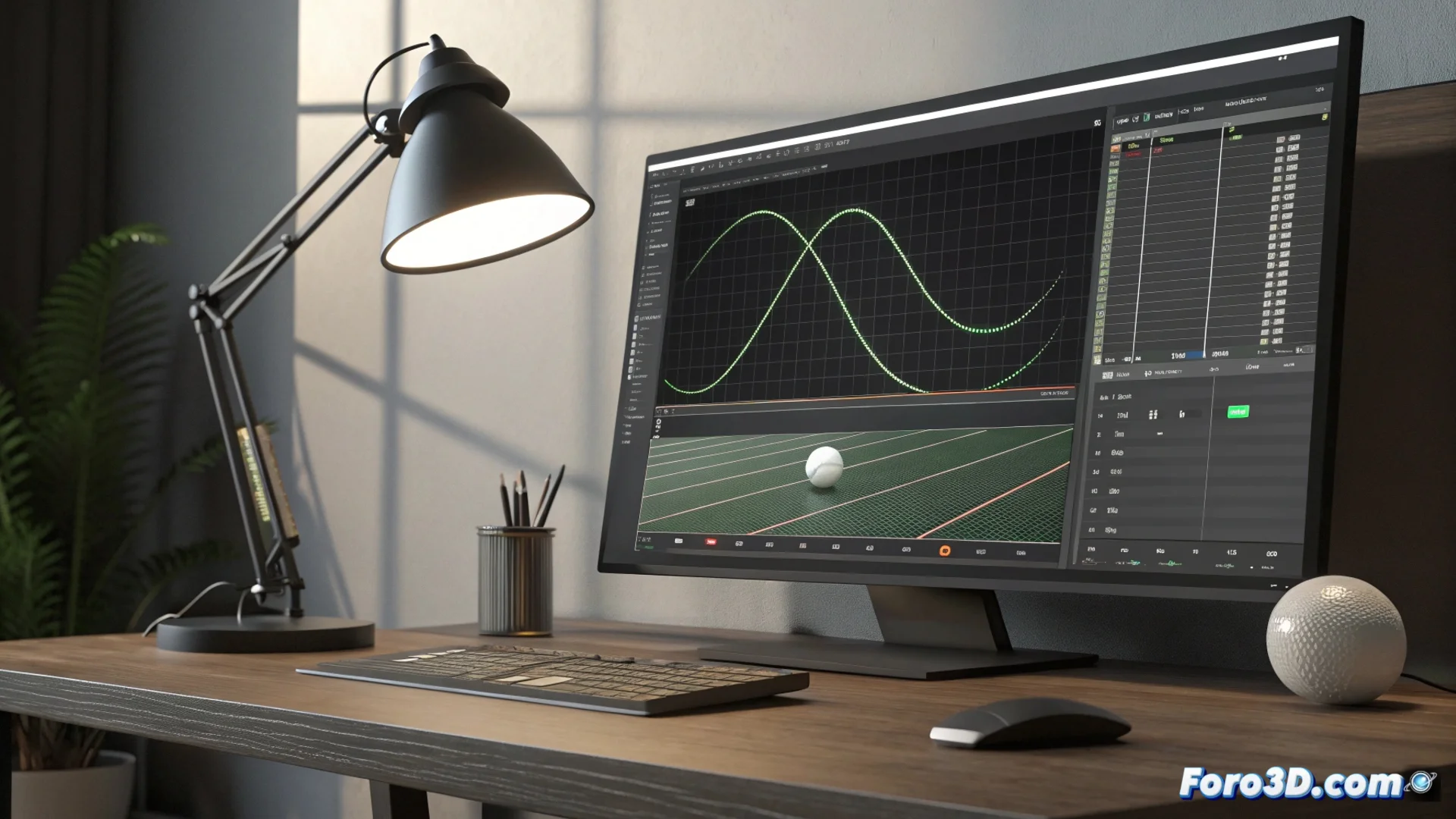
How to Animate a Ping-Pong Cycle in Blender Without Interruption
Achieving a smooth back-and-forth repetition of an animation is an essential technique. Using Blender's curve tools, you can set up a ping-pong loop that runs indefinitely without abrupt cuts. 🎬
Prepare the Animation in the Graph Editor
First, you must create the basic animation for your object or property along the timeline. Once done, select all the keyframes that make up a complete cycle within the Graph Editor. With them selected, access the Key menu and then Interpolation Mode. For uniform movement, set the interpolation to linear.
Key steps in the curve editor:
- Animate the desired property over time.
- Select the keyframes of the complete cycle.
- Apply linear interpolation from the Key menu for constant movement.
The real challenge sometimes lies in the synchronization between the artist and the software, chasing that keyframe that defines the rhythm.
Apply and Configure the Cycles Modifier
The next step is to add a curve modifier. In the Graph Editor's modifiers panel, click Add Modifier and choose Cycles. This is the tool that defines the loop behavior. Enable the Before and After options. To generate the ping-pong effect, select the Repeat Mirrored mode (or Repeat with Offset). This mode reflects the animation on each repetition, making it go back and create the characteristic back-and-forth. 🔁
Cycles modifier configuration:- Add the Cycles modifier from the corresponding panel.
- Enable the Before and After options to control the ends.
- Select Repeat Mirrored mode to achieve the ping-pong bounce.
Extend the Animation Range
To make the cycle continue beyond the initial sequence, you need to adjust the frame range in the main timeline. Extend the bar that marks the end of the animation, placing it far beyond the last original keyframe. The cycles modifier will automatically process the curve, repeating the ping-pong pattern throughout this new range. This way, your animation will play in an infinite back-and-forth loop, without unwanted pauses. ✅