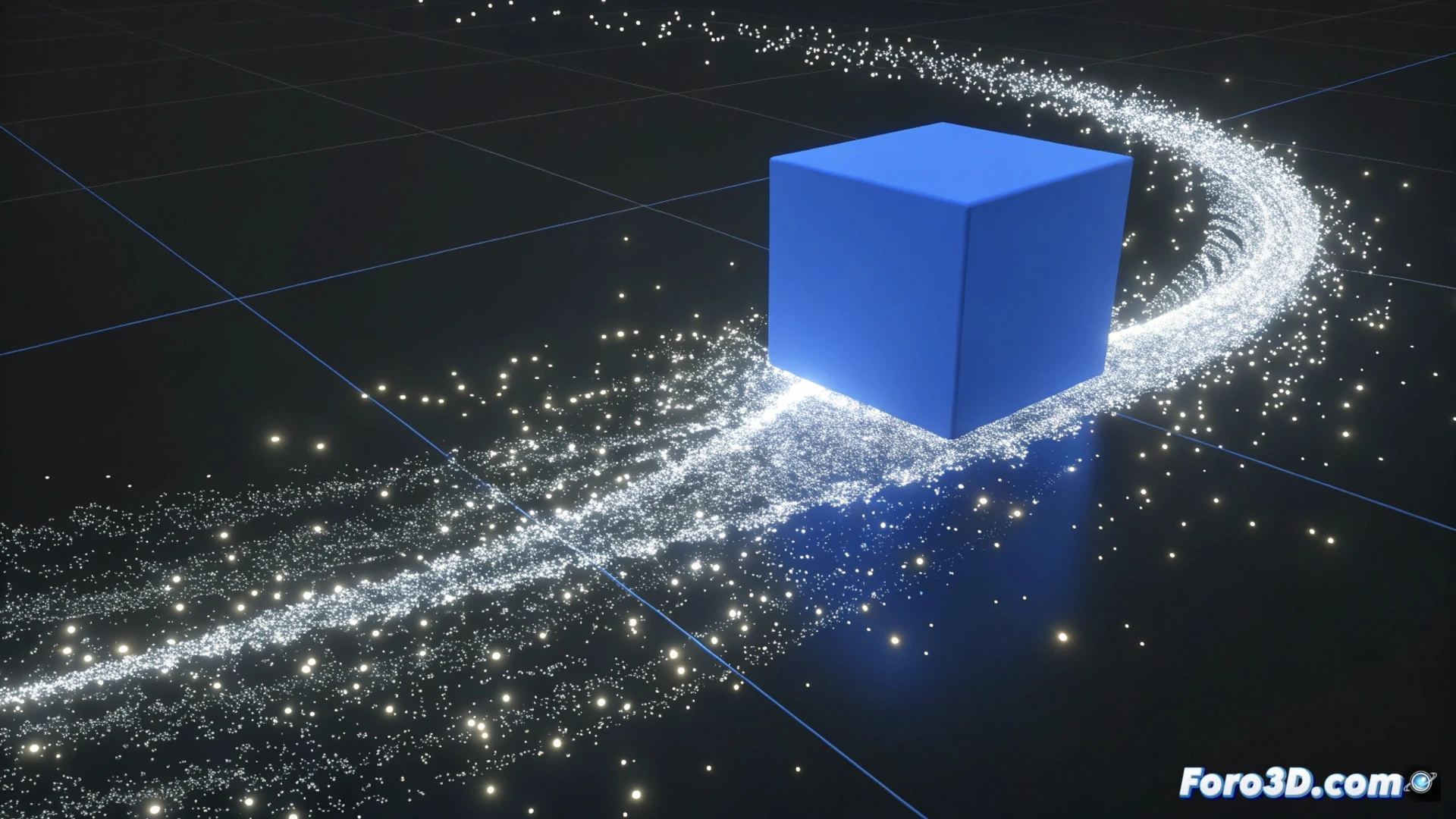
How to Animate a Particle System in Blender
Creating dynamic effects with particles in Blender opens up a world of possibilities for simulating natural phenomena, fireworks, or crowds. The process focuses on three pillars: emit, control, and visualize. 🎬
Set Up the Emission Origin
The first step is to define where the particles will come from. Select any object in your scene and go to the Physics Properties panel. There, add a new particle system. The Emission section is where you determine the number of particles and the simulation duration. Use the timeline to adjust the Start Frame and End Frame, controlling when the effect starts and ends.
Key emission parameters:
- Number: Defines how many particles are generated in total.
- Lifetime: Controls how many frames each particle exists before disappearing.
- Velocity: Adjusts the initial speed at which particles exit the emitter.
A well-configured particle system is the foundation for any credible and controlled simulation.
Define the Physical Behavior
The Physics tab is the heart of the simulation. Here you choose how the particles move. The Newtonian option simulates forces like gravity, ideal for rain or falling objects. For more complex group behaviors, like flocks of birds, select Boids. You can add external force fields, such as wind or vortex, to direct the movement and create turbulence or swirls.
Physics types and their uses:- Newtonian: For effects with gravity and basic forces (sparks, dust).
- Boids: To simulate swarm intelligence (fish, insects, crowds).
- Fluids: (In specific contexts) For more complex interactions between particles.
Shape and Render the Result
Finally, in the Render tab, you decide how the particles will look. You can represent them as objects (copies of other models), hair for grass or hair, or simple points. Assign a material to control their color, transparency, or texture. Before processing the final animation, make sure the render engine (Eevee or Cycles) is ready and do a preview to verify everything works. The magic (and sometimes the artistic chaos) happens when all these elements interact. ✨