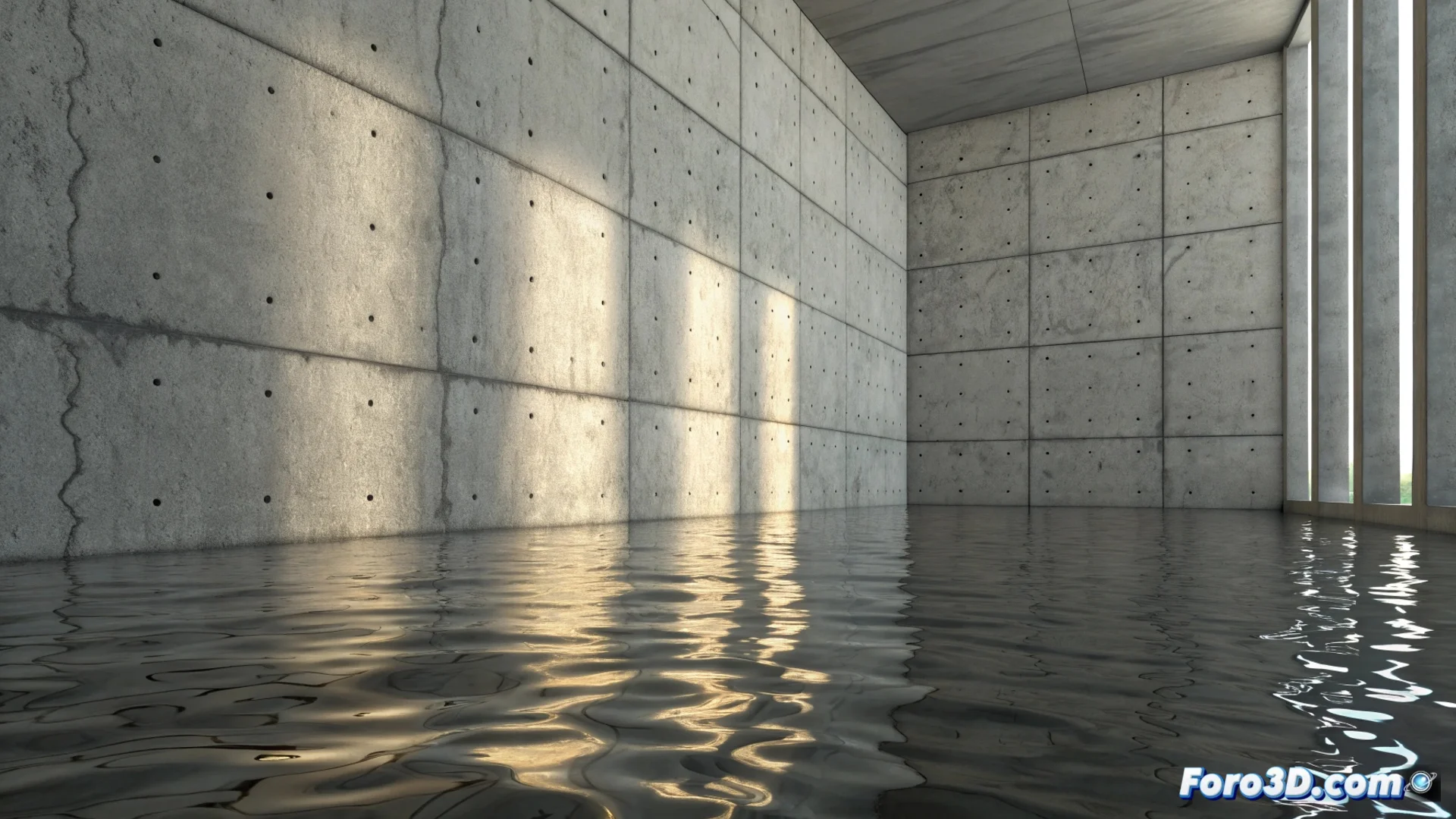
Creating Water Reflections on a Wall with Blender
Creating the illusion of water reflecting on a vertical surface is an attractive visual effect you can achieve in Blender. The technique is based on combining transparency and controlled distortion within the node editor, moving away from a simple mirror to imitate the ripples of a liquid. 🌀
Prepare the Material Base
Start by assigning a Principled BSDF to your object. To incorporate the translucent component, mix this shader with a Glass BSDF node using a Mix Shader. The goal is for the surface not only to reflect but also to let some light pass through, simulating the property of water. Adjust the transmission values and lower the roughness to the minimum for a shiny finish.
Key steps for the initial setup:- Add and connect a Noise Texture node to generate base variation.
- Use a Bump node to transform the texture information into perceptible relief.
- Connect the Normal output of the Bump to the corresponding input of the Principled BSDF shader.
Distortion is what turns a flat reflection into a believable watery surface.
Generate and Control the Distortion
To imitate water ripples, integrate a Wave Texture or a second Noise Texture. Pass its result through a ColorRamp node to fine-tune the contrast and intensity of the waves. This texture will modulate the strength of the relief effect in the Bump node or act as a factor for mixing between the shaders, creating more or less transparent areas.
To animate the reflection and bring it to life:- Animate the displacement parameter (Location) in the Mapping node connected to the textures.
- Adjust the scale and rotation in the Mapping node to control the size and direction of the waves.
- Experiment with the animation speed to achieve natural movement, neither too slow nor too fast.
Adjust and Perfect the Effect
It's common for initial attempts to result in exaggerated distortions that don't resemble water. This is part of learning to master the nodes. Review the scale of the textures, the strength of the Bump node, and the balance in the Mix Shader. With patience and iterative adjustments, the wall will go from showing an abstract apocalypse to reflecting a calm and realistic liquid surface. ✨