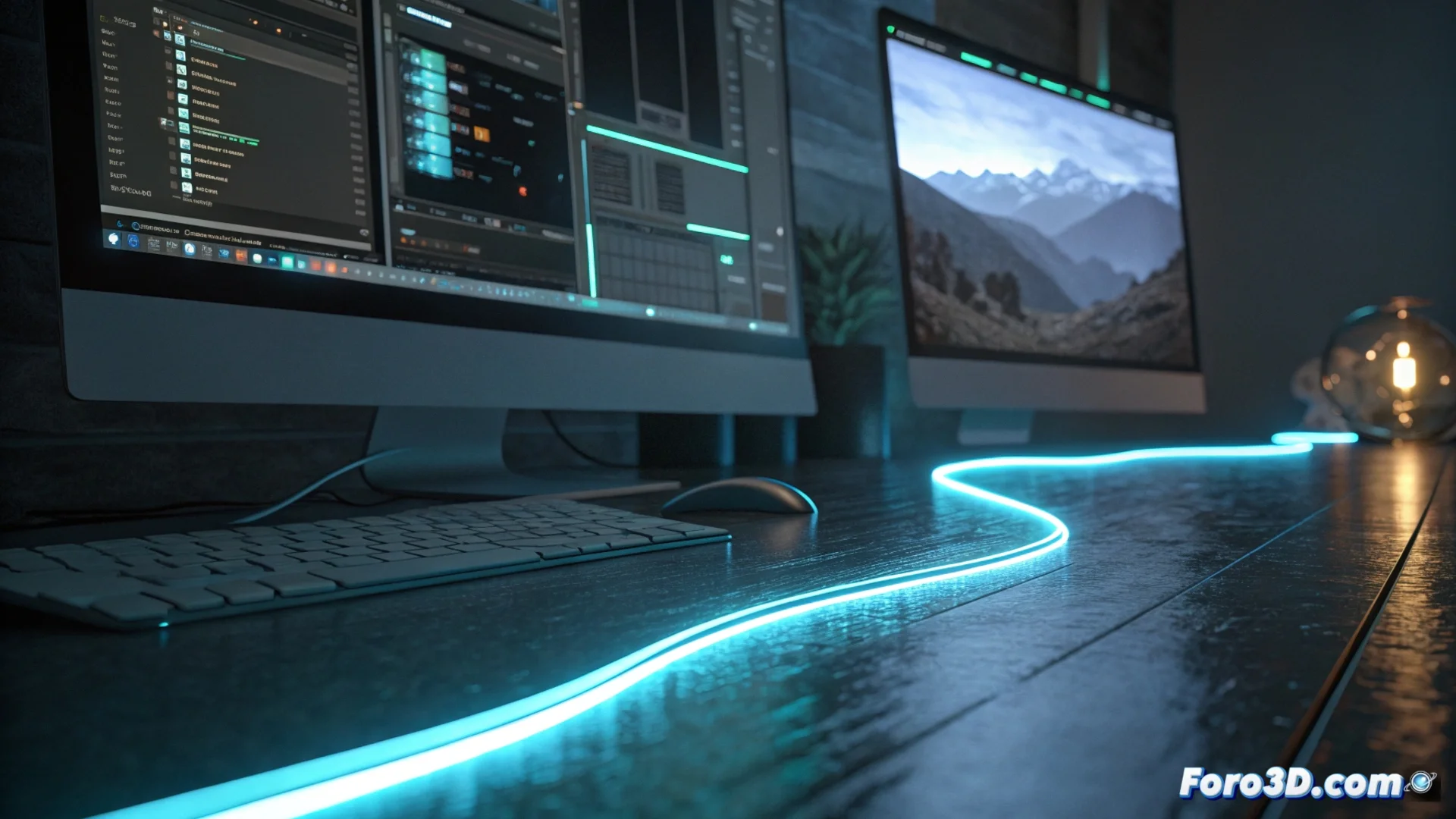
Generate a Light Line in 3ds Max
Creating luminous elements is a common task in 3D visualization. In 3ds Max, there are several effective techniques to produce light lines, from modeling simple geometry to exploiting material capabilities. 🎨
Model Objects with Self-Emission
A direct approach consists of building an elongated and thin shape, such as a flattened cylinder or a box with little depth. The crucial step is to assign an light-generating material. Within the material editor, select a Arnold Standard Surface or a Physical Material and increase the value of the Emission parameter. This will make the object glow intensely when rendering, without the need for an external light source.
Key steps for this method:- Create or model the base geometry with the desired line shape.
- Open the Slate Material Editor and choose a material compatible with emission.
- Find the Emission or Self-Illumination section and increase its intensity and choose a color.
It is not always necessary to simulate the complex physics of light; often, a glowing cylinder is the most effective and quickest solution.
Use the Renderable Spline Modifier
For lines with curved paths or organic shapes, the ideal method is to use splines. Draw the curve with the shape tools (Shapes). Then, in the modifier tab, apply Renderable Spline. Enable the Enable In Renderer option and define an appropriate thickness. Finally, assign an emissive material to this spline to turn it into a rendered light source. ✨
Advantages of using renderable splines:- Allow freeform and complex paths that would be difficult to model.
- The thickness is adjustable and does not depend on subdivided geometry.
- They integrate perfectly with path animation workflows.
Adjust and Control Material Emission
The quality of the final result depends on how you configure the material. In the Emission tab, not only adjust the intensity, but also the color. For more dynamic effects, such as a gradient neon or flickers, connect a map in the emission slot. A gradient (Gradient Ramp) will control the brightness variation along the line, while a noise map (Noise) can simulate irregularities or intermittent flashes, adding realism to the luminous effect.