Candle flames are a recurring element in ambient scenes. Achieving an acceptable visual result without resorting to complex fluid simulations is possible. This article explains a method based on geometry, textures, and modifiers. The goal is to achieve a convincing optical effect that does not consume many rendering resources, useful for scenes with multiple candles.
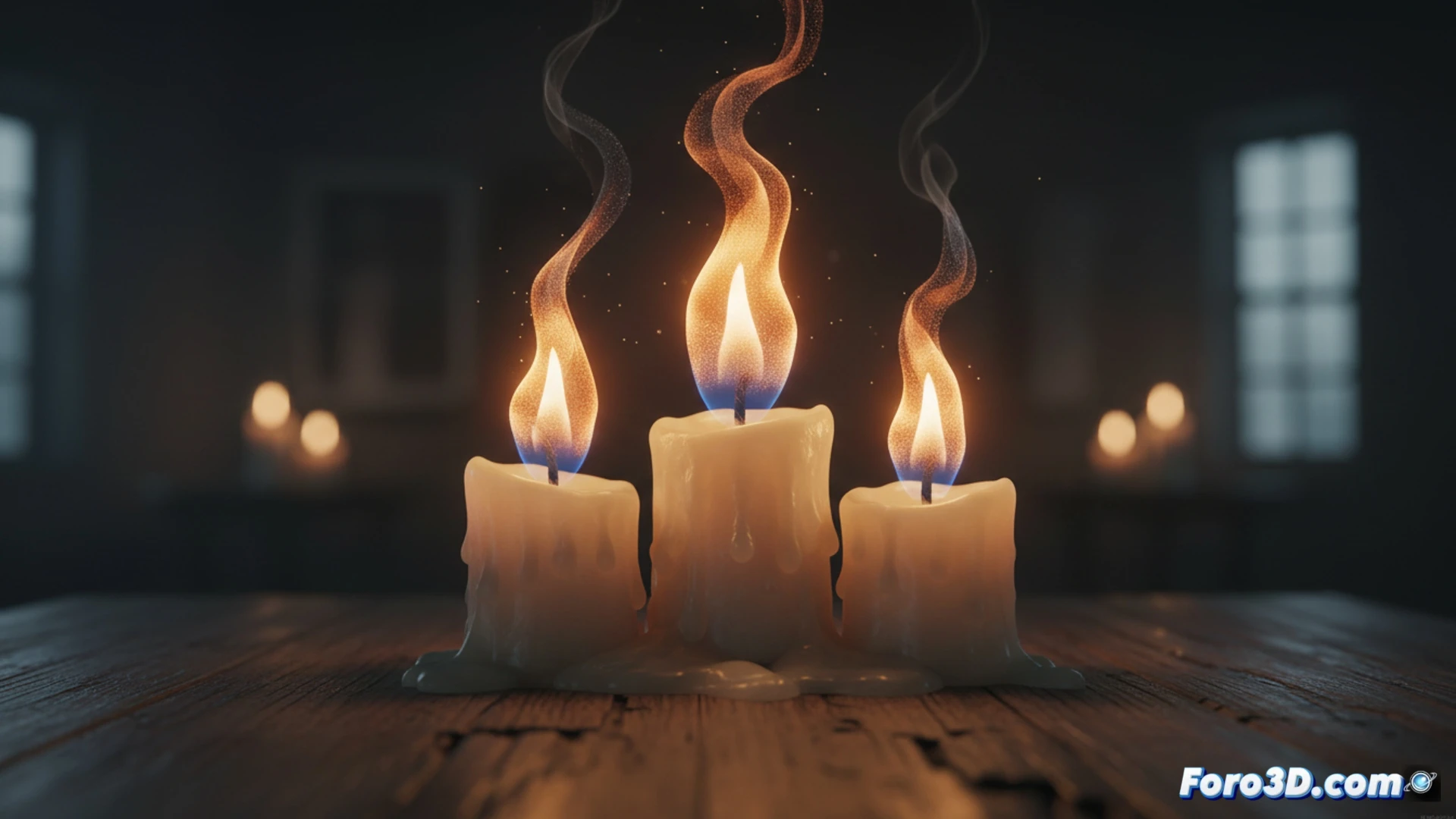
Geometry, Noise, and Controlled Transparency 🕯️
We start with a cone or a sculpted cube. We apply a Displace modifier with a clouds or musgrave texture to deform the silhouette and create the organic movement of the flame. The key is to use a gradient texture as a factor for a transparency mixer (Mix Shader). This, combined with an orange-yellow emission at the base and a dimmer color at the tip, simulates the variable density of fire. A simple animated Empty as mapping coordinates generates the flickering illusion.
When Your Candle Looks Like a Ghost with Stomach Acid 👻
If after following the steps your flame looks like a translucent specter with indigestion, check the intensity of the Displace. An excessive value creates alien shapes. If the flickering is so fast it looks like a candle in a disco, smooth the animation of the Empty. And if the base is not bright, make sure the emission is not turned off by a poorly connected node. Sometimes, the perfect flame comes from adjusting what seems like an error.