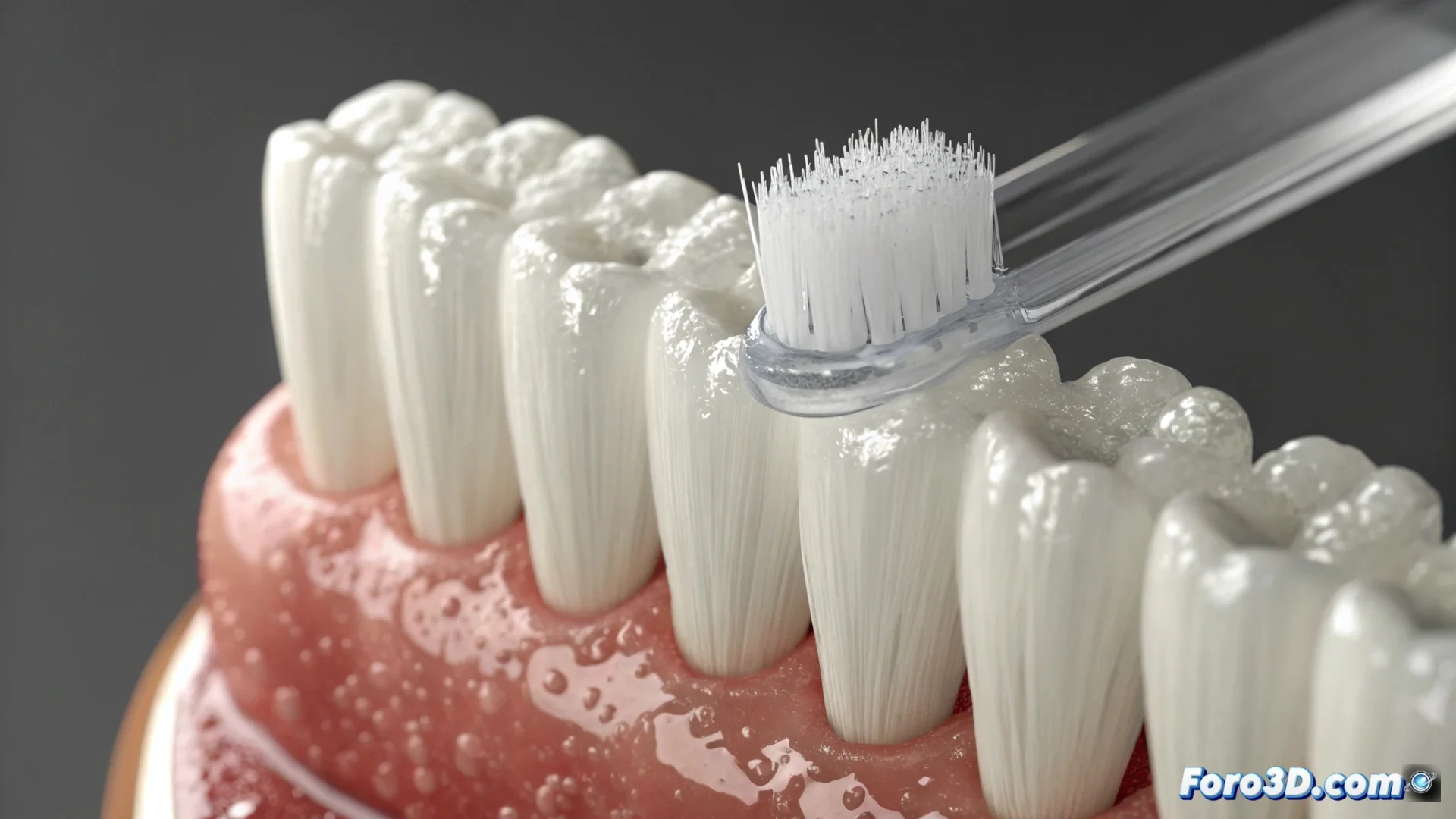
Create Brush Bristles That Interact with a Tooth in 3ds Max
Generating the fibers of a brush that deform when touching a surface is a common challenge in 3D animation. In 3ds Max, you can address this problem using particle systems or modeling with curves, but one of the most straightforward ways is to use the Hair and Fur modifier. This tutorial will guide you through the process. 🦷
Set Up the Base for the Bristles
The first thing is to have a tooth model. You can create it from scratch or import it. Then, you need an object that serves as support for the bristles, such as a plane or the brush head. Select this base object and apply the Hair and Fur modifier. Immediately, you will see multiple fibers generated on its surface.
Key initial steps:- Model or import the tooth geometry.
- Create a simple object (plane, cube) that will act as the head of the brush.
- Apply the Hair and Fur modifier to this base object to generate the bristles.
Getting a bunch of virtual lines to clean a polygon may require more patience than brushing your teeth after eating candies.
Control the Shape and Simulate Contact
In the modifier panel, adjust the values that define how the bristles look and behave. Modify the quantity, thickness, and stiffness to achieve a believable appearance. For the fibers to react to the tooth, you must enable dynamics. In that section, set the tooth as a collision object. This way, when you move the brush in an animation, the bristles will bend upon hitting the dental surface.
Main settings for realism:- Customize parameters such as fiber density, scale, and stiffness.
- Enable simulation in Dynamics and add the tooth as a collision.
- Use the Design tab to guide the initial shape with splines for precise control.
Add the Finishing Touch and Render
To finish, work on the visual aspect. Assign an appropriate material, define the color, and prepare the lighting of the scene. When rendering, ensure that the light highlights the texture of the bristles and the point where they touch the tooth, which will make the brushing simulation much more convincing and realistic. ✨