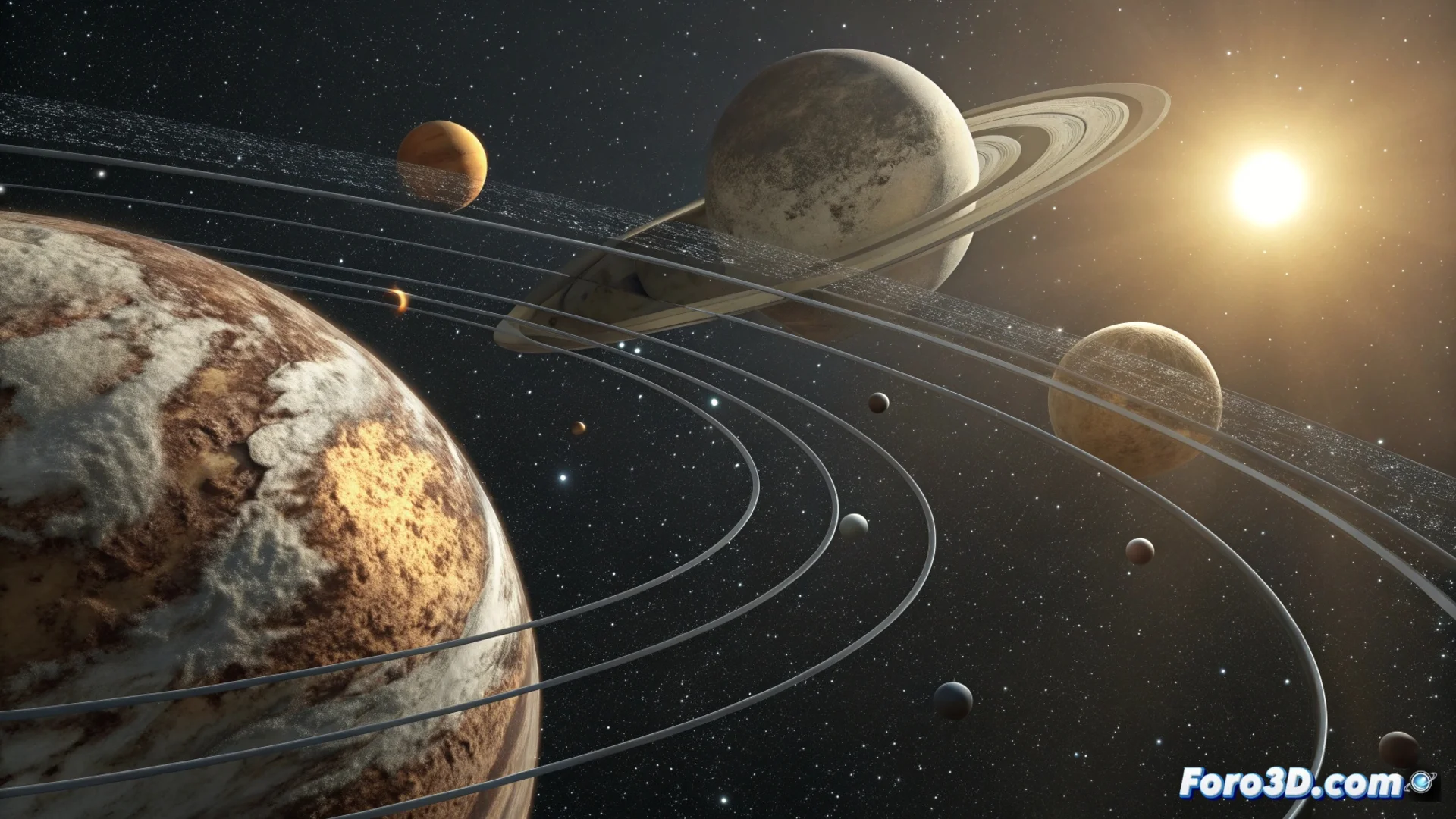
Create and Animate a Solar System in 3ds Max
Building a representation of a planetary system is a classic project for learning to organize scenes and animate in 3D. This process involves modeling, applying materials, and setting up complex movements hierarchically. 🪐
Model the Planets and Apply Textures
The first step is to generate the celestial bodies. The most straightforward way is to use geometric primitives of the sphere type. Each one is assigned a size that roughly reflects the relative scale between the different worlds, although it is common to increase the dimensions so that the result is visually clear. To give them an authentic appearance, the UVW Map modifier is used. This tool allows projecting texture maps that are realistic, which you can obtain from various 3D resource websites, correctly wrapping the surface of the sphere.
Key points in this phase:- Generate each planet from a spherical primitive.
- Use the UVW Map modifier to correctly adjust the downloaded textures.
- Adjust the scale of the objects, prioritizing visual readability over absolute astronomical precision.
The real scale would make the planets almost invisible points in an empty vastness, so artistic license is essential. No one wants to simulate a full orbit of Pluto, which lasts 248 Earth years.
Structure the Orbits and Parent Relationships
Once the models are created, it is time to position them in space. To define the trajectories, you can draw visual aids such as circles or ellipses. The crucial part is to establish a logical hierarchy: each planet must be linked as a child of a central helper point that symbolizes the sun. This point will be the pivot of the orbit. For moons, the logic is repeated, linking them to their corresponding planet. This structure is essential for animating the translational movements efficiently and correctly.
Process for organizing:- Place each planet following an orbit defined by helper shapes (circles).
- Create a central helper point (sun) and make each planet its child.
- For moons, set their planet as the parent object, creating a sub-hierarchy.
Simulate Movement with the Curve Editor
With the hierarchy established, you can proceed to animate. Open the Curve Editor. For the rotation of a planet on its own axis, animate the Euler rotation controller. The movement around the sun (translation) is achieved by animating the rotation of the parent helper point to which the planet is linked. To mimic the realism of the orbits, assign different speeds to each rotation axis of the parent point. This allows simulating the elliptical shape of the orbit and the planet's axial tilt, adding complexity and realism to the animated system. 🚀