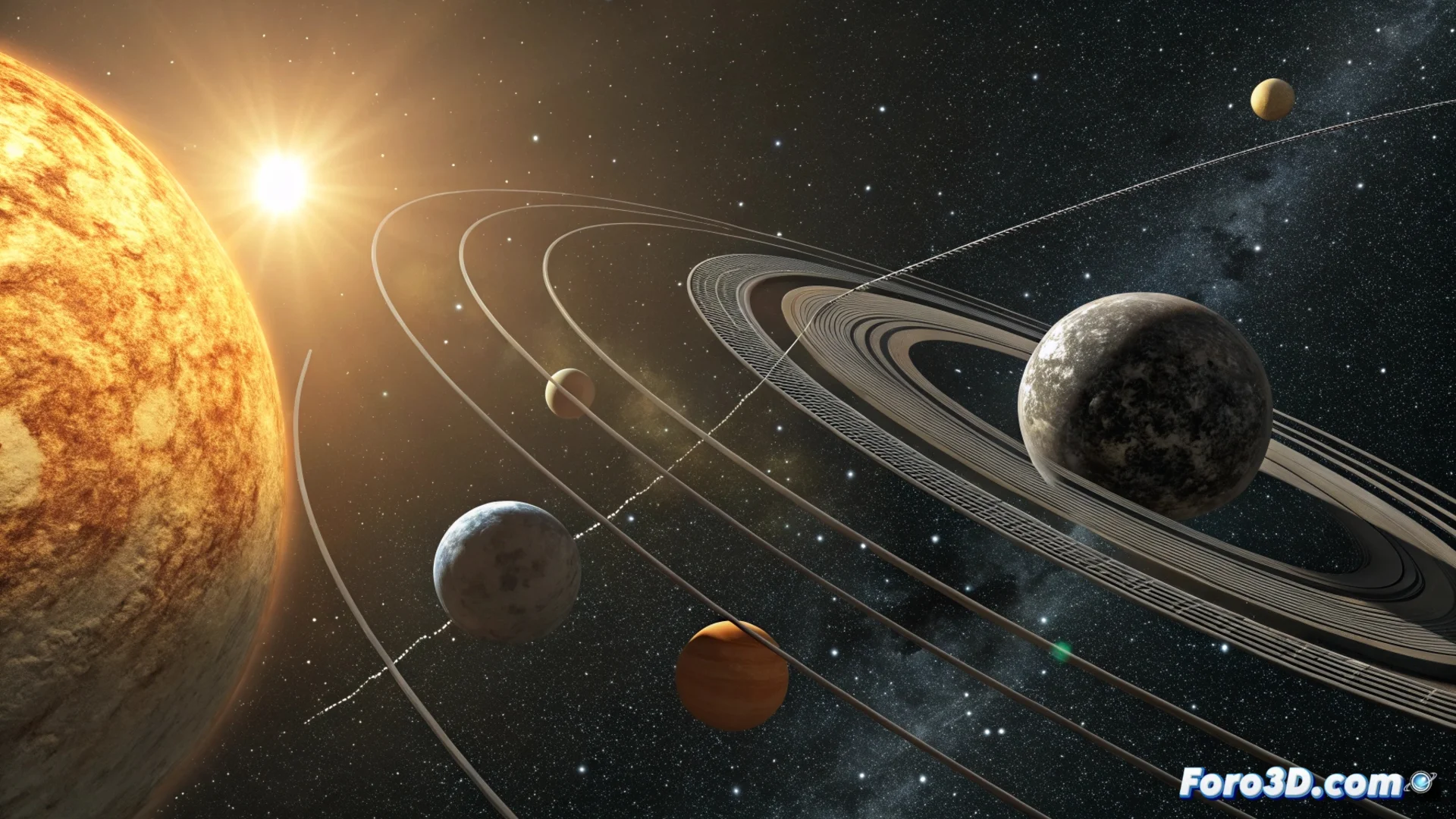
Create an Animated Solar System in Blender
Building a planetary system simulation in Blender is an excellent project for mastering animation and scene organization. This process involves modeling celestial bodies, setting up their movements, and applying materials that evoke the void of space. 🪐
Model and Organize the Planets
The first step is to generate the spheres that will act as planets. Adjust their scale to visually reflect size differences, without seeking absolute scientific precision. Apply basic materials with distinctive colors. For more realistic textures, you can load planetary surface image maps or generate complex patterns using the Node Editor. Keep the scene organized by grouping objects into separate collections, which makes it easier to select and manipulate individual elements later.
Key points to get started:- Use sphere primitives to form each planet and moon.
- Modify the scale of each object to establish a believable size hierarchy.
- Assign materials with base colors and add textures using images or procedural nodes.
- Organize all elements into collections with clear names for an agile workflow.
The real scale of space is impossible to replicate faithfully in software, so an artistic adjustment of distances and sizes is essential for a visually effective composition.
Set Up Orbital Movement and Rotation
To simulate celestial mechanics, you need to create orbits and define two types of movement: rotation on its own axis and translation around the sun. Place the 3D cursor at the center of your scene, which will act as the focal point. Create circle curves to represent the orbital paths and make each planet a child of one of these circles.
Animation process:- Animate the rotation of each planet on its axis using keyframes in the transformation properties.
- To achieve translational movement, animate the rotation of the parent circle (the orbit).
- Vary the speed of these animations to mimic different orbital and rotational periods, bringing the system to life.
Light and Final Touches
The central star, or sun, is represented with a powerful light and a material with high emission. Set up the world with a dark color or a starry space HDRI image for the background. To increase realism, consider adding a particle system to simulate an asteroid field or the rings of a giant planet. Finally, set up a camera that can follow a specific planet or show a panoramic view of the entire system during the animation rendering. Remember that, unlike astronomers, in Blender your planets could collide if the orbits are not planned well, a unique creative problem for the digital artist. 🚀