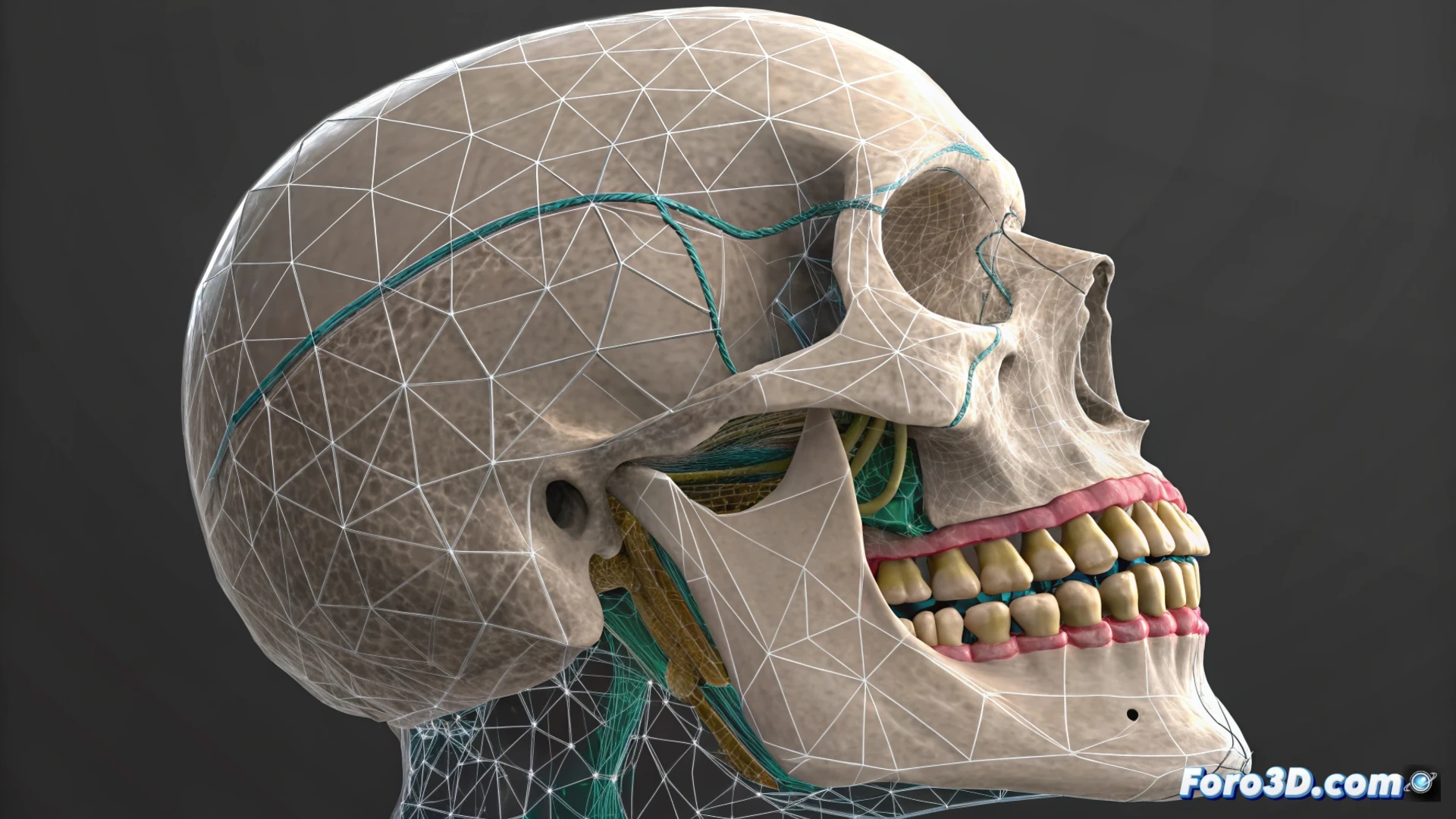
Animating Teeth with Morph in Houdini
When working on facial animation in Houdini, you often need the teeth to move independently from the rest of the face. The Morph node is an ideal tool for this, but it requires setting up a point mask to avoid deforming unwanted areas like the lips or skin. 🦷
Prepare the Mesh and Define the Groups
The first fundamental step is to ensure that the source geometry and the target geometry share an identical topology. Then, you must create a point group that contains exclusively the vertices of the teeth. You can make this selection manually with the Group node or automatically if the mesh structure is uniform.
Key steps to set up:- Ensure that the base and target meshes have the same number and connection of vertices.
- Create a group that isolates all the points of the dentition to use it as a deformation mask.
- This isolation allows animating the teeth separately, while the rest of the face can use blendshapes or bones.
Teeth do not deform, they only translate with the jaw. If your morph tries to stretch a tooth, check your setup before sending the character to the dentist.
Set Up the Morph Node and Control the Animation
Once the groups are ready, connect your base mesh and the target to the Morph node. The crucial function is in the Group parameter, where you must specify the set of dental points. This restricts the morphological interpolation only to that area, protecting the integrity of the rest of the face.
For advanced animation control:- Use the morph slider or add keyframes to handle the transition between poses.
- For greater precision, connect a CHOP (Channel Operator) node to handle the interpolation.
- Combine this deformation with other systems, such as blendshapes for the lips, using a Blend Shapes node or a layered deformation network.
Integrate with the Facial Animation System
The true power of this technique emerges when blending it with other methods. The dental morph can be overlaid on blendshape animations or bone rigs, allowing complex and natural facial control. Remember that dental movement is usually rigid and associated with the jaw rotation, not mesh deformations. ✅