Keeping your PC fans running goes beyond a superficial cleaning of the system. Although they are inexpensive components, their proper operation is vital for internal airflow. Over time, accumulated dirt reduces airflow, increases noise and energy consumption, shortening their lifespan. Ignoring them can cost you more than replacing them.
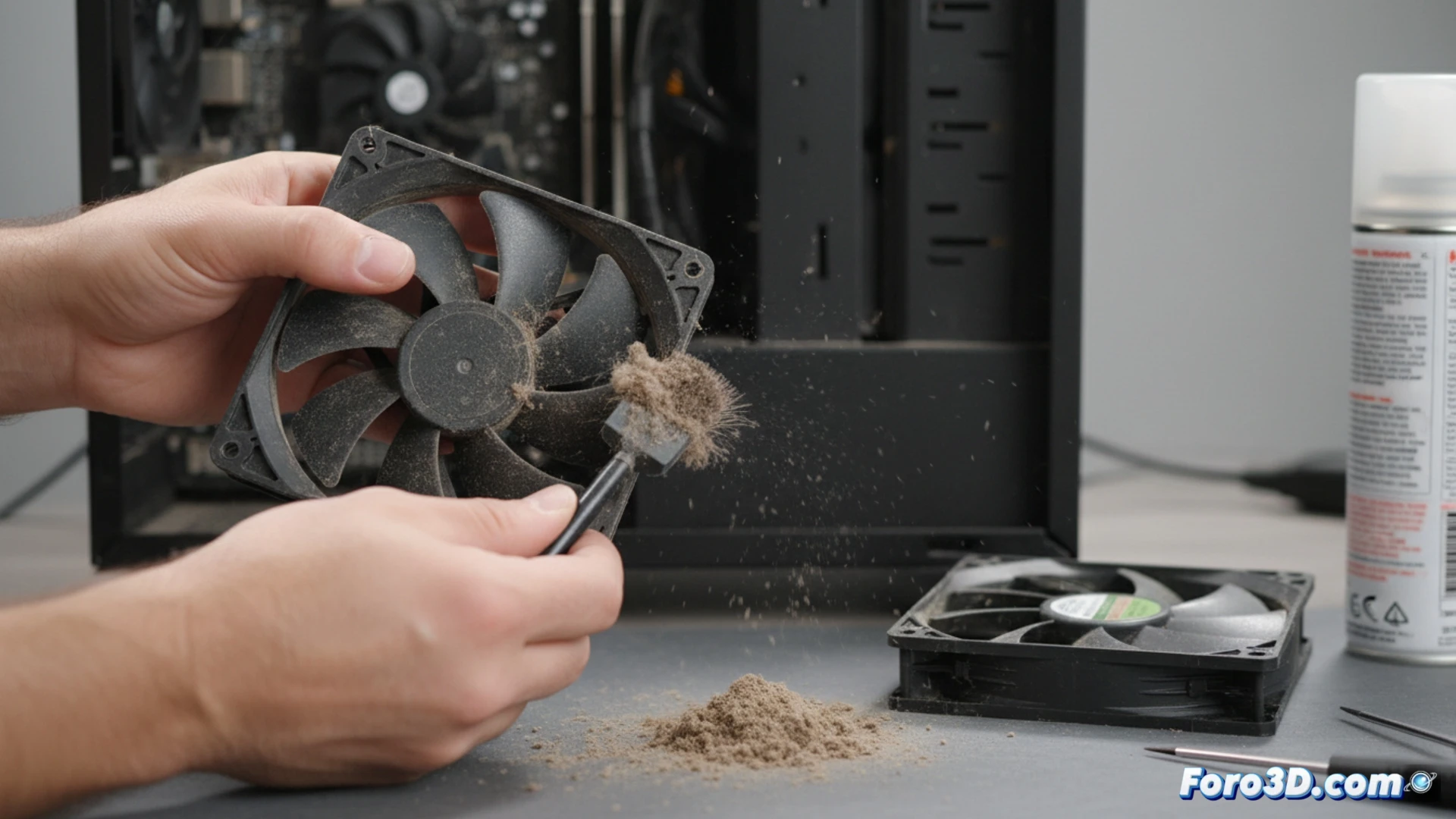
Disassembly and technical cleaning for optimal performance 🛠️
For effective cleaning, it is recommended to remove the fan from the case. Remove the screws and disconnect the connector from the motherboard or power supply. Use compressed air to remove dust from the blades and shaft. If the noise persists, apply a drop of low-viscosity lubricating oil to the bearing. This process reduces friction, heat, and extends the component's life.
The fan that sounds like a farm tractor 🚜
If your fan sounds like a miniature tractor, it's not because it has a farmer's soul. It's the compacted dirt in the bearings crying for help. Ignoring it until the noise forces you to turn up the game volume is a common but ineffective strategy. In the end, your PC will ask for a new fan, and you, for some auditory peace.