Texturing in Blender takes a step forward with Ucupaint, a free add-on that introduces a layer system for Eevee and Cycles. Designed to integrate seamlessly into the node editor, this add-on offers an intuitive workflow for painting and managing textures. Artist Ryan King has published a detailed tutorial showing its practical use. This tool aims to simplify a technical process, making it more accessible for artists of all levels.
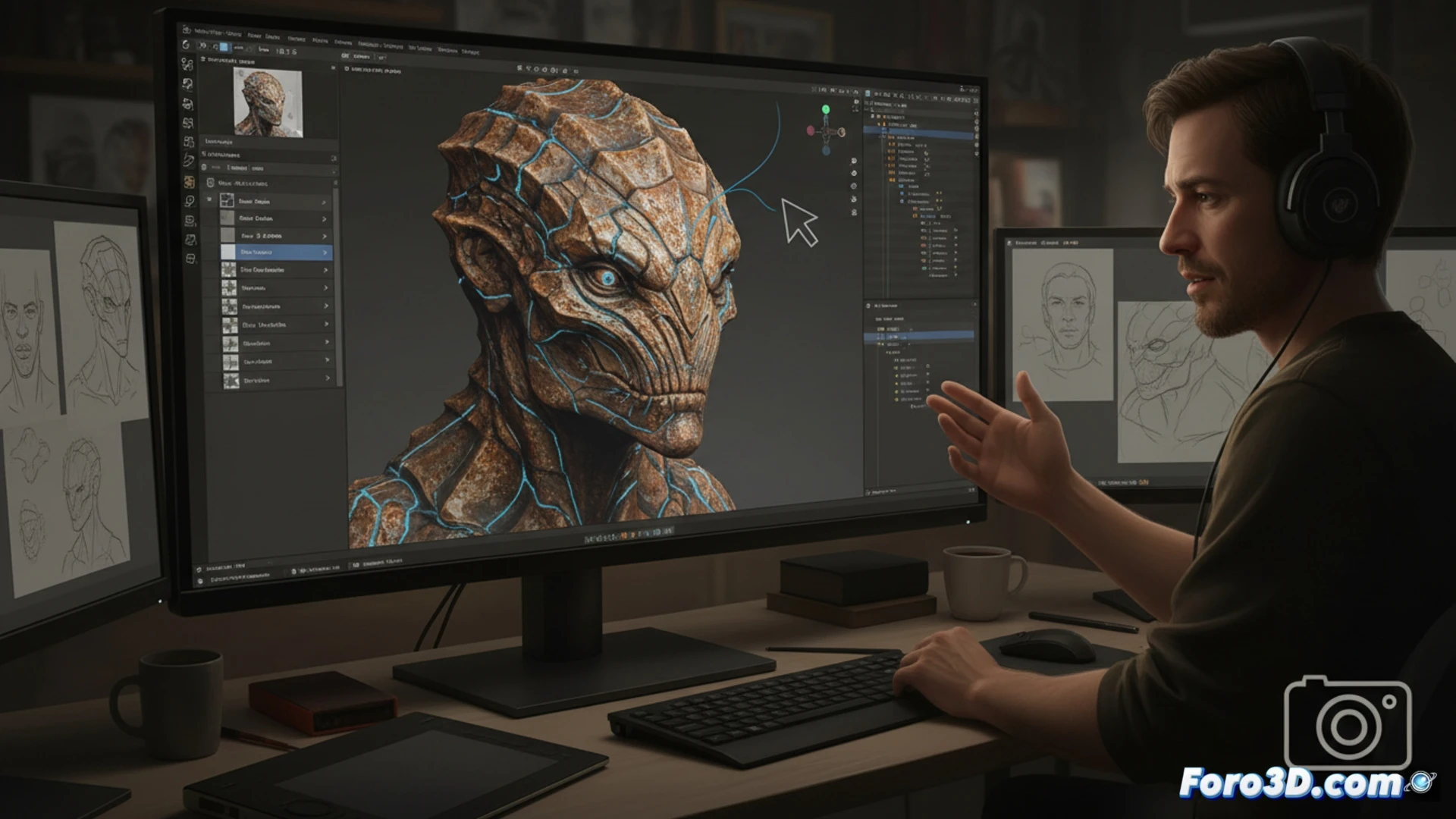
Node Integration and Continuous Development 🛠️
Ucupaint operates by automatically generating and connecting group nodes within Blender's shader editor. This allows users to work with paint layers, masks, and blend modes in a non-destructive manner, similar to 2D software. Its development over several years has prioritized stability and a gentle learning curve. The add-on functions as an abstraction layer that translates painting operations to the underlying node network, maintaining compatibility with the render engine.
Goodbye Nodal Chaos, Hello Layer Chaos 😵💫
Now you can trade the spaghetti tangle of nodes for the hierarchical mess of layers. It's genuine progress: instead of getting lost looking for a mixer node, you'll get lost looking for the layer you painted five minutes ago. The feeling of power is undeniable, even though the undo history remains as short as ever. At least the layers have names, something that voronoi noise node will never have.