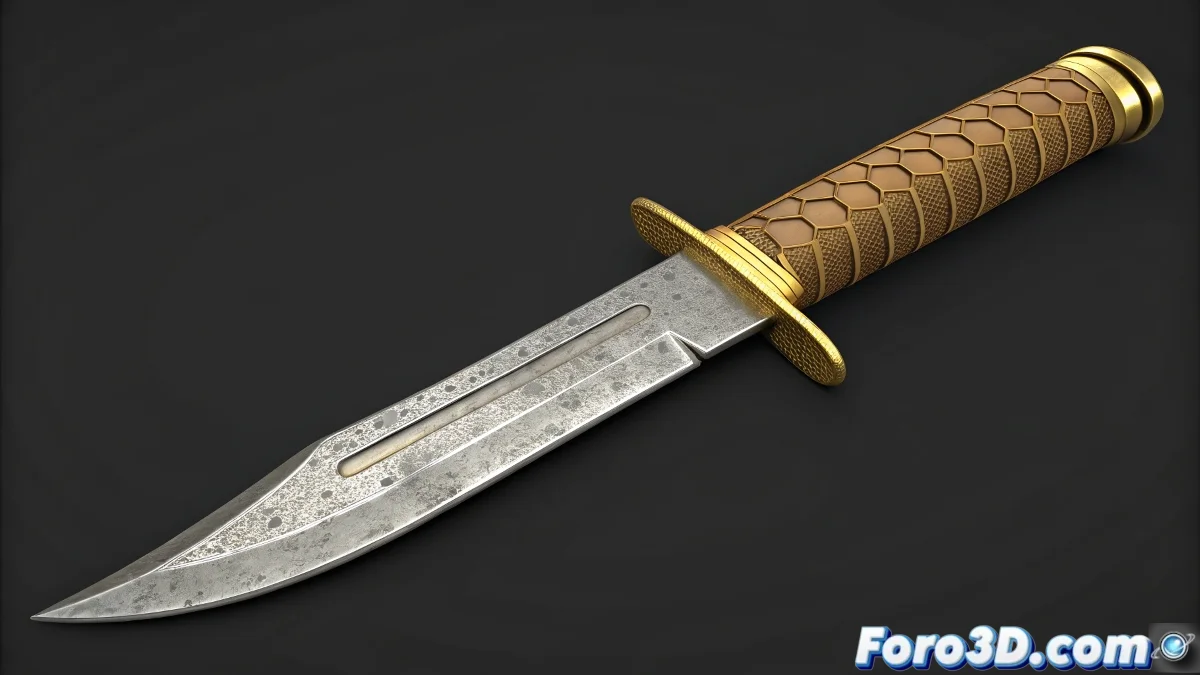
🔪 掌握 Blender 中可变刀具的艺术
在 Blender 中使用 Shape Keys 创建具有多种形状的刀具,对于可自定义的游戏武器或参数化工具至关重要。本指南将带你从基础建模到专业形态变化。
1. 刀具基础建模
- 从一个立方体开始,并激活 Proportional Editing (O)
- 使用 E + Z 挤出主刀刃
- 使用 Loop Cuts (Ctrl+R) 添加锋利细节
- 将护手和刀柄建模为单一网格
2. Shape Keys 配置
- 添加 Basis Shape Key 作为基础
- 为每个变体创建新的 Shape Keys:
- 更长/更短的刀刃
- 更宽的护手
- 更符合人体工学的刀柄
- 在 Tab 模式下编辑每个 Shape Key
3. 专业优化
| 技术 | 益处 |
|---|---|
| Subdivision Surface | 平滑边缘而不丢失定义 |
| 手动重拓扑 | 干净的变形 |
| Sculpt 模式 | 精确的表面细节 |
4. 纹理化和导出
- 应用 PBR 材质:
- 刀刃用金属(Roughness: 0.3-0.5)
- 刀柄用木材(Normal Map)
- 导出为 FBX,保留 Shape Keys
- 在 Unreal Engine 中使用 Morph Targets 测试
通过这些步骤,你的刀具将从静态模型转变为完全可自定义的工具。不过,如果在游戏中看起来像黄油刀……检查你的法线。