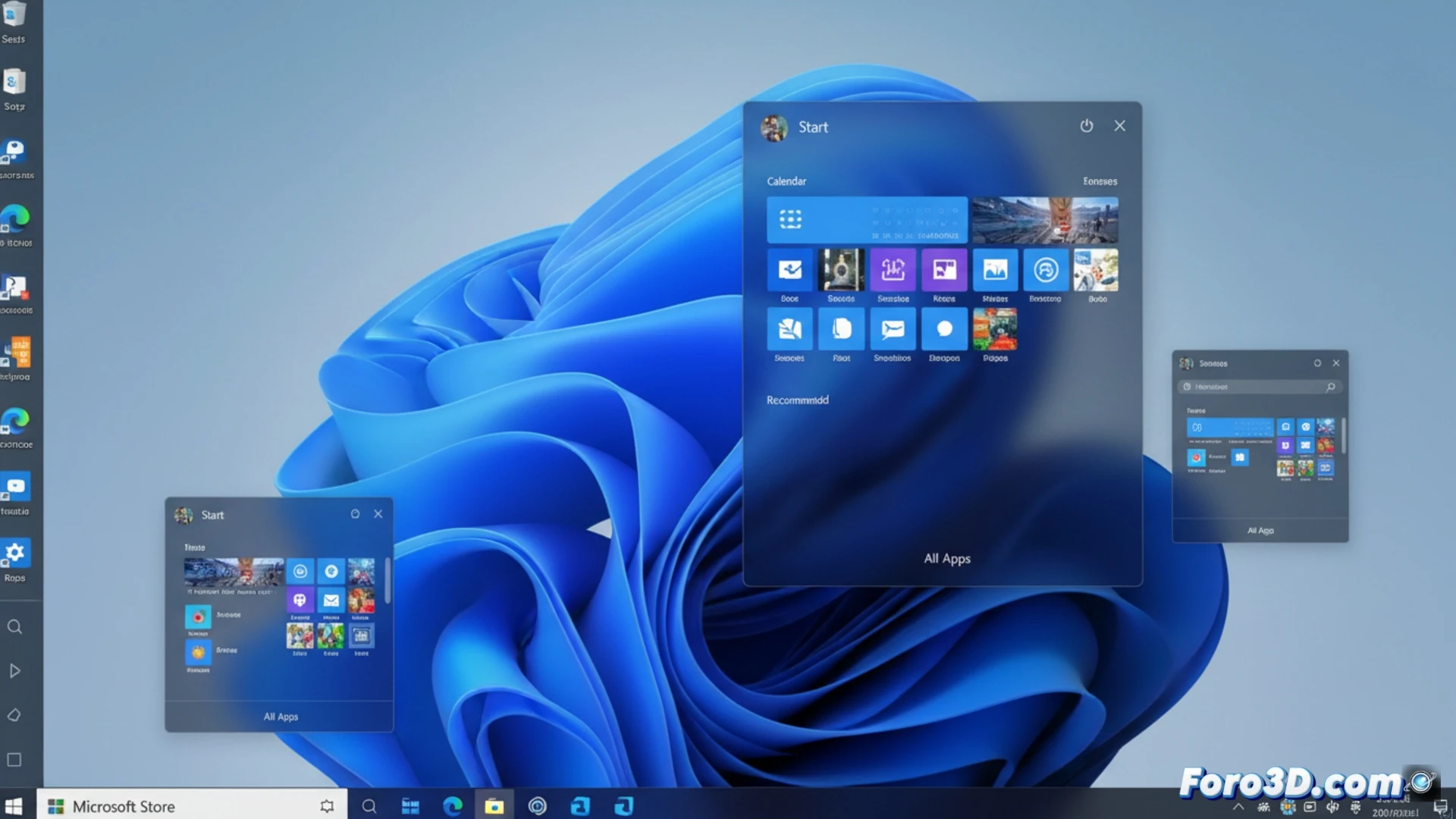
Microsoft has released a new build in the Experimental channel of Windows 11 that allows adjusting the taskbar and resizing the Start menu. Users can now move the bar to the top, left, or right of the screen, in addition to the classic bottom position. It is also possible to modify the alignment of icons and activate a smaller mode for reduced screens.
Technical details of the experimental build 🛠️
This test is part of the Experimental channel, a development branch where Microsoft introduces changes without commitment to final implementation. The functionality is activated via a feature identifier (feature ID) in the ViveTool tool. Notable technical options include the ability to resize the Start menu by dragging its edges and the ability to choose between a standard or compact taskbar. Developers note that these options respond to recurring requests since the launch of Windows 11, although there is no date for their stable version.
Microsoft discovers that users want to put things wherever they damn well please 🤷
After years of insisting that its centered and fixed taskbar was a work of art, Microsoft now allows moving it as if it were a piece of IKEA furniture without instructions. The option to resize the Start menu is almost an act of faith: after two decades of dragging shortcuts, we can finally stretch the menu like a piece of gum. That said, don't expect the feature to arrive soon in the stable version, or to work without restarting the explorer three times.