Microsoft has released a new build for Windows 11 Insiders that modifies the classic Run menu. The update removes the Browse button, a feature used to manually navigate files, and adds the ~\\ command as a shortcut. This change aims to simplify the interface but raises questions among advanced users who relied on that visual option.
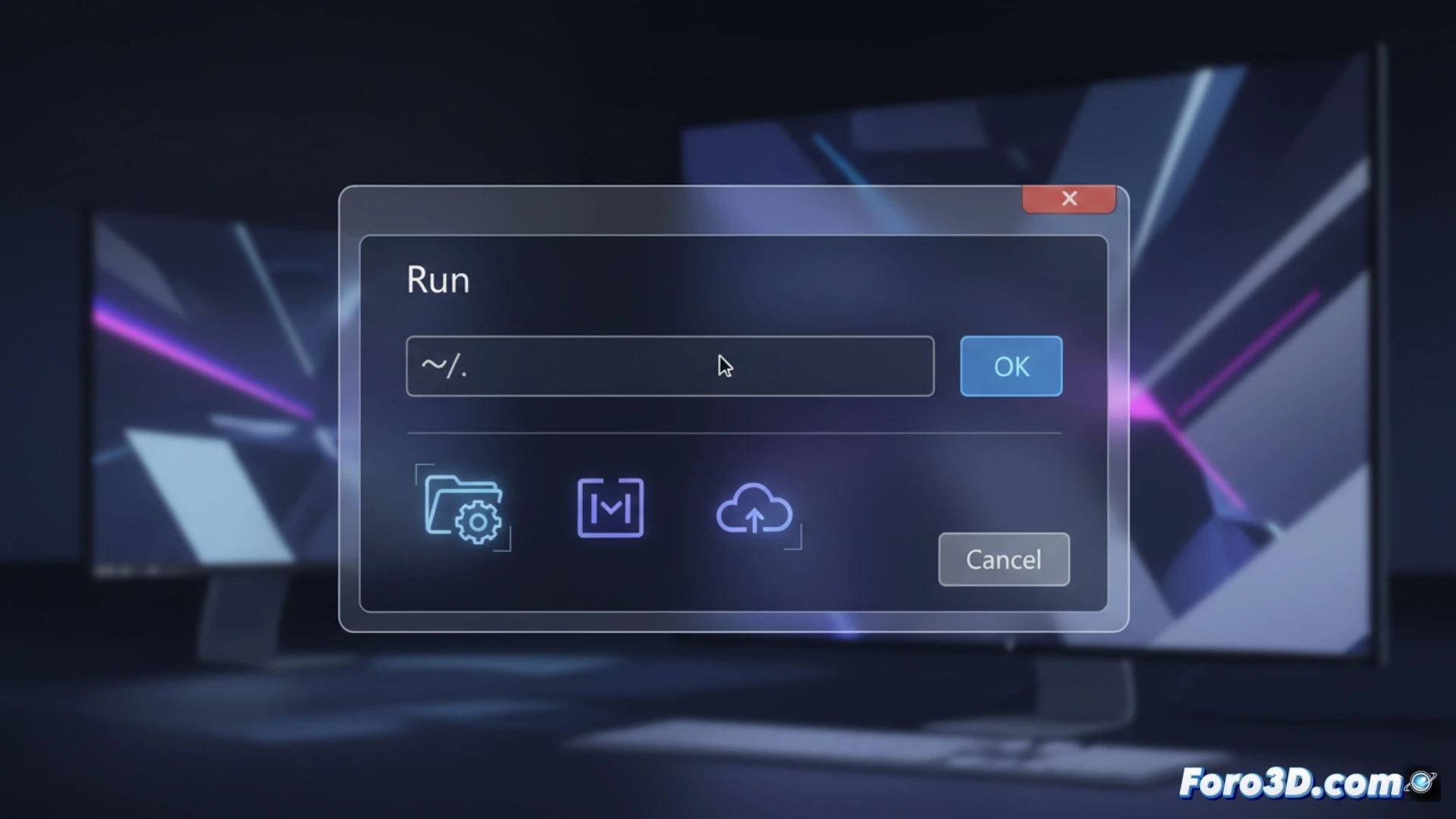
The ~\ command replaces visual navigation 🖥️
The new ~\ command acts as a shortcut that automatically directs to the root directory of the user's profile. Instead of opening a dialog box to select a file, the system interprets the tilde as an environment variable. This move responds to Microsoft's trend of prioritizing keyboard shortcuts and text paths over graphical interfaces, aligning with the PowerShell approach. Developers will need to update their scripts if they relied on the Browse button.
Goodbye to the button nobody used (according to Microsoft) 😅
Microsoft claims the Browse button was a relic of the past, like a floppy disk in an electric car. But of course, now instead of a click to search for files, you'll have to memorize paths like a 90s tech support assistant. The good news is that if you miss the button, you can always open File Explorer and pretend everything is the same. Progress, they say.