Wildfrost, developed in Unity, has captured the attention of the indie community not only for its card gameplay but also for its impeccable art direction. Its digital illustration aesthetic, combined with smooth animations and an extremely legible interface, demonstrates that visual clarity and charm can coexist. For developers, understanding how this balance is achieved is essential for creating games that are both functional and visually appealing.
Animation and UI: the Unity engine as a canvas 🎨
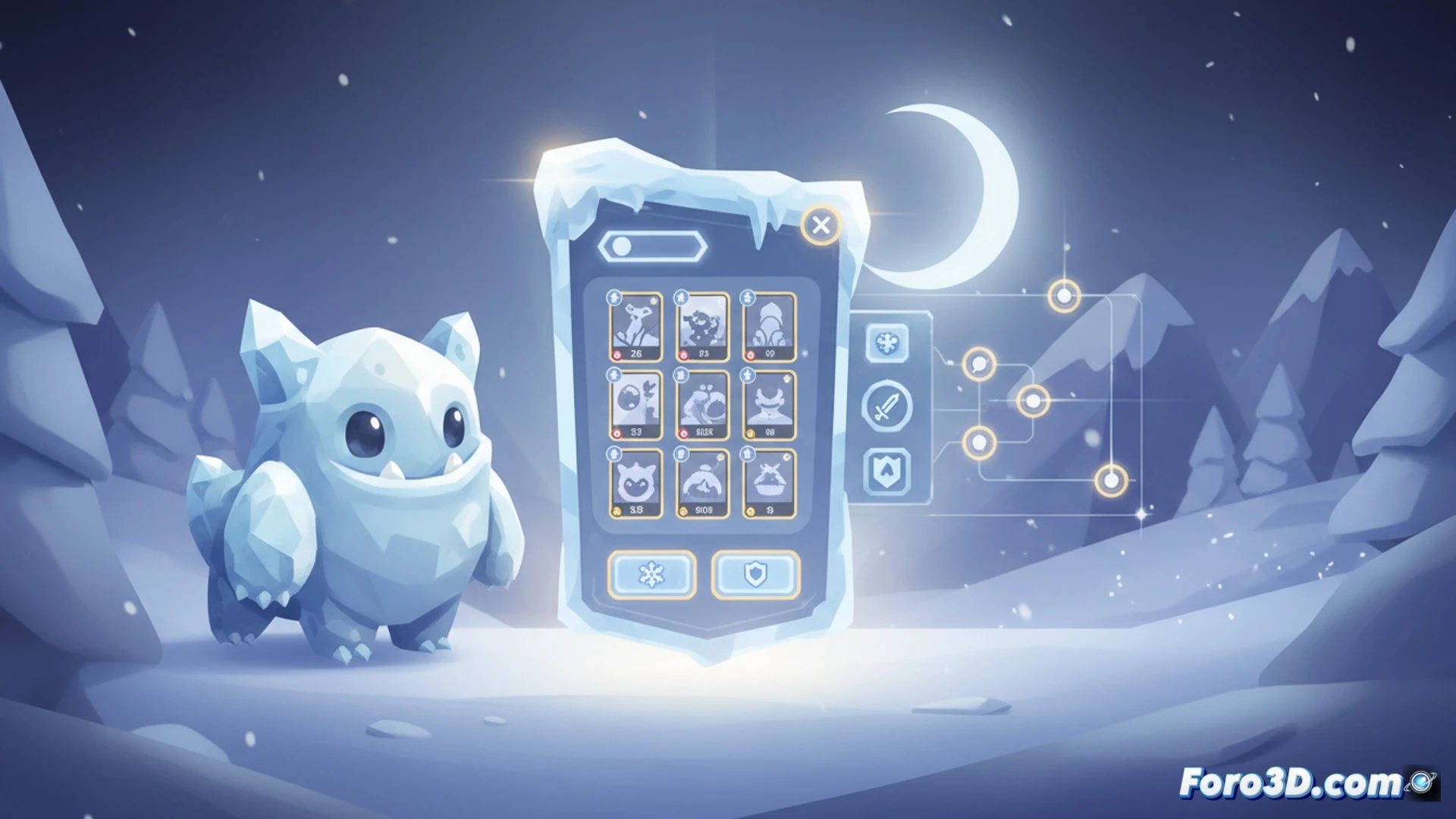
The technical key to Wildfrost lies in the use of interpolation animations in Unity, likely managed with the Animator system or tweeners like DOTween. Each card slides, rotates, and positions itself with a smoothness that avoids abrupt cuts, keeping the player immersed. Additionally, the UI benefits from high color contrast and soft drop shadows, ensuring that every element, from text to icons, is instantly legible. For developers, it is recommended to use Canvas in Screen Space - Camera mode to scale the interface without losing quality, and to prioritize the use of sans-serif fonts with generous tracking. Visual coherence is reinforced by applying a subtle post-processing filter (such as a slight bloom or vignette) that unifies all sprites without saturating the scene.
Lessons for the indie developer: less noise, more charisma ✨
Wildfrost demonstrates that a photorealistic graphics engine is not needed to stand out. The lesson for indie developers is to prioritize legibility over unnecessary detail. By limiting the color palette to pastel tones and using thin black outlines on characters, a style reminiscent of an illustrated book is achieved. To replicate this effect, it is suggested to work with low-resolution textures (soft pixel art) but with flat shading in Unity, and always test the interface on small screens to ensure that critical card game information is read effortlessly.
An indie developer looking to emulate the clean and legible aesthetic of Wildfrost in Unity, what specific post-processing techniques or lighting configurations do you consider key to achieving that style without sacrificing performance on modest hardware?
(PS: shaders are like mayonnaise: if they break, you start all over again)