WhatsApp is working on a feature that will display which contacts are online in a separate list. The section will sort contacts as follows: favorites at the top, then those connected, and finally those recently active. It is accessed from settings and respects privacy: you only see others' status if you also show yours. No release date yet, already available in beta for iPhone.
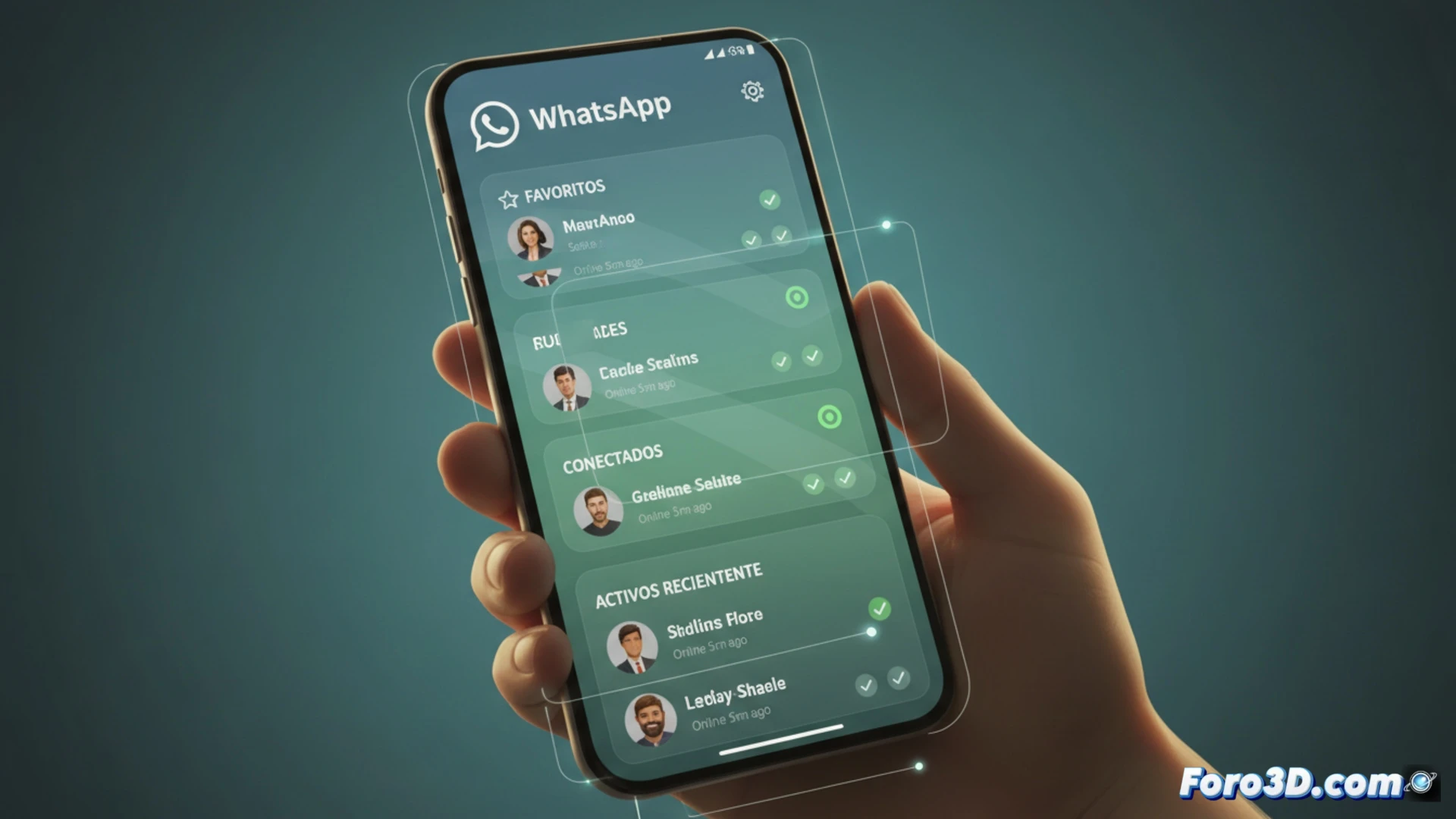
How the new active contacts section works 📋
Technically, the list will be integrated into the privacy settings. It will use the traditional connection status, but with a filter that prioritizes contacts based on recent interaction. Favorites appear first, followed by those who are online at that moment, and then those who have been active in the last few hours. The system is reciprocal: if you hide your status, you won't see others'. The iOS beta already includes it, although no date for Android.
Finally, we'll know who's ignoring us in real time 👀
Now you'll be able to see in a list who is online without having to guess with the blue double check. Perfect for discovering that your ex has been online for three hours but hasn't replied, or that your boss is active at 2 AM. The best part: since it's reciprocal, if you activate the feature, they will also know you're watching them. Goodbye to the excuse of I hadn't seen the message. Get ready for awkward conversations.