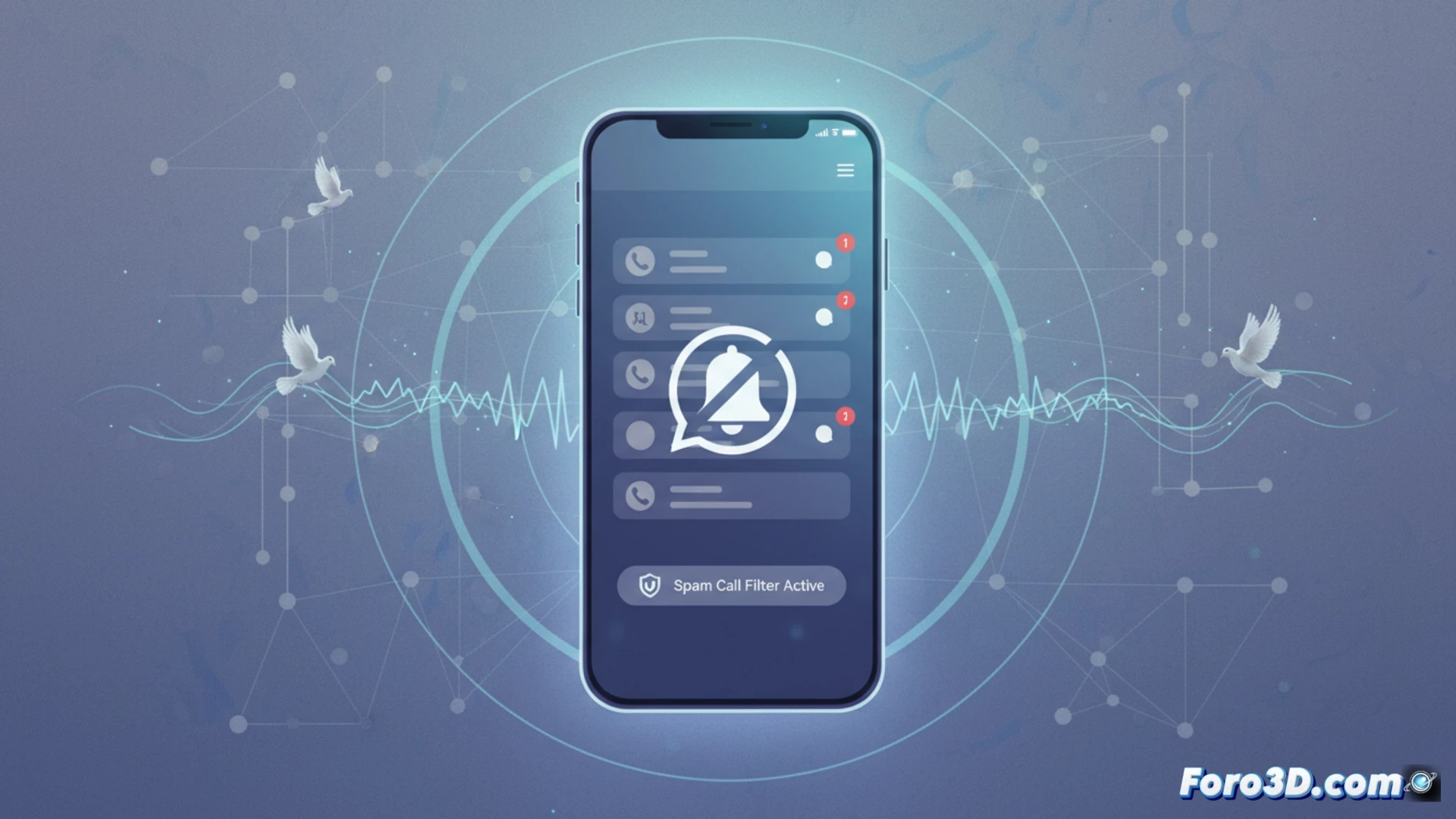
WhatsApp has reminded users of a key feature to silence calls from unknown numbers. In the face of the growing wave of spam and call centers, the platform explained in an official statement that these calls will not make the phone ring, but will remain visible in the call log in case they are important. A practical tool to restore peace and quiet. 🔇
How to activate the filter in privacy settings ⚙️
To activate this option, the user must go to Settings, then Privacy, and finally to the Calls section. There, they will find a toggle to enable or disable the function according to their preferences. Technically, the app filters incoming calls from contacts not saved in the address book, preventing the device from vibrating or ringing. The call log still shows the contact attempt, allowing users to check if any legitimate number tried to get in touch without interrupting daily activities.
Goodbye to the 8 AM call center scare ☕
Finally, WhatsApp frees us from that epic moment when you drop your coffee upon hearing the ringtone, only to find it's a robot offering you a credit card. Now, those calls from unknown numbers will fade into the log without disturbing your peace. Of course, prepare your excuse for when your boss calls from a new number and you tell him you didn't hear it because of the privacy settings.