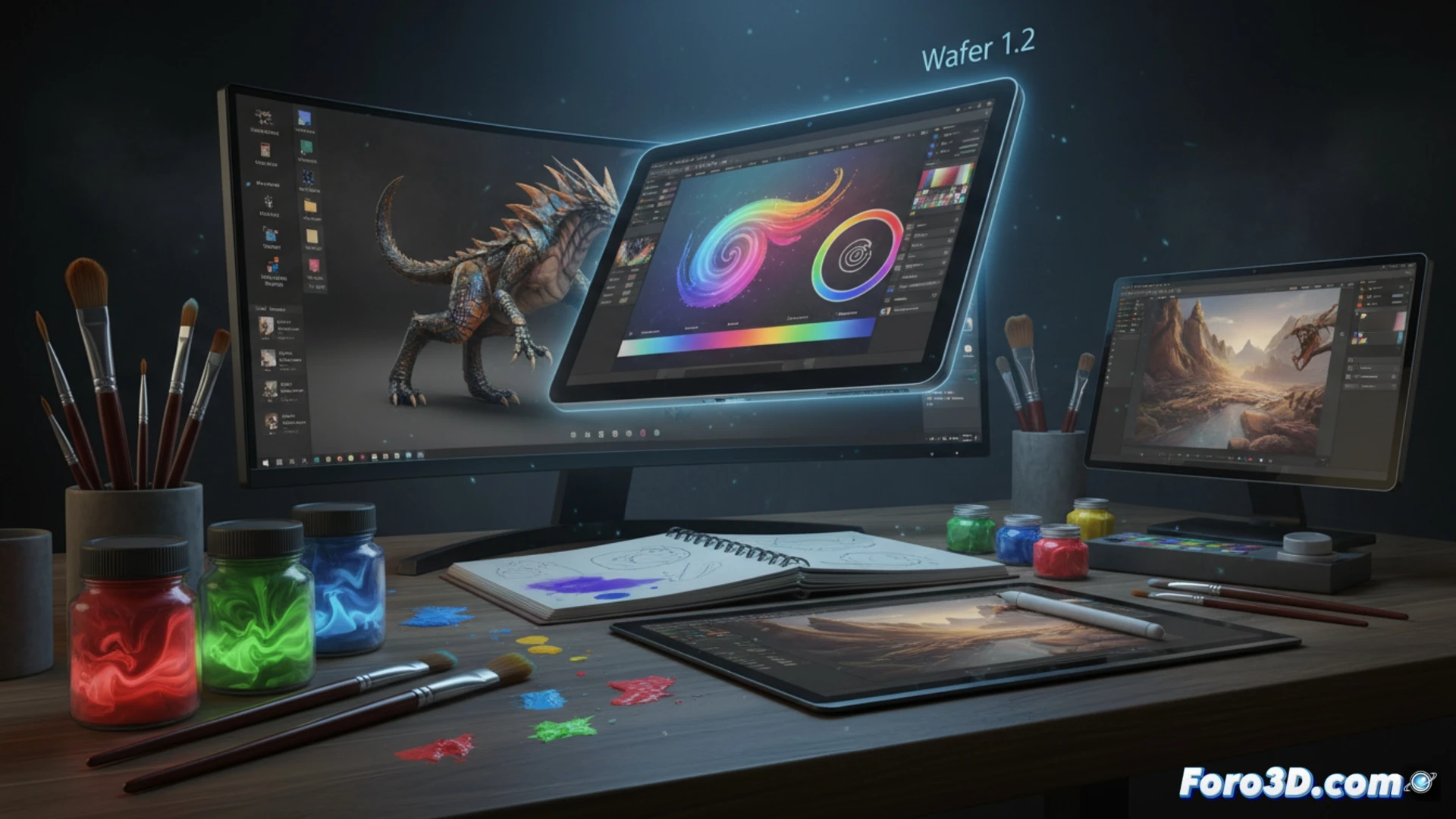
The studio behind CozyBlanket and Uniform expands its catalog with Wafer 1.2, the desktop version of its digital painting tool. This edition incorporates all the features of the latest iPad version, including the new Smudge brush. The app offers pressure-sensitive brushes, templates, stickers, and a layer-based workflow with masks and blend modes, along with physics-based rendering.
Multichannel Painting and Layer Workflow 🎨
One of the standout features of Wafer 1.2 is multichannel painting, which allows you to work on multiple texture channels simultaneously, streamlining processes like PBR material creation. Support for physics-based rendering complements this feature, offering a more realistic preview of the final result. The base app is free to try, though saving files requires purchasing the full version. The integration of layers with masks and blend modes provides precise control over each element of the drawing.
The Third Contender That Wants Your Time (and Your Money) 💸
Wafer arrives as the studio's third graphic option, just when you thought you already had enough unused drawing apps on your hard drive. It's free to try, but saving files costs money, meaning you'll be able to admire your masterpiece without being able to log out. At least it includes Smudge, a tool that promises to smear your layers with the same efficiency with which your coffee stains the keyboard.