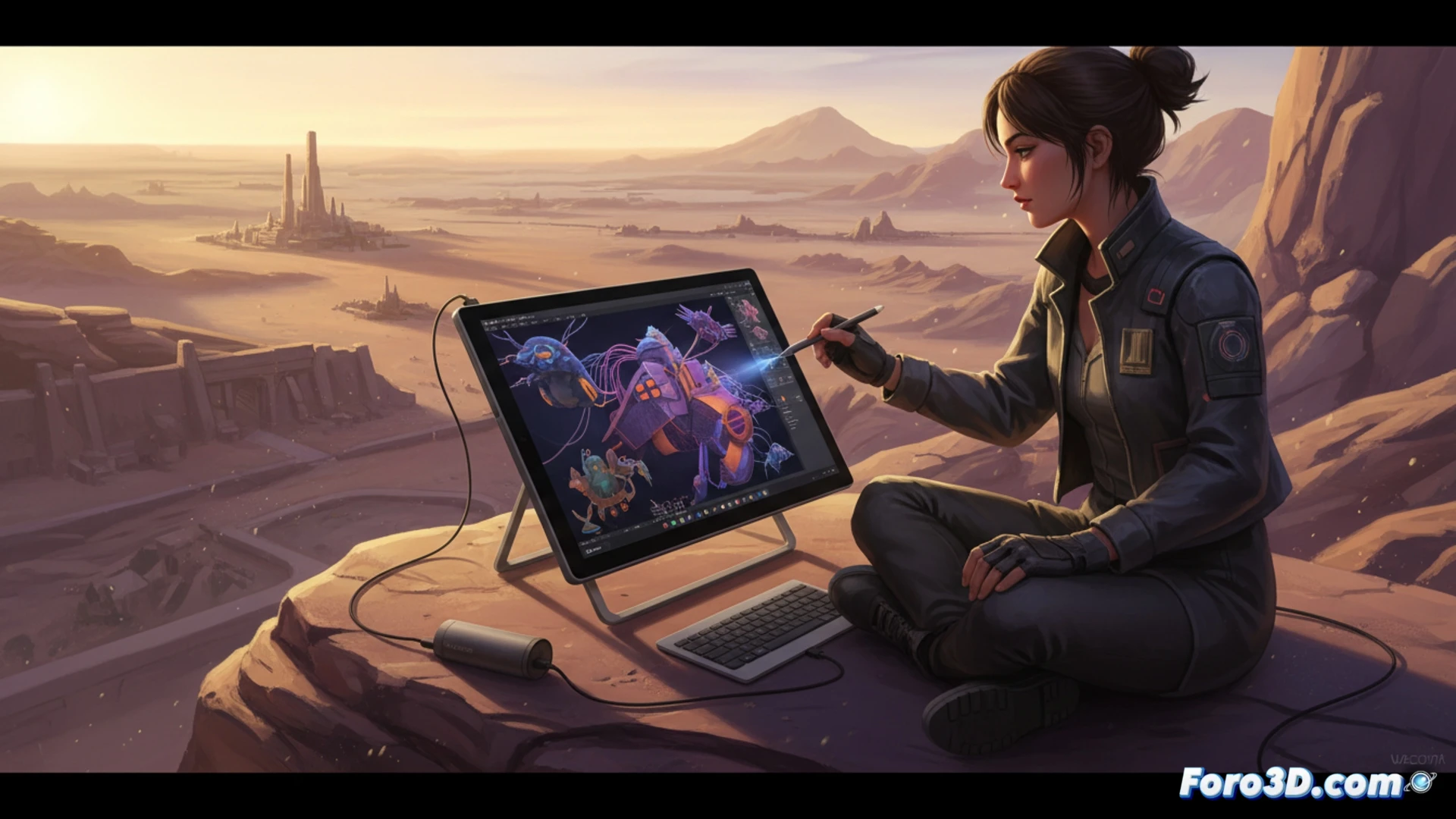
Wacom has broken its own mold with the arrival of the Movink 13, the company's first interactive display to incorporate an OLED panel. With a record weight of 420 grams and a thickness of just 4 millimeters at its thinnest point, this device promises to redefine mobility for 3D professionals. But, can such a lightweight tool perform at the same level as traditional workstations in heavy software like ZBrush or Blender? We thoroughly analyze its technical specifications to answer this question.
Technical analysis: OLED, connectivity, and precision in 3D workflows 🎨
The strong point of the Movink 13 lies in its 13.3-inch OLED panel with Full HD resolution (1920x1080). For the 3D artist, this translates into infinite contrast (100,000:1 ratio) and 100% DCI-P3 color coverage, critical for color fidelity in texturing and digital painting. The integrated Pro Pen 3 technology offers 16,384 levels of pressure, with minimal latency that allows precise strokes in digital sculpting. However, the biggest challenge is connectivity: lacking HDMI and relying on USB-C with DisplayPort Alt Mode support, users of workstations with dedicated GPUs (RTX or AMD) will need to verify their port's compatibility. For ZBrush workflows, the touch response is immediate, although the matte surface reduces glare but may wear down pen tips slightly faster than on models like the Cintiq Pro.
Mobility vs. productivity?: The nomadic artist's dilemma 🚀
Compared to alternatives like the Wacom One 12 (heavier and with an LCD panel) or the Huion Kamvas 13 (similar in weight but with poorer color coverage), the Movink 13 wins hands down in portability. For a modeler working in cafes or constantly traveling, losing 600 grams compared to a Cintiq 16 can make a difference in the backpack. However, the 13.3-inch screen may feel limiting for complex software interfaces like Maya or 3ds Max, where space for toolbars is required. The extra investment is justified if you prioritize accurate color in texturing and need a device that fits in a laptop sleeve. If your work is primarily desk-based, a Cintiq 16 or a high-end 4K monitor remains more efficient per square inch of workspace.
How does the integration of an OLED panel in the Wacom Movink 13 affect color accuracy and contrast in variable lighting environments for the nomadic digital sculptor?
(PS: remember that a powerful GPU won't make you a better modeler, but at least you'll render your mistakes faster)