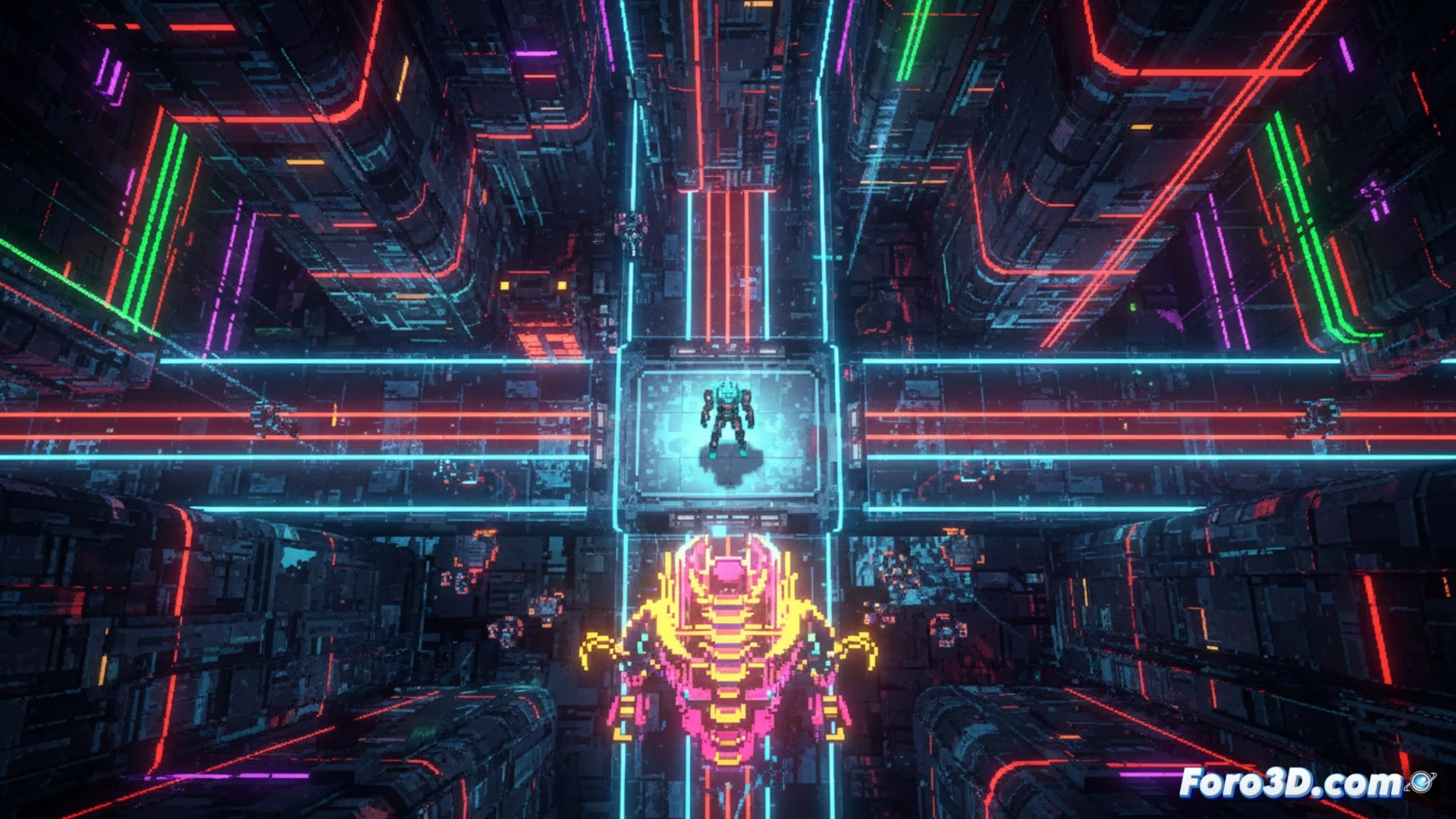
Unsighted, developed by Studio Pixel Punk, is a fascinating case study for any indie developer looking to master pixel art in 2.5D. The game combines a post-apocalyptic world with a vibrant neon color palette, achieving a powerful visual identity. Upon analysis, we discover that the key lies in the synergy between Unity for dynamic lighting and Aseprite for creating detailed sprites, demonstrating that an AAA engine is not needed to achieve high-impact technical and artistic results.
Technical Pipeline: Neon Lighting with 2D Sprites in Unity 🎮
The neon effect in Unsighted is not a matter of chance. In Aseprite, sprites are drawn with limited palettes but high contrast, clearly separating light and shadow areas. Then, in Unity, a 2D lighting system is implemented using the Universal Render Pipeline (URP). By assigning materials with the Sprite-Lit-Default shader, the Aseprite sprites react to point lights, creating the characteristic glow. To optimize performance in an open top-down world, it is recommended to use tilemaps with sprite atlases and reduce the number of real-time lights, opting for Baked lights for static objects and Mixed lights for interactive ones. An additional trick is to use simple particles to simulate reflections without overloading the GPU.
Lessons for Publishing an Indie with a Retro-Modern Style 🚀
The success of Unsighted on Steam demonstrates that visual coherence and early optimization are key. By maintaining a controlled neon color palette, lighting work is reduced and the atmosphere is unified. To replicate this style, prioritize contrast between dark backgrounds and bright elements. Additionally, document your pipeline from the start: export your sprites from Aseprite in .PNG format with clear names and organize your Unity project by layers (Background, Characters, Effects). This not only speeds up development but also facilitates performance debugging, a critical factor for certification on platforms like Steam.
How does Unsighted manage to combine the neon pixel art aesthetic with performance optimization in an engine like Unity for a top-down game with multiple on-screen elements without sacrificing fluidity?
(PS: 90% of development time is polishing, the other 90% is fixing bugs)