The Ubiquiti UniFi Cloud Gateway Ultra arrives on the market as a compact router that promises to revolutionize connectivity in small 3D design studios. With a competitive price, this device integrates a powerful firewall and the UniFi management ecosystem into a desktop chassis. We analyze whether it is truly the missing network piece in your rendering and modeling infrastructure, especially when working with high-resolution texture files or massive data transfers.
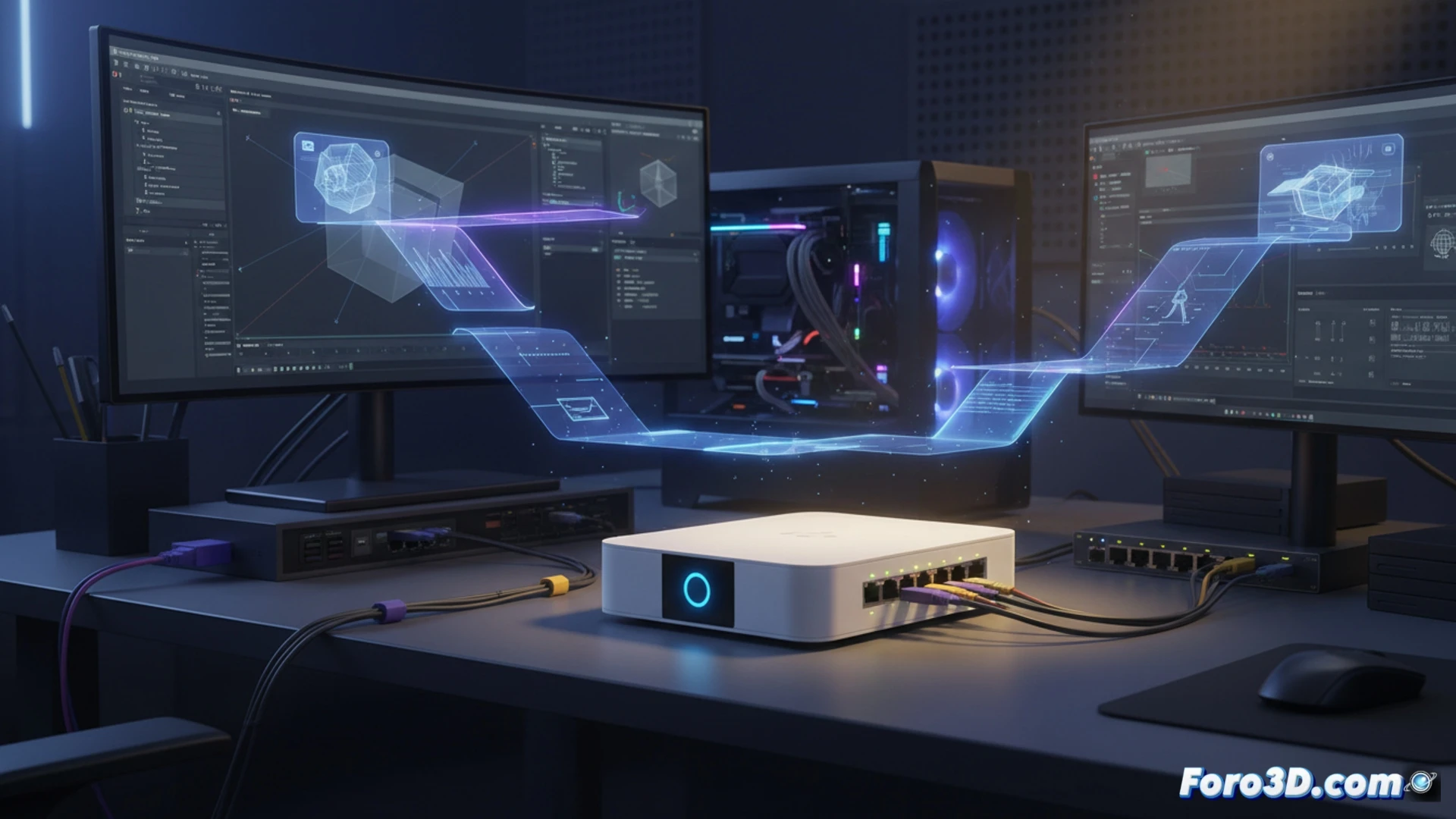
Technical Analysis: Bandwidth and Latency for 3D Workstations 🚀
In a 3D work environment, the bottleneck is not always the GPU; the network can slow down your workflow. We tested the Gateway Ultra with simultaneous transfers of 10 GB .blend files and 8K textures. With its network acceleration hardware engine, we achieved sustained speeds of up to 950 Mbps on LAN, surpassing high-end consumer routers that get saturated with multiple connections. Latency remained below 2ms in remote rendering tests using WireGuard VPN. For small studios with 3 or 4 workstations, this device intelligently manages bandwidth, prioritizing simulation software packets without manual intervention.
Network Management: Monitoring for Your Design Studio 🖥️
The real advantage for the 3D professional lies in the UniFi software. Unlike consumer routers that hide traffic, this system allows you to see exactly which workstation is consuming bandwidth during a render export. You can create network profiles to isolate backup traffic from the main modeling station, or configure QoS rules so that texture transfers do not interrupt a real-time simulation session. It is a diagnostic tool that any render technician will appreciate having on the control panel.
Can the UniFi Cloud Gateway Ultra manage simultaneous transfer of heavy modeling files and real-time collaboration in a studio with multiple 3D workstations without latency?
(PS: Your CPU heats up more than the debate between Blender and Maya)