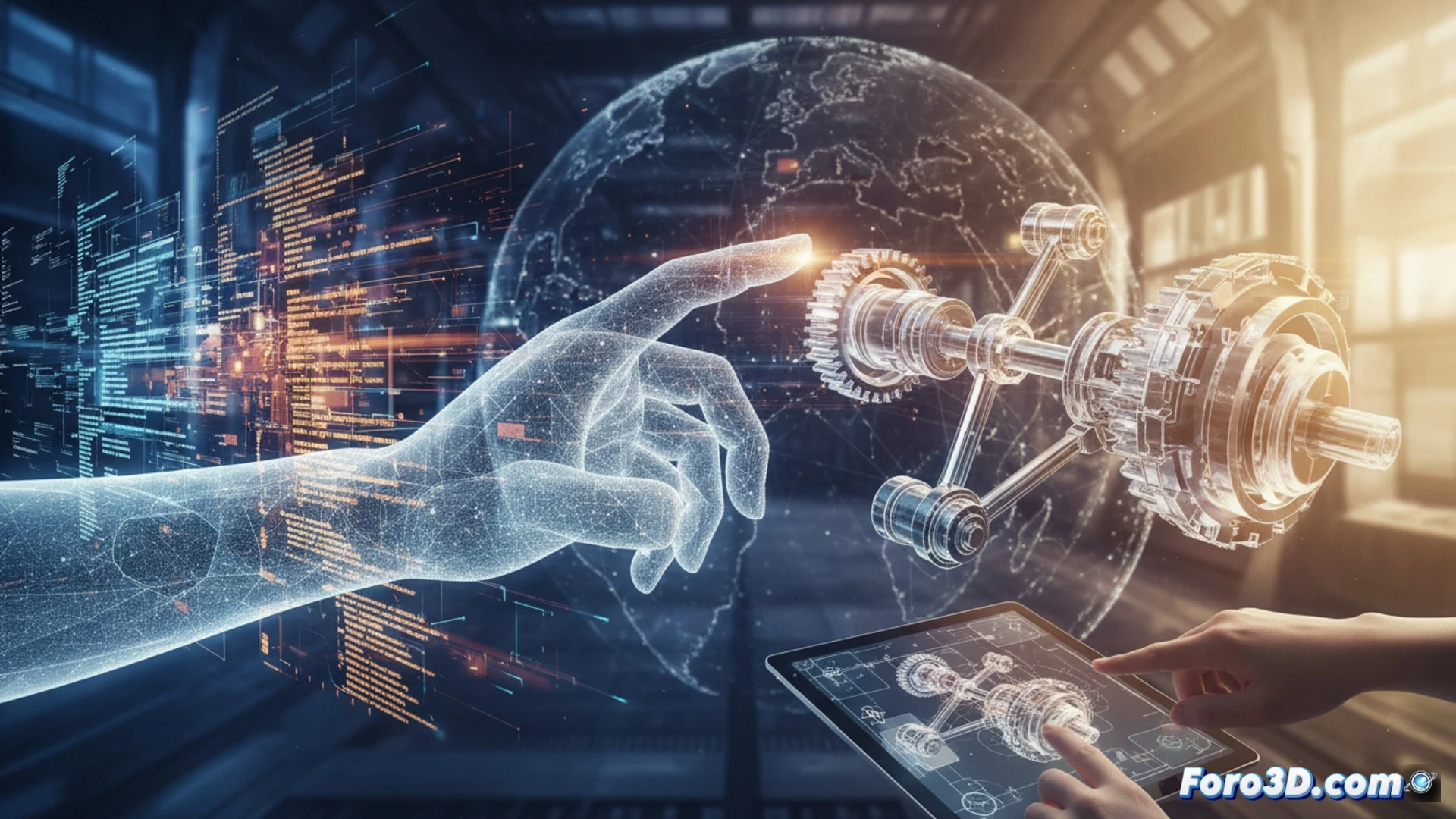
Translation is not just about changing words from one language to another; it also involves understanding the visual and spatial context. 3D technology allows you to visualize objects, environments, or machinery that the text describes, eliminating ambiguities. A technical translator working with furniture assembly manuals can use 3D models to see exactly how a piece fits, instead of imagining a translation of the word slotted screw.
3D Software for Technical Translators 🛠️
To apply this aid, the translator needs basic visualization and modeling programs. SketchUp, free in its web version, allows you to rotate and disassemble models. Blender, more complex, is used to analyze geometries. There are also CAD viewers like eDrawings or Autodesk Viewer, which open native engineering files. With these tools, the translator can identify components, verify terms like flange or latch, and compare the original text with the real object. You don't need to be a designer; just knowing how to navigate and measure is enough.
The Translator Who Saw Ghosts (and Modeled Them in 3D) 👻
Because, of course, nothing beats spending three hours translating variable angle bracket only to discover, upon seeing the 3D model, that it's actually a plastic clamp that looks like a giant paperclip. And the best part: the client tells you but it's perfectly clear in the drawing. Yes, sure, in the technical drawing they didn't send you. Thanks to 3D visualization, you can now point with the cursor exactly where the engineer made a mistake in the wording. Of course, then you have to explain to them that their connecting piece is actually a support for the monitor cable. Technology doesn't solve all problems, but at least it gives you ammunition for the next meeting.