A static 3D model can be flawless, but animating it reveals its seams. Poorly planned topology causes unnatural deformations, pinching, or creases where they shouldn't exist. The key is to anticipate movement during modeling, mimicking muscle tension lines and ensuring sufficient geometry at elbows, knees, and shoulders. It's a job of foresight, not post-correction.
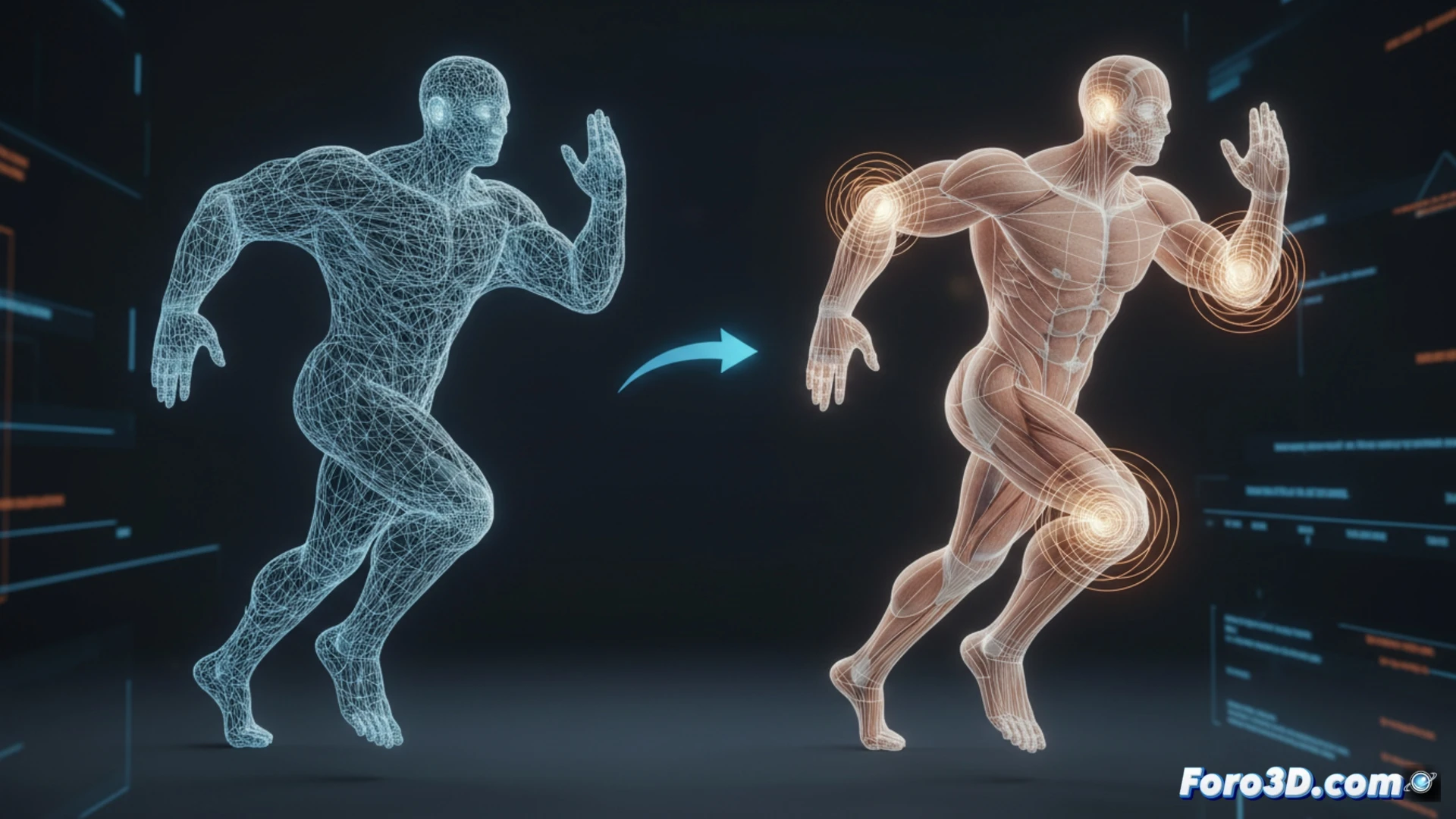
Geometry, Loops, and Controlled Deformation 🎯
Edge loops should follow the direction of muscle flow, not the model's resting aesthetics. In areas of extreme bending, such as joints, at least three or four geometry rings are required to prevent the mesh from collapsing. Tools like Weight Painting or using test bones (joints) allow you to verify deformations before finalizing. A low-resolution temporary rig helps detect weak points without investing hours in a full setup.
The Drama of the Elbow That Falls Apart When Moved 💥
We've all seen that elbow that, when bent, looks like an out-of-tune accordion, or a knee that turns into a funnel. It's the moment the model screams I wasn't prepared for this. The worst part is that the client or director notices it on the first frame. That's why, before sending the model to animation, it's worth giving it a little virtual stretching session. Your future self will thank you.