If you're looking for a free email client, Thunderbird is a solid option that competes directly with Outlook. Although Microsoft dominates the office software market, this open-source program offers very comprehensive features without asking for a penny or a subscription. It's a practical alternative for those who want to manage multiple accounts, calendars, and tasks from a single place, without the heavy burden of a closed ecosystem.
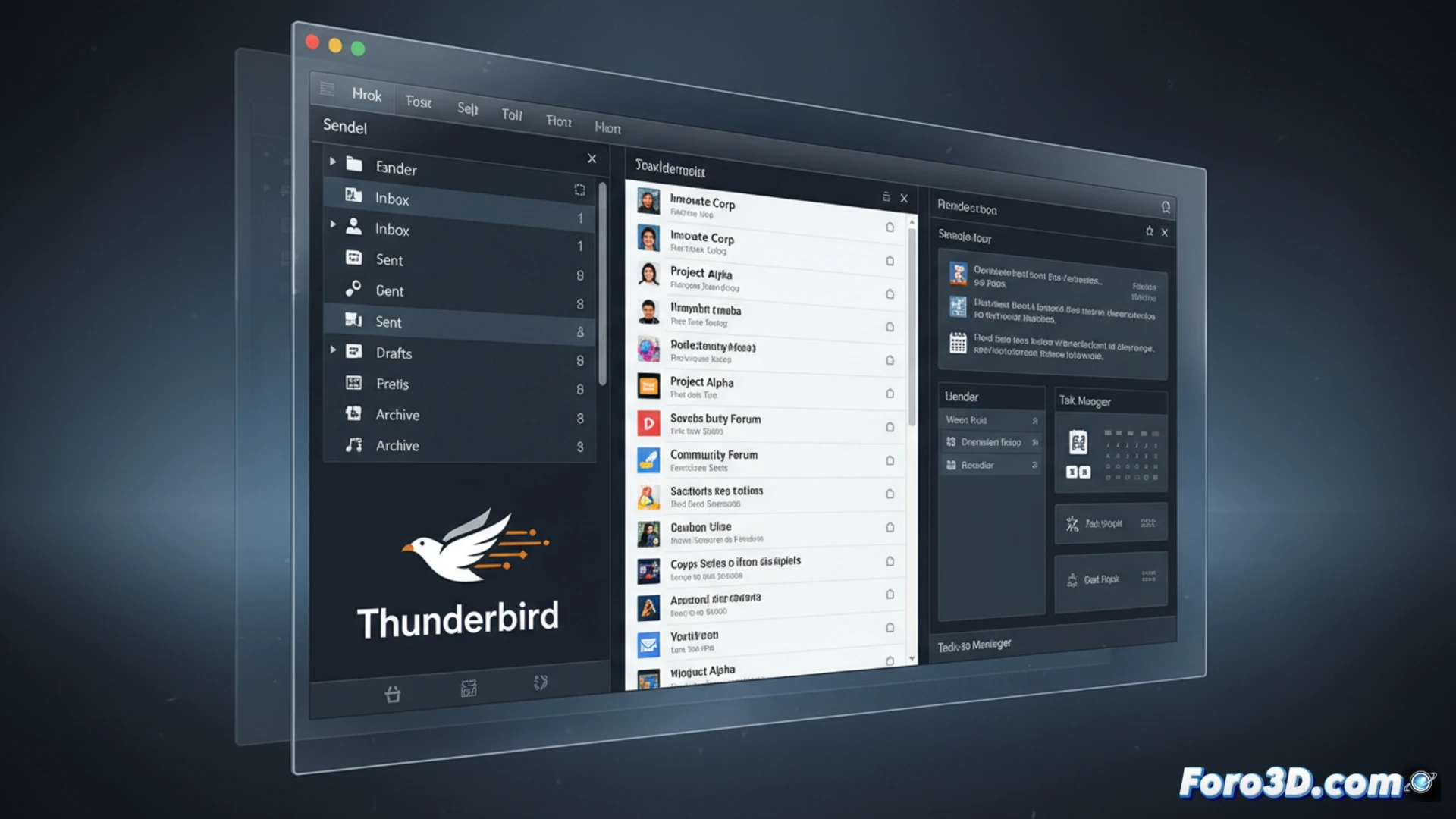
How Thunderbird handles protocols and extensions with ease 🛠️
Thunderbird natively supports IMAP, POP3, and SMTP, and its extension manager allows you to add features like PGP encryption or CalDAV calendar integration without complications. Unlike Outlook, which often requires paid plugins or cumbersome configurations for basic tasks, here everything is resolved with a couple of clicks. Additionally, its spam filter and conversation view work without relying on external servers, giving you more control over privacy.
The drama of not paying: why nobody warned you about this 😅
The funny thing is that, being free, many people are suspicious. They think that if you don't pay, the program will ask for a kidney or fill you with ads for flight deals. But no, Thunderbird is like that friend who lends you tools without expecting anything in return, while Outlook charges you even for breathing. The irony is that the free version here works better than the paid one, but of course, it doesn't have the pretty Microsoft logo.