The TerraMaster F4-424 Pro arrives on the market with a proposition that catches the attention of 3D design studios: an 8-core Intel Core i3 processor in a 4-bay chassis. Beyond its multimedia capabilities, this NAS promises to be a workhorse for managing high-resolution textures and backups of complex projects. We analyze whether its performance in large file transfers and its capacity as a network cache justify the investment for a modeling and rendering pipeline.
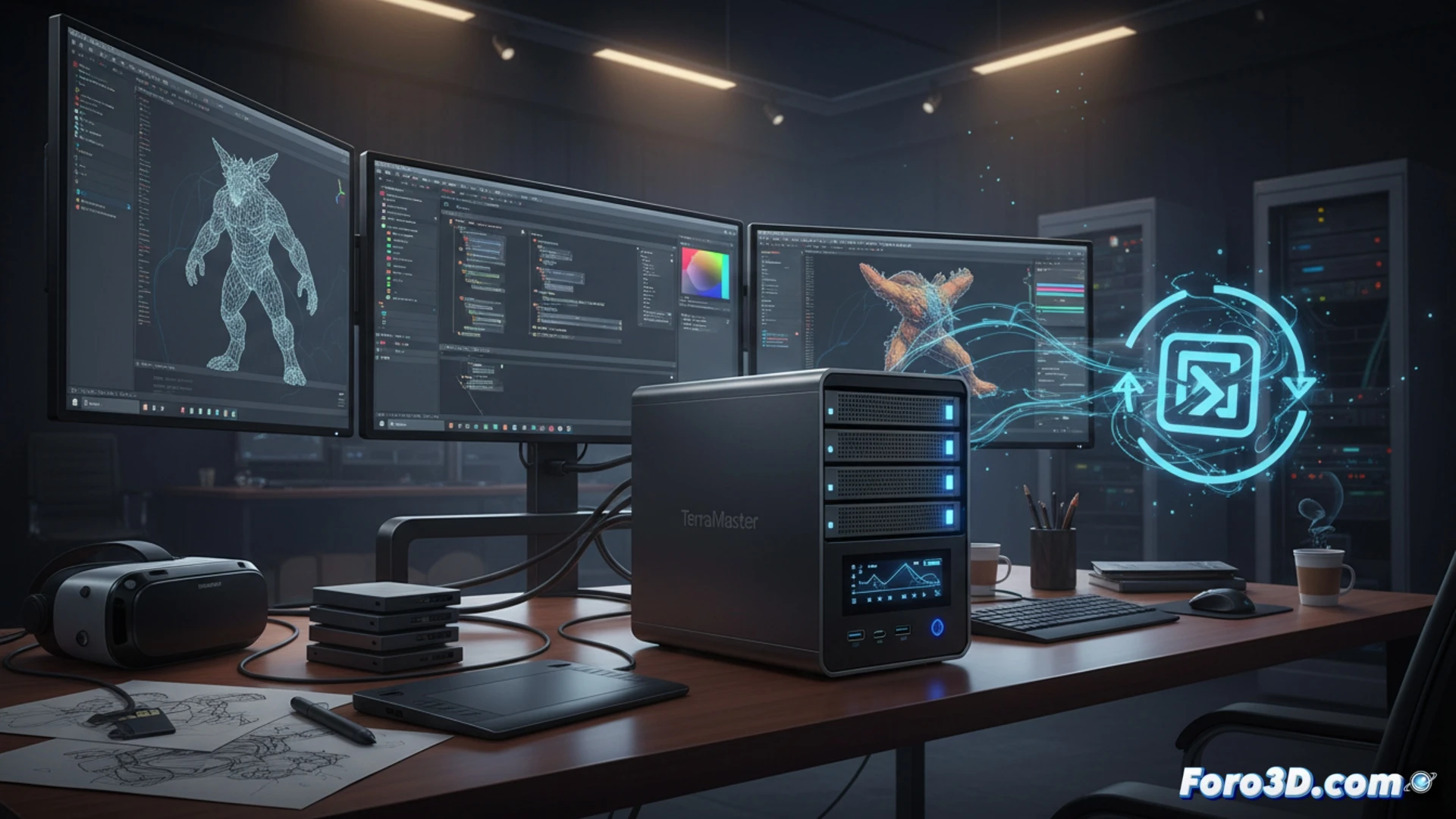
Performance in transfers and network cache 🚀
For a 3D workflow, data access speed is critical. The F4-424 Pro, with its 2.5GbE ports and link aggregation capability, offers bandwidth superior to typical home NAS devices. This translates to a noticeable reduction in loading times for 4K textures and multi-gigabyte scene files hosted on the network. Additionally, its eight-core CPU allows the system to function as a cache server for render farms, storing temporary assets and reducing latency during distributed rendering. Compatibility with Btrfs and snapshots ensures data integrity during long work sessions, although the lack of standard 10GbE ports limits its scalability compared to workstations with optical connectivity.
Is it enough for a modeling studio? 🎨
The key question is whether this NAS can replace a DAS (Direct Attached Storage) in a 3D studio. For small teams or freelancers, the F4-424 Pro is a solid solution: it allows centralizing material libraries, project versioning, and automatic backups without occupying the workstation's internal ports. However, for pipelines handling tens of gigabytes in real-time or collaborative editing of heavy meshes, network latency, though low, remains a factor. Its true strength lies in managing incremental backups and serving as a central repository for textures and proxies, freeing up the workstation's local SSD for active work. It is an orchestration tool, not a replacement for primary local storage.
Can the TerraMaster F4-424 Pro with its Intel Core i3 processor handle simultaneous rendering workloads and network storage without bottlenecks in a professional 3D workflow?
(PS: remember that a powerful GPU won't make you a better modeler, but at least you'll render your mistakes faster)