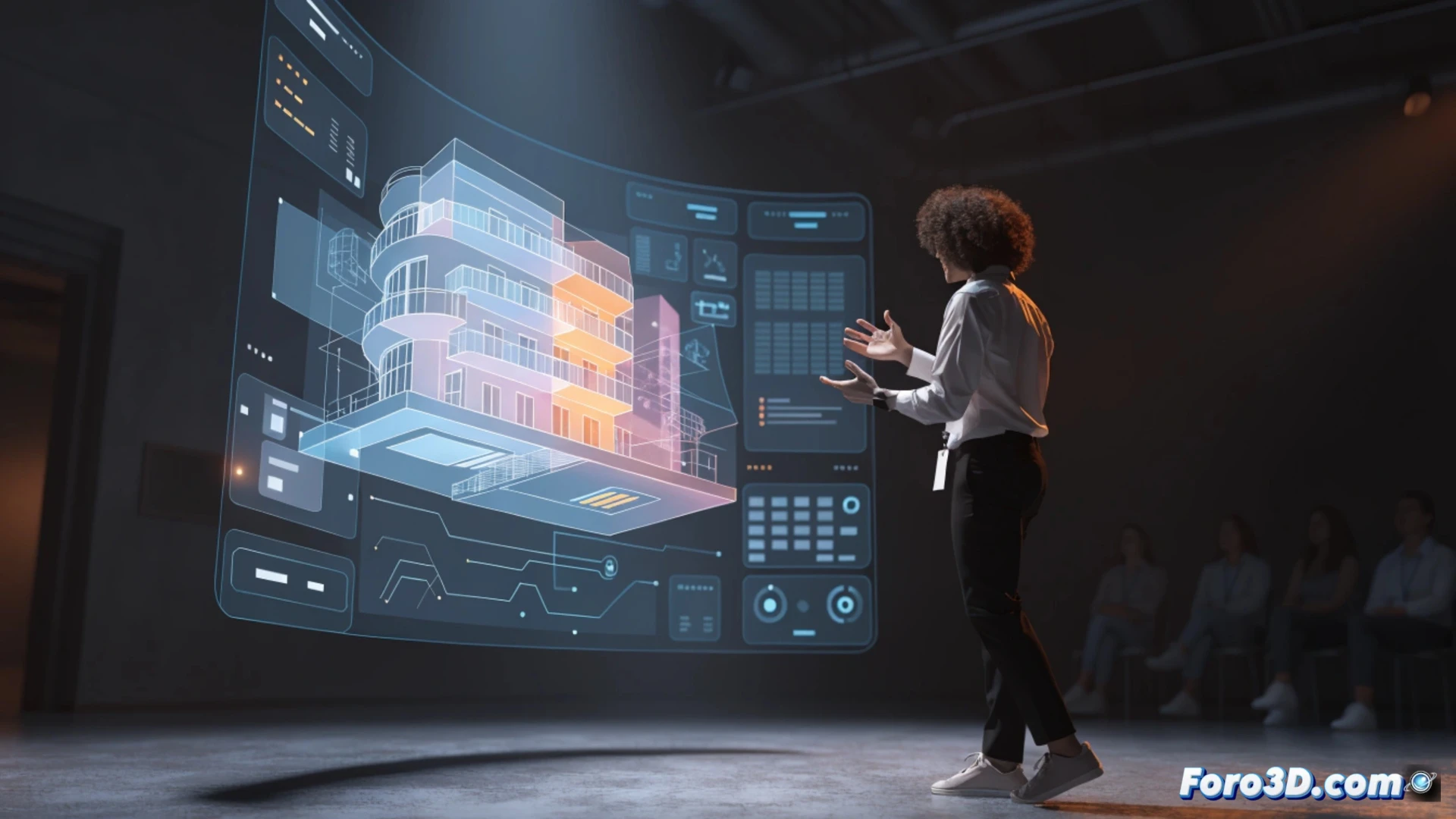
The craft of presenting demands visual clarity. 3D technology allows for the creation of models, animated graphics, and virtual sets that explain complex concepts without relying on hand-drawn sketches. For example, an architect can show the interior of a building before it is built, using an interactive three-dimensional model that the audience can rotate and scale in real time.
Key tools for modeling and animating 🛠️
Specific programs are used to generate these resources. Blender is a free option for creating models and animations from scratch. SketchUp facilitates rapid modeling of architectural spaces. For live presentations, OBS Studio allows integrating 3D objects with the presenter's camera. And if you're looking for something more polished, Cinema 4D or Unreal Engine offer virtual environments where the presenter moves as if on a digital set.
When 3D saves you from drawing a chicken 🐔
Because yes, we've all seen the presenter trying to draw a bar chart with a marker that has dried out. With a 3D model, you avoid that moment of panic. But be careful: don't overdo it. If you use an animation of a spaceship to explain quarterly sales, the audience will think you're selling tickets to Mars. 3D is a support, not a circus. Use technology to clarify, not to confuse.