The peripheral hardware industry has taken a qualitative leap with the arrival of magnetic keyboards, a technology that promises to redefine interaction in intensive work environments. Unlike traditional mechanical switches, which rely on physical contact between metals after a fixed travel distance of 2 mm, magnetic sensors measure the proximity of a magnet in the stem. This allows granular control of the actuation point, adjustable via software from 0.1 mm to 4 mm. For 3D modeling professionals, this flexibility is not a luxury, but a precision tool that can optimize workflows in software like Blender, Maya, or ZBrush.
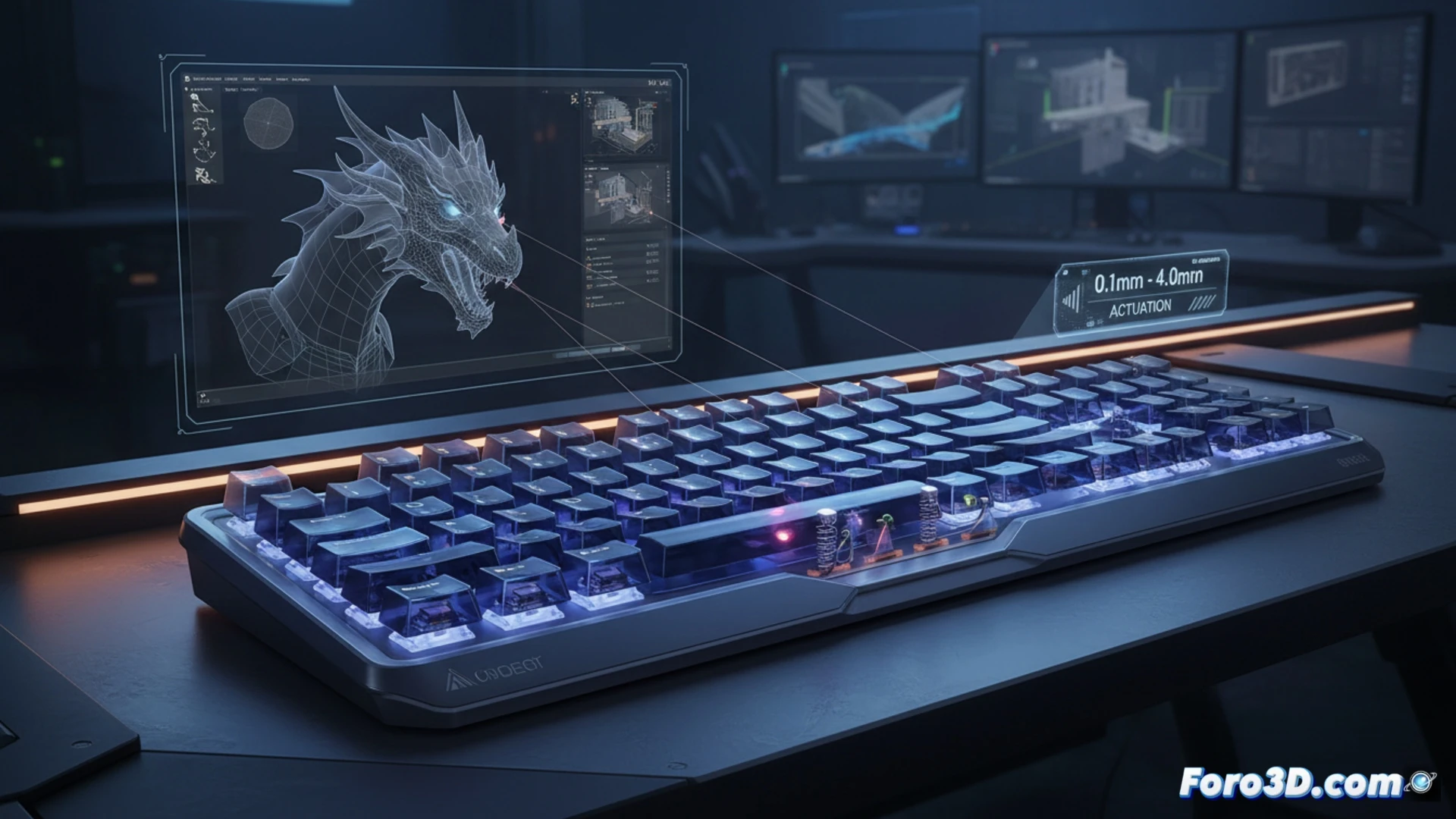
Actuation point customization and fatigue reduction 🎯
In tasks like digital sculpting or retopology, where quick camera movements alternate with precise vertex selections, the ability to configure the sensitivity of each key proves invaluable. A user can set the Shift key to activate at 0.1 mm, minimizing response time when switching tools, while the G key for moving objects may require a longer travel of 3 mm to avoid accidental activations. This direct customization, without changing physical switches, reduces muscle fatigue in rendering or simulation sessions that can last hours, as the effort needed to register a keystroke adapts to the function and not the other way around.
Dual function by pressure: workflow efficiency ⚡
The true differentiating advantage of magnetic keyboards lies in the ability to assign two different actions to the same key based on the depth of the press. For example, in a physics simulation environment, pressing the Space key lightly could start the timeline playback in slow motion, while a firmer press accelerates it to normal speed. In ZBrush, a light touch on a brush key could activate a soft brush, and a stronger press, a hard cut variant. This functionality eliminates the need for complex key combinations, streamlining modeling and allowing the artist to keep their eyes on the screen, not the keyboard.
How magnetic switch technology influences the precision and speed of keystrokes during 3D modeling compared to traditional mechanical keyboards
(PS: If your computer is smoking when opening Blender, you might need more than a fan and faith)