Microsoft has launched the Surface Laptop 7 with the new Snapdragon X processors, promising revolutionary battery life and integrated AI capabilities. However, for the 3D hardware user, the key question is not how long the battery lasts, but whether this ARM architecture can handle a complex viewport in Maya or render a project in Blender without crashing. We analyze whether this device is a serious tool or an elegant paperweight for the technical workflow.
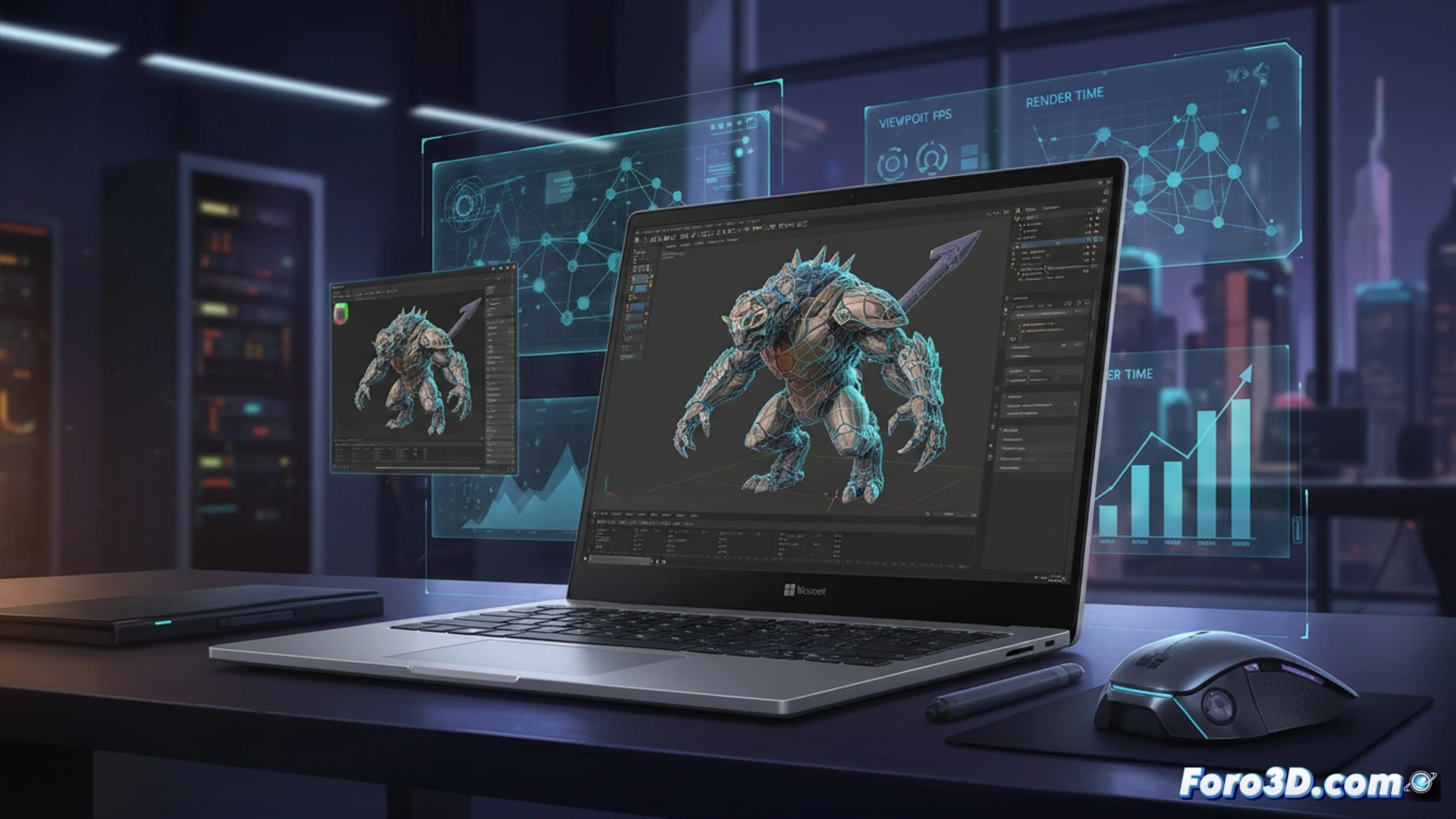
Technical analysis: CPU, ARM GPU, and software compatibility 💻
The Snapdragon X Elite integrates an Adreno GPU that, in synthetic benchmarks, offers performance close to an entry-level discrete GPU, but the reality of 3D is more complex. In programs like Blender (version 4.2+ with native ARM support), manipulating high-density meshes and physics simulation show acceptable fluidity, though far from an Intel Core i7 with an Nvidia RTX GPU. The main bottleneck is compatibility: ZBrush and Maya require x64 emulation on Windows on ARM, causing a performance loss of up to 40% in sculpting and vertex deformation operations. Battery life under heavy CPU render load drops drastically from the promised 15 hours to just 4 or 5 hours, a critical factor for intensive workdays.
Is it worth it for the design studio? 🎨
The Surface Laptop 7 is a dream laptop for general productivity and light 3D model visualization in client meetings, thanks to its screen and battery. But for heavy modeling, final rendering, or real-time texture editing, it remains a risky bet. Until the 3D software ecosystem (especially plugins) fully migrates to ARM, this device cannot replace a traditional x86 workstation. It is a consultation and presentation tool, not a production beast.
How does the emulation of professional 3D software like Blender or Autodesk Maya actually perform on the Surface Laptop 7 with Snapdragon X compared to an equivalent x86 laptop in complex rendering tasks?
(PS: If the computer starts smoking when opening Blender, you might need more than a fan and faith)