Summum Aeterna is a title that demonstrates how the Unity engine can be the centerpiece of a high-impact 2D workflow. With a vibrant comic-book style and combat loaded with particle effects, the game not only appeals visually but also demands rigorous optimization to maintain smoothness. We analyze the pipeline behind its aesthetic, from art in Aseprite to polishing in Photoshop, and how to make everything run without stutters during action. 🎮
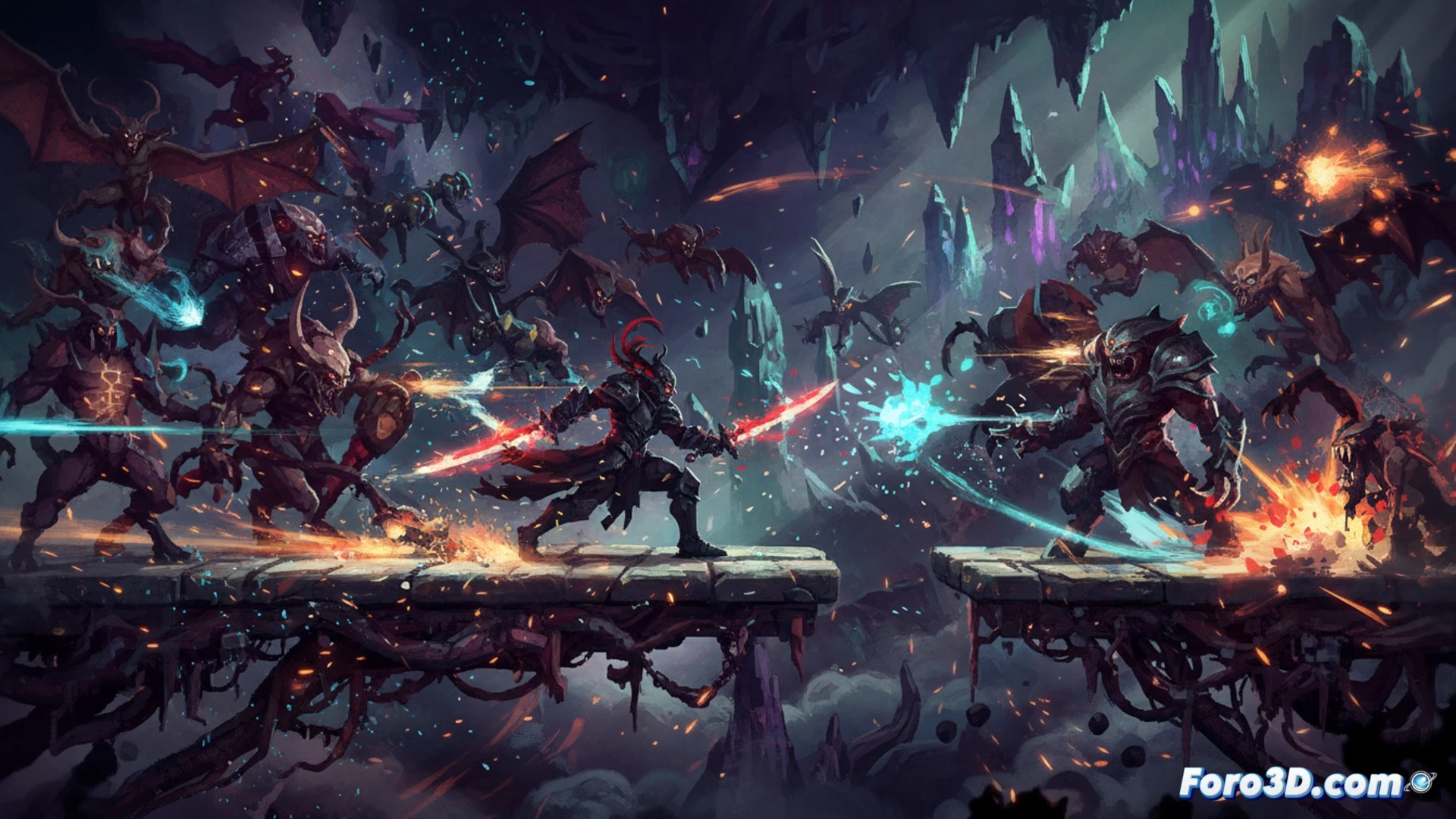
Art Pipeline: From Aseprite to Unity with Modular Layers 🎨
The Summum Aeterna team likely employs a pipeline based on modular sprites. In Aseprite, key animations (attacks, jumps, parries) are drawn with a limited palette to maintain comic-style consistency. Each frame is exported with transparent backgrounds. Then, in Photoshop, contrast adjustments and lighting effects (like Glow or Overlay) are applied to simulate comic book vignettes. In Unity, the Sprite Renderer is used with Point mode (not bilinear) to preserve sharp pixel art. For constant particle effects, the Particle System is configured with low-resolution textures (16x16 pixels) and the emission rate is limited to 50 particles per second, using the Color over Lifetime module to create ink explosions without saturating the GPU.
Lessons for Indies: Optimization Without Sacrificing Style ⚡
The biggest challenge of a fast-paced 2D game is maintaining stable 60 FPS. A key technique is the Sprite Atlas in Unity: it groups all animation frames into a single texture to reduce Draw Calls. Additionally, for combat, it is recommended to use Animation Events to synchronize particle effects with hits, rather than persistent particles. Finally, in Aseprite, work with separate layers for the character and their accessories; this way, in Unity, visual elements (like dust or aura layers) can be deactivated when the screen gets cluttered. Summum Aeterna demonstrates that a vibrant style is not an enemy of performance if the pipeline is planned from the sketch.
How does the Summum Aeterna team manage to maintain smoothness and synchronization of 2D animations in Unity without sacrificing performance during the most frantic combats?
(PS: optimizing for mobile is like trying to fit an elephant into a Mini Cooper)