Live streaming dominates 2026, with Twitch, YouTube Live, and TikTok Live at all-time highs. To broadcast with semi-professional quality, you don't need to spend a fortune. OBS Studio, a free and open-source software, a modest PC, and a stable connection are enough. Its initial setup takes between 30 and 60 minutes.
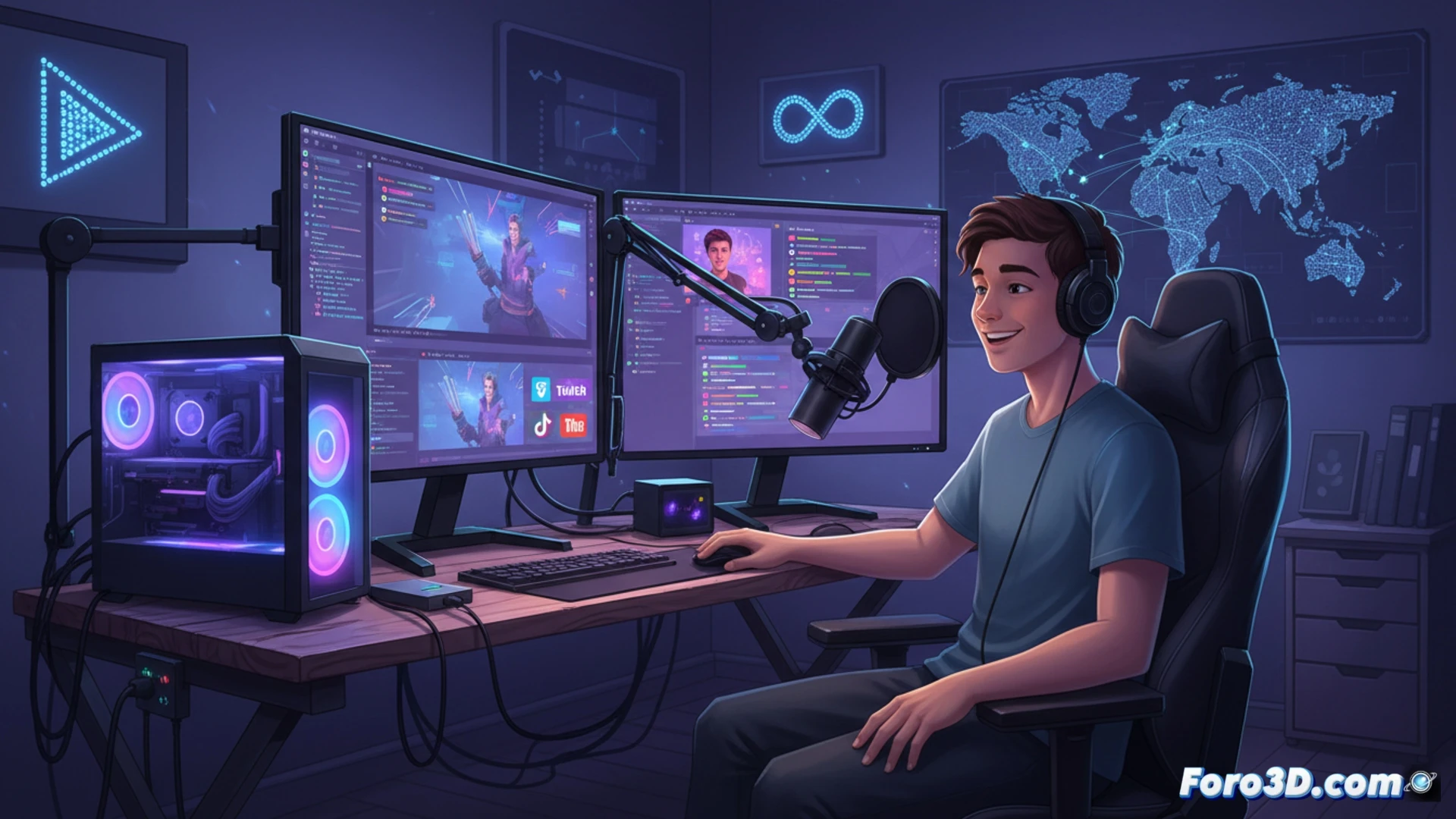
Basic Technical Setup with OBS Studio 🎥
OBS Studio is cross-platform and the global standard. To start, add sources like webcam, screen, or microphone from the sources panel. Then, go to Settings > Stream and select the chosen service. Enter the stream key found in your platform's panel. Adjust the resolution to 1080p and the bitrate between 3500 and 6000 kbps for a balance between quality and stability.
The Drama of Light and Microphone 🎤
Of course, you can ignore all of the above and use your laptop's webcam and built-in microphone. The result will be that professional 2010 video call look, with your neighbor's drilling in the background. But hey, at least you entered the stream key correctly. The audience will appreciate that authentic live-from-a-cave touch.