Valve has released its official Steam Deck Docking Station, an accessory that promises to transform the handheld console into a desktop PC. With HDMI 2.0 output for 4K at 60Hz, Gigabit Ethernet, and three USB-A 3.1 ports, the dock aims to expand the device's versatility. However, for 3D artists, the key question is not whether it works, but whether the Steam Deck itself can smoothly run modeling and rendering software when connected to an external monitor. 🎮
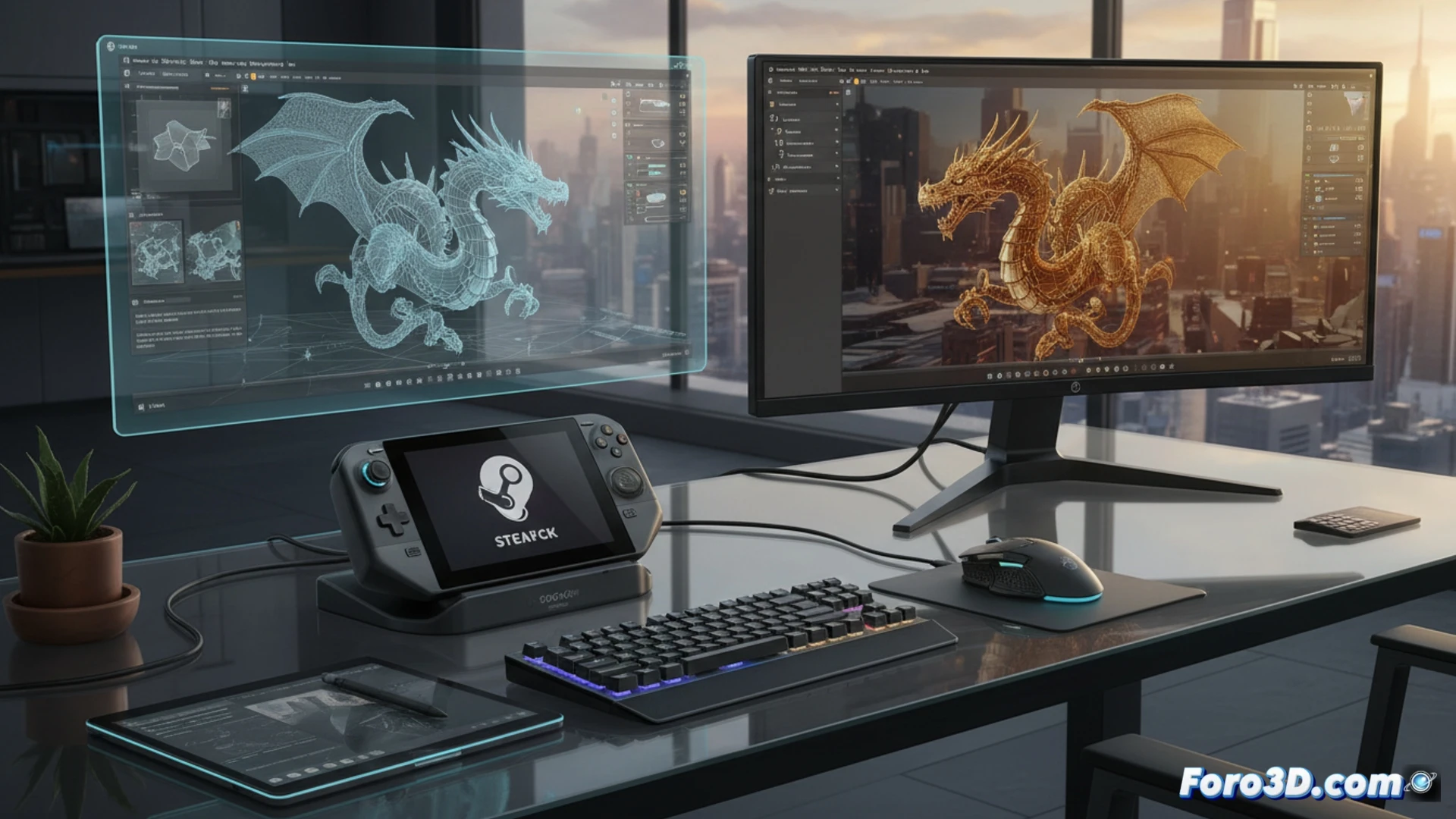
Technical analysis: GPU, RAM, and cooling under sustained load 🔥
The Steam Deck features an AMD Van Gogh APU with 4 Zen 2 cores and 8 threads, paired with an RDNA 2 GPU with 8 compute units. Its 16 GB of unified LPDDR5 RAM is shared between CPU and GPU, imposing a severe limitation for complex 3D scenes. When connecting the dock and a 4K monitor, the GPU must manage the external resolution while running applications like Blender or ZBrush. In rendering tests with Cycles, the Steam Deck offers performance comparable to a GTX 1050 Ti, but suffers from the lack of dedicated VRAM. The cooling system, designed for handheld mode, quickly saturates during extended sessions, causing thermal throttling that reduces performance by up to 30% after 20 minutes of continuous work.
Is it worth it for the mobile 3D artist? 🎨
The Steam Deck + Docking Station combination does not replace a workstation with an RTX 4060 and 32 GB of RAM, but it does enable a lightweight, portable workflow. It is viable for basic sculpting in ZBrush, retopology in Blender, or real-time viewing of .obj files, as long as meshes do not exceed 500,000 polygons. For final rendering or physical simulations, the system falls short. The dock's greatest value is connectivity: it allows the use of an external monitor, keyboard, and mouse, transforming the console into an emergency rig for quick field reviews or client presentations without carrying a heavy laptop.
Can the Steam Deck Dock handle complex 3D modeling and rendering workflows without sacrificing the portability that defines it?
(PS: remember that a powerful GPU won't make you a better modeler, but at least you'll render your mistakes faster)