Navigating in CAD and 3D environments can become an exercise in patience when you rely only on a traditional mouse. 3Dconnexion presents the SpaceMouse Enterprise, a device designed for engineers and designers seeking fluidity in their projects. With 12 programmable keys and an integrated touch screen, this controller offers a more direct way to move, rotate, and scale complex models without losing visual reference.
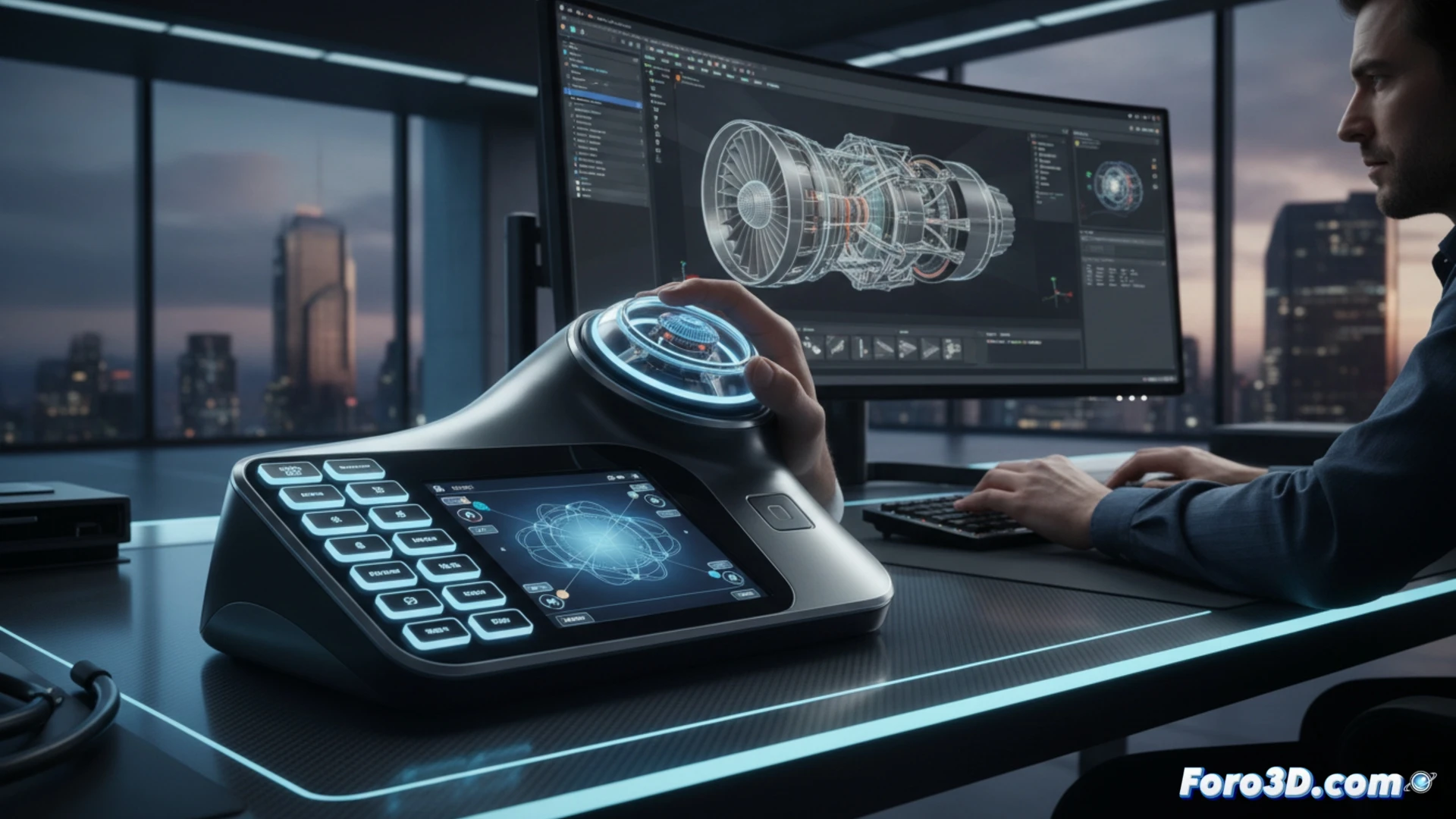
12 programmable keys and touch screen for CAD workflows 🖥️
The SpaceMouse Enterprise combines a six-degree-of-freedom sensor with a customizable physical interface. The 12 keys allow you to assign frequent commands like save, undo, or change view, while the touch screen displays contextual shortcuts and application quick links. Its ergonomic design reduces wrist strain during long sessions. Compatible with software such as SolidWorks, AutoCAD, and Blender, it connects via USB and does not require complex drivers to operate.
The day I left the mouse and almost lost control 😅
At first, using the SpaceMouse Enterprise is like learning to skate with new wheels: exciting but with a risk of crashing into the desk. The 12 keys promise productivity, but you end up pressing the zoom key when you wanted to rotate the model. The touch screen, on the other hand, is ideal for feeling like a NASA pilot while searching for the right command. That said, once you master it, the traditional mouse will seem as slow as a fax machine.