The Sony INZONE M9 II enters the professional hardware market with a proposal that combines high resolution and visual fluidity. With its 4K panel and an improved 160Hz refresh rate, this monitor aims to position itself as a key tool for those working in modeling, rendering, and simulation. The real novelty lies in its 24-bit backlight scanning, a technology designed to minimize ghosting and offer sharper response in dynamic scenes.
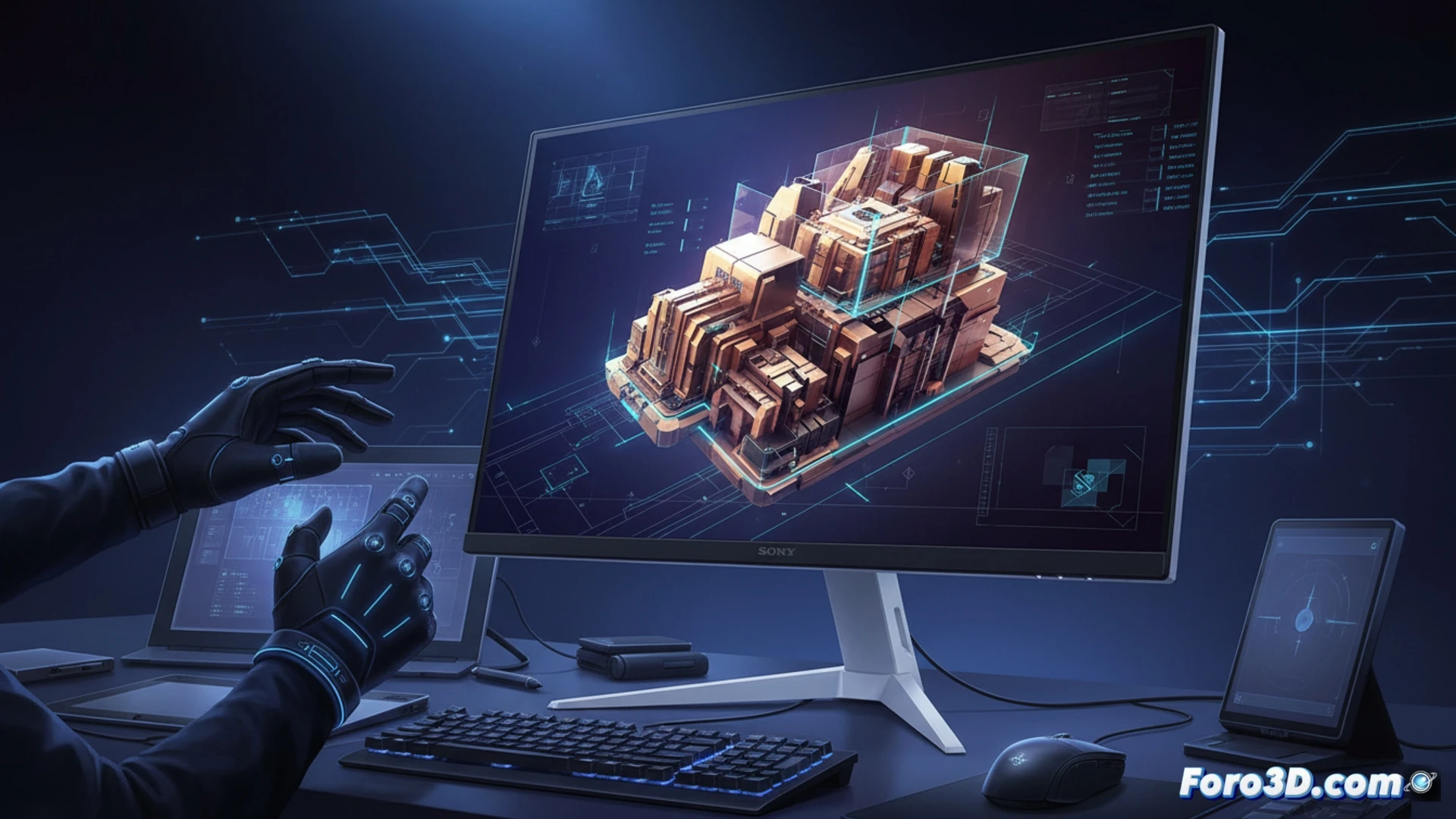
Technical analysis: 24-bit backlighting against ghosting 🖥️
In 3D workflows, viewing complex animations or navigating dense scenes is often affected by motion blur. The M9 II's 24-bit backlight scanning system manages light emission pixel by pixel with above-average modulation depth. This drastically reduces the ghosting effect in fast transitions, allowing the professional to evaluate the behavior of meshes and textures in motion without visual distortions. Combined with 4K resolution, the pixel density facilitates the inspection of minute details in high-polygon environments, surpassing 1440p monitors that sacrifice sharpness in viewport scaling.
Is it the ultimate monitor for the render studio? 🎨
Compared to competitors like the Dell UltraSharp or the ASUS ProArt, the INZONE M9 II bets on fluidity without neglecting color fidelity. For the 3D artist, 160Hz not only benefits gaming; it translates every camera rotation and object transformation into a tactile and precise experience. However, its true value is measured in the reduction of eye strain during long work sessions. If you are looking for a monitor that synchronizes mouse response with real-time simulation visualization, this Sony becomes a solid and balanced option for the professional studio.
Can a monitor with 160Hz and high color accuracy like the Sony INZONE M9 II improve efficiency in the 3D modeling workflow compared to a standard 60Hz monitor?
(PS: Your CPU runs hotter than the debate between Blender and Maya)