The Sennheiser Profile arrives as a direct solution for the 3D creator who needs clean voice-over without wasting time on complex setups. This condenser microphone with USB-C connection offers professional plug-and-play sound, ideal for recording modeling tutorials, narrating animations, or commenting on design streams. Its design eliminates the need for an external audio interface, simplifying the setup on desks already crowded with graphics tablets and render towers.
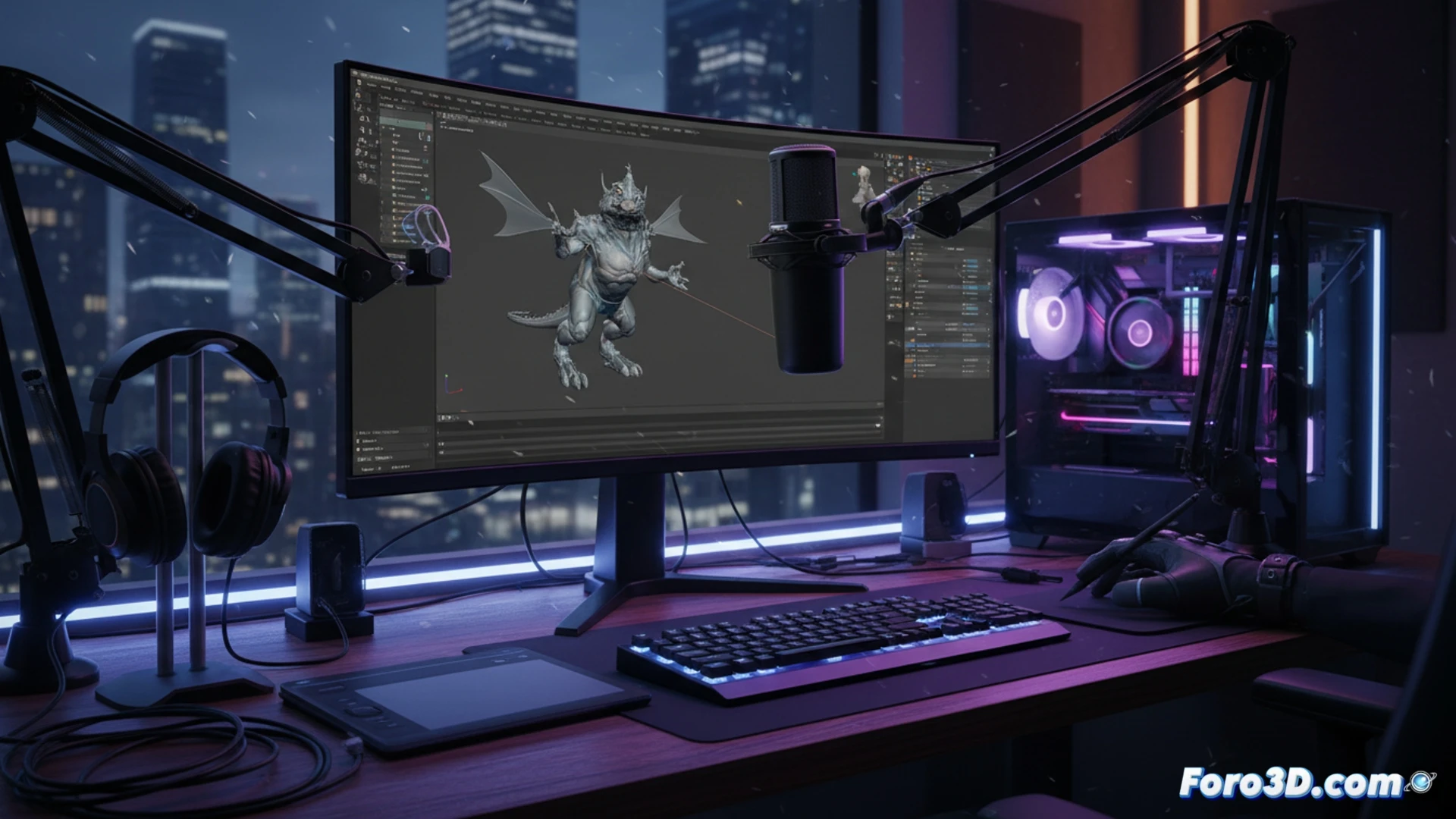
Technical analysis: capture and response in a 3D environment 🎙️
The Profile uses a 14 mm condenser diaphragm with a cardioid polar pattern, ensuring it captures your voice clearly while rejecting ambient noise from fans or hard drives. Its frequency response of 20 Hz to 20 kHz covers the entire human vocal range, ideal for narrations of architecture or industrial design projects. Being USB-C, it offers minimal latency and direct power from the port, critical when recording simultaneously with heavy software like Blender or ZBrush. Compared to a traditional XLR microphone, which requires an audio interface and balanced cables, this peripheral saves space and reduces technical friction in the daily workflow.
Reflection: Is less more in 3D audio recording? 🤔
For the 3D professional who values efficiency, the Sennheiser Profile represents a paradigm shift. It's not about having the most equipped studio, but about removing barriers between the idea and its recording. While an XLR microphone offers versatility in controlled environments, the Profile allows the creator to focus on modeling and animation, not on adjusting gains. In a niche where render time is already a scarce resource, simplifying audio input is a smart decision to maintain creative momentum.
Specifically for 3D modeling and animation workflows, where the microphone must capture voice instructions or narrations without interference from hardware noise, does the noise cancellation of the Sennheiser Profile USB-C effectively isolate the creator's voice without sacrificing tonal naturalness?
(PS: If your computer is smoking when opening Blender, maybe you need more than a fan and faith)