Ray Tracing has established itself as the undisputed king of graphics settings, but not for its beauty, but for its voracious appetite for resources. Activating this technology can cut the frame rate in half, transforming a smooth experience into a slideshow. We analyze why it demands so much and if the sacrifice is worth it. 🎮
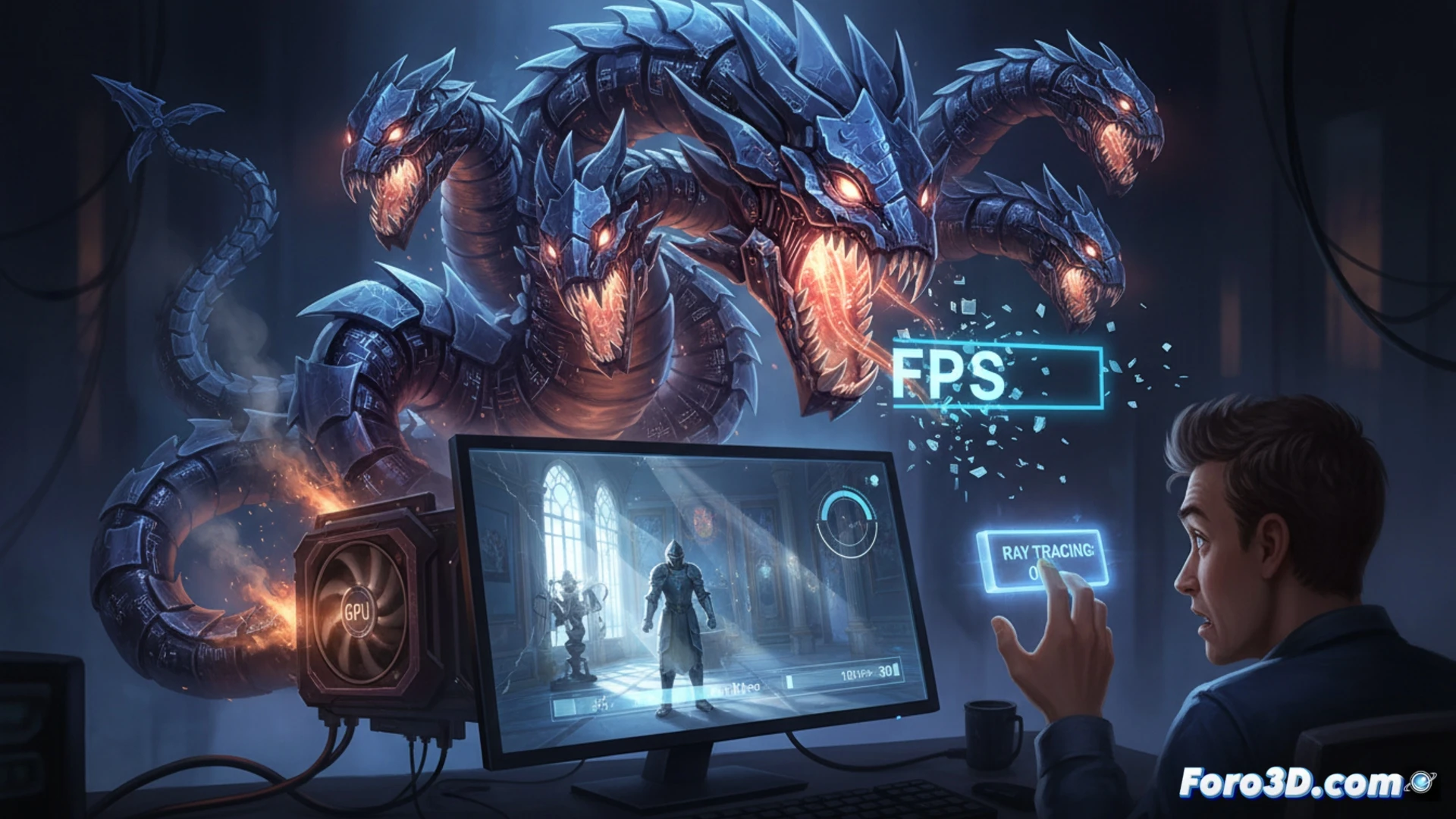
The technical load of real-time ray tracing 🔥
Ray Tracing simulates the physical behavior of light, calculating bounces, reflections, and shadows with precision. This process requires the GPU to process millions of rays per frame, saturating dedicated cores (RT Cores) and memory. Without cutting-edge hardware, the load falls on traditional shaders, multiplying render time. That's why titles like Cyberpunk 2077 or Alan Wake 2 see their performance cut in half when maxing it out.
Cinematic mode: 30 FPS and a lot of faith 😅
Maxing out Ray Tracing is like asking your graphics card to solve a quantum physics problem while running a marathon. The result: beautiful shadows and a frame rate that looks like a resting heart rate monitor. But hey, if your idea of fun is playing at 25 FPS with sharp reflections in a puddle, go ahead. Just don't complain later when the enemy kills you before you see their animation.