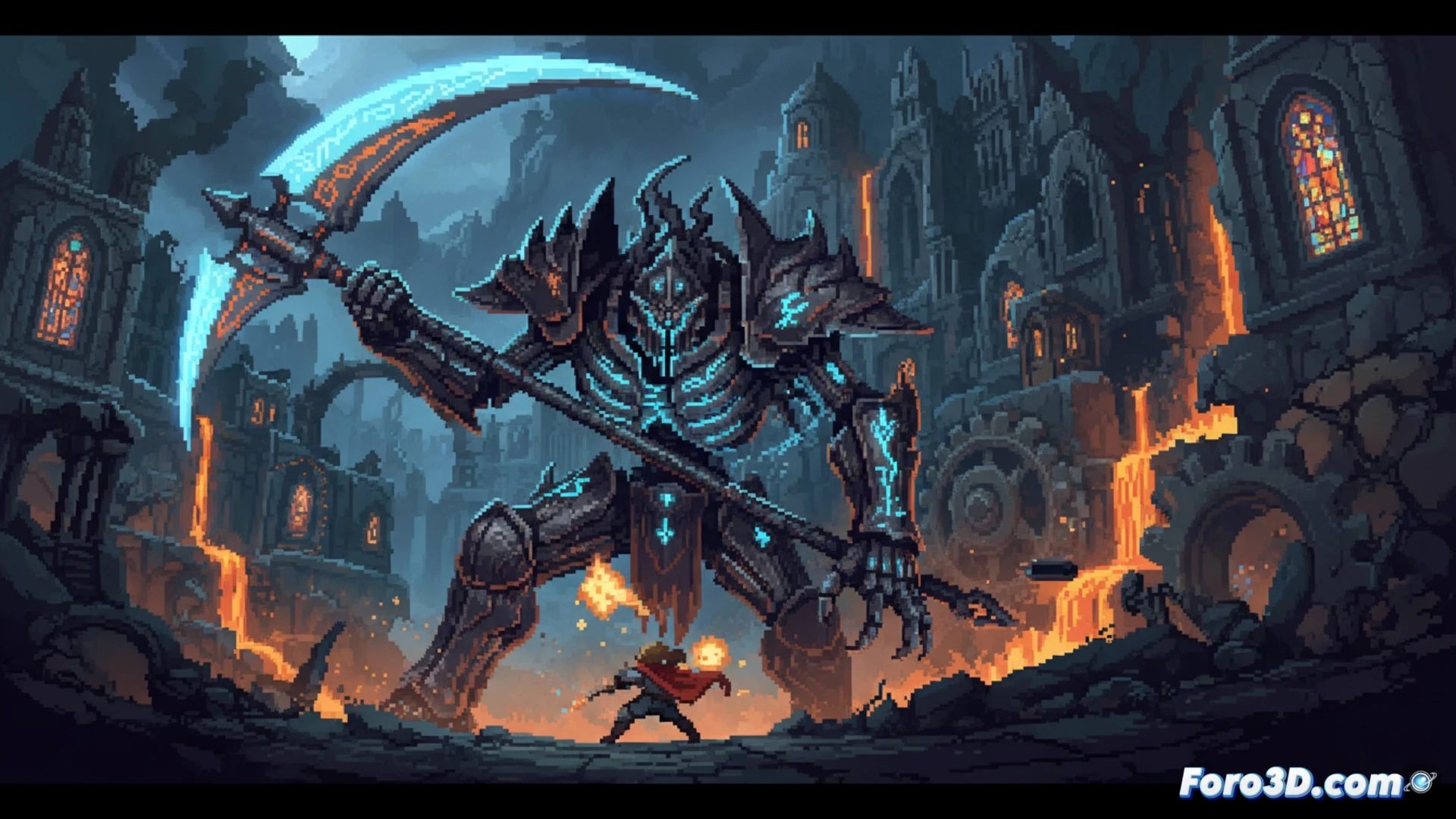
Death’s Gambit: Afterlife demonstrates that GameMaker can render massive bosses and animated backgrounds with high-resolution pixel art without sacrificing performance. White Rabbit Studio achieved this by combining smart texture management with a hybrid workflow between Photoshop and Aseprite. For indie developers, this title is a case study on how to scale a 2D project while maintaining a strong visual identity in a decadent fantasy world. 🎮
Sprite and Animation Optimization in GameMaker 🛠️
The GameMaker engine is not natively designed to handle large sprites without incurring draw call costs. White Rabbit's solution was to use texture atlases generated in Photoshop, where they grouped all parts of a boss into a single 2048x2048 pixel image. Then, in Aseprite, they created frame-by-frame animations using indexed color layers, which reduced the weight of the PNG files. For the animated backgrounds, they implemented a parallax tile system with low-resolution background layers and high-resolution foreground layers, limiting the number of simultaneously visible objects through manual camera-based culling. This allowed for complex scenes without frame drops on consoles like the Nintendo Switch.
Lessons for Indies: How to Scale Without Losing Quality 💡
The main lesson is that high-resolution pixel art is not incompatible with lightweight engines if the asset hierarchy is planned. White Rabbit prioritized visual coherence over absolute detail: bosses have smooth animations but with a color palette limited to 64 shades, while backgrounds use smooth gradients generated in Photoshop with noise layers. For any developer, this approach shows that it is better to invest time in optimizing sprite compression and designing a modular level system than in pushing the engine with uncontrolled textures.
As a GameMaker programmer, what sprite optimization techniques and layered animation systems did they use to render massive bosses and animated backgrounds in high-resolution pixel art without sacrificing performance?
(PS: 90% of development time is polishing, the other 90% is fixing bugs)