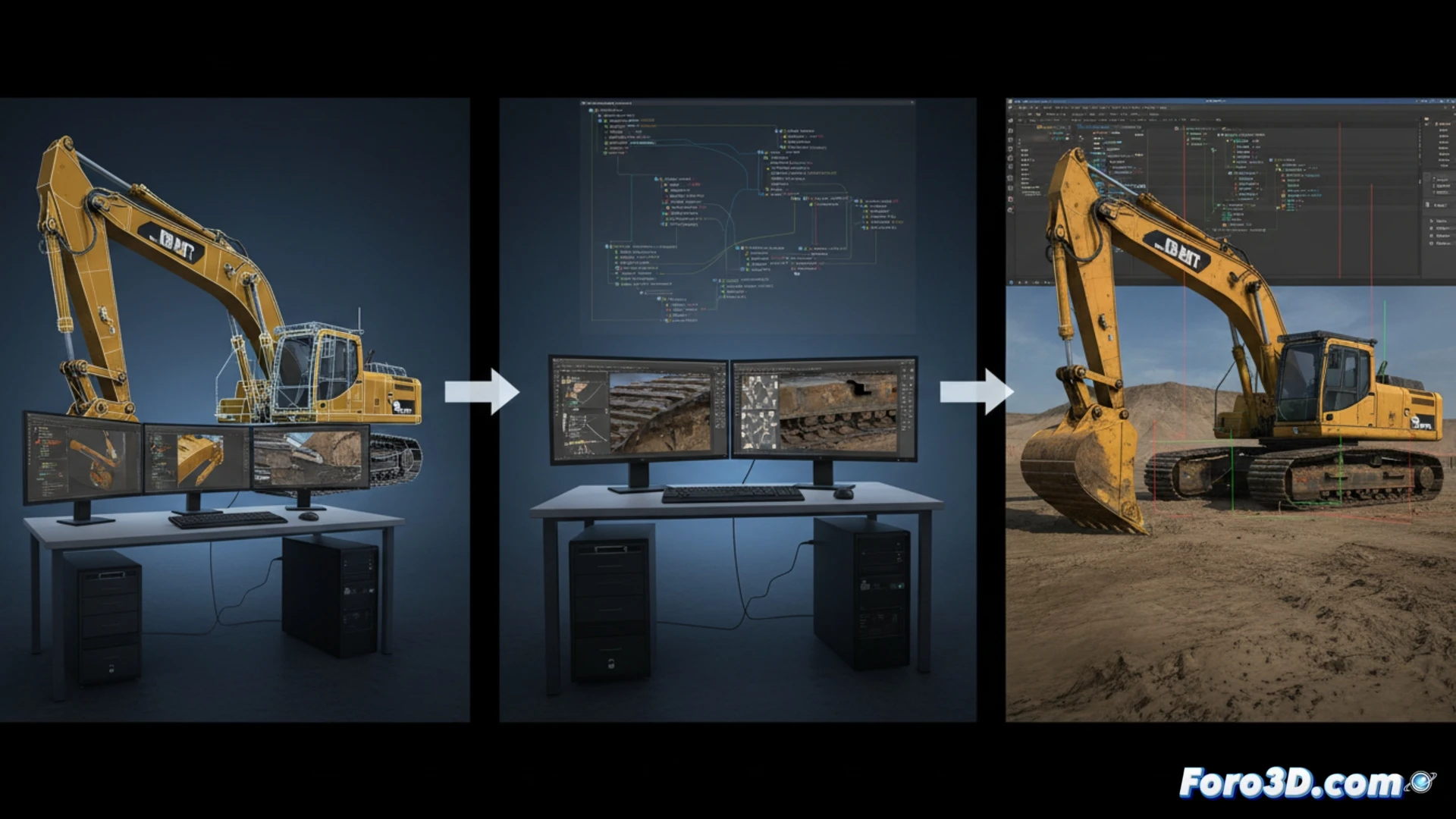
The development of a realistic construction simulator in Unity requires a solid technical pipeline that connects modeling, texturing, and physics. We analyze how the engine handles the interaction of heavy machinery with the terrain, the role of Blender in creating optimized assets, and the use of Photoshop for high-fidelity textures. This article breaks down the keys to achieving a credible simulation without sacrificing real-time performance.
Excavation and crane physics with Unity 🏗️
The excavation simulation in Construction Simulator relies on Unity's physics system, using convex colliders and Joint configurations for the hydraulic arm's articulations. For terrain interaction, a mesh deformation system based on Voxel or real-time modified Terrain Data is typically used, allowing the shovel to extract earth volume. In the case of cranes, the use of Configurable Joints and inverse kinematics (IK) is essential for controlling the cable and hook. It is crucial to limit the update frequency of these physics to 20-30 Hz to avoid CPU spikes, and to group deformation calculations into a coroutine that runs every few frames, rather than every frame.
Modeling and texturing for realistic performance 🎨
In Blender, the key lies in the balance between detail and polygon count. Heavy machinery must be modeled with clean geometry and levels of detail (LODs) that reduce the triangle count at a distance. Textures created in Photoshop should prioritize metallic and roughness maps (PBR) to simulate steel wear and mud. For level design, it is recommended to divide the map into loading zones (chunks) and use Unity's occlusion culling to hide buildings and cranes not in the camera's view, thus maintaining a stable frame rate even in complex construction sites.
In a technical pipeline for a construction simulator in Unity, such as Construction Simulator, how is the balance optimized between the detail of 3D machinery modeling and the efficiency of real-time physics to avoid performance drops in scenarios with multiple interactive objects?
(PS: 90% of development time is polishing, the other 90% is fixing bugs)